Finalize Hoist and Cable Management Installation 18
Chapter 6
Finalize Hoist and Cable Management
Installation
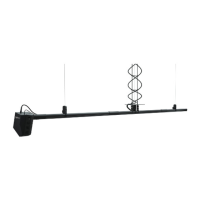
Once you have terminated all lift lines you can finish installing the helix cable management by
attaching the platter and cable assembly to the hoist. Once cable management is secured, you
can float the hoist and test movement, but not before you have ensured that all SafeStop
devices are latched and will not cause movement issues.
CAUTION:
It is recommended that you make a visual check of all SafeStop
devices before any hoist movement to ensure that none of them are closed.
Attempting to move the hoist with a closed SafeStop device can cause damage
to the hoist.
If necessary, you can also adjust the timing of the hoist and/or the alignment of the SafeStop
devices to help resolve any thumping noises that could be originating due to excessive lift line
fleet angles. Finally, if your hoist requires a slack line sensor, you can install it now.
Attach the Platter to the Hoist on the next page
Attach Cable Assembly to Platter on page 20
Ensure SafeStop Devices are Open on page 21
Float the Hoist on page 22
Level the Hoist and Test Movement on page 22
Adjust SafeStop Device Position for Fleet Angle on page 24
Install Slack Line Sensor Kit on page 22












 To Next Page