7 SOFTWARE
7.1 Levels
The software in the machines has two levels:
• User
• Service engineer
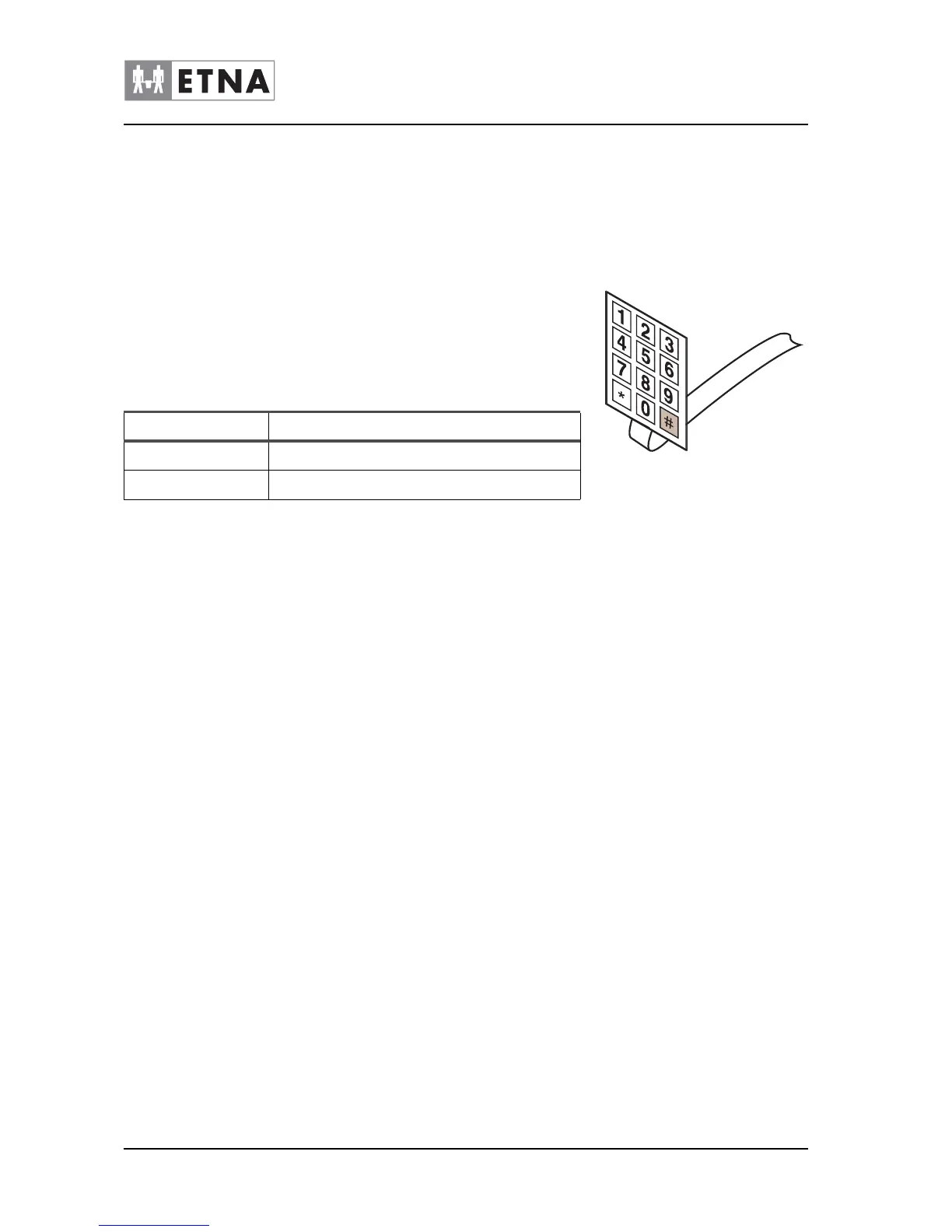
Each level has its own specific choices and options. The level can be
reached by pressing # on the service panel. The standard pin codes for
the operator and service engineer are:
7.2 Software update.
Firmware update:
1 ‘Unzip’ the received files.
2 Put the files on a USB-stick.
3 Turn the machine off with the on / off switch.
4 Open the door and place the USB stick
5 Press # 7 on the service panel simultaneously.
6 # 7 Keep pressed and simultaneously turn the machine ON.
7 The display provides information on progress and completion.
8 Remove the USB-stick and close the door.
9 The machine is ready for use.
User Interface update:
1 ‘Unzip’ the received files.
2 Put the files on a USB-stick.
3 Turn the machine off with the on / off switch.
4 Open the door and place the USB stick
5 Press *75* on the service panel simultaneously.
Figure 7-1
Level Pin code
User 4321
Service engineer 4231


 To Next Page