12 | 26
Etrel Inch | User Manual
|
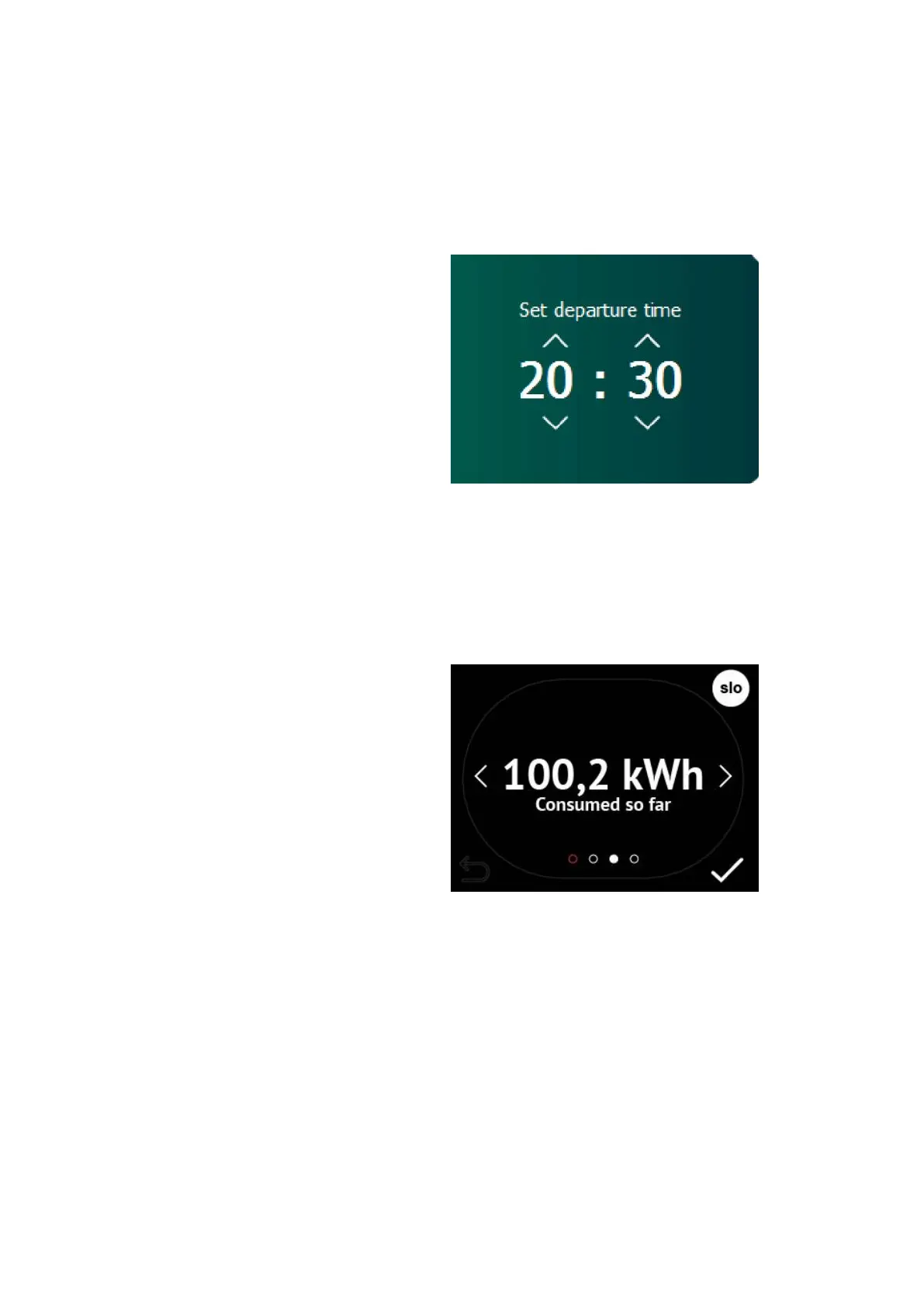
Step4: DEPA RTURE TIME INPUT
As soon as the charging session begins you will be presented with
the screen to input your departure time. Departure time presented is
the one calculated by the charging station based on you previous
charging habits. You can change the presented departure time to
make sure you EV is charged.
Figure 14: Set the departure time
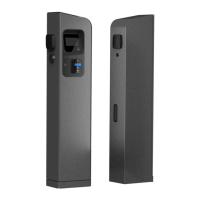
When the departure time is set or default setting is let through
charging data will be shown to you. What charging information is
shown to you depends on the settings in the configuration of Web
interface. Operator chooses which screens will be displayed.
Figure 15: Example of shown energy on the Etrel INCH LCD screen


 To Next Page