17 | 26
Etrel Inch | User Manual
|
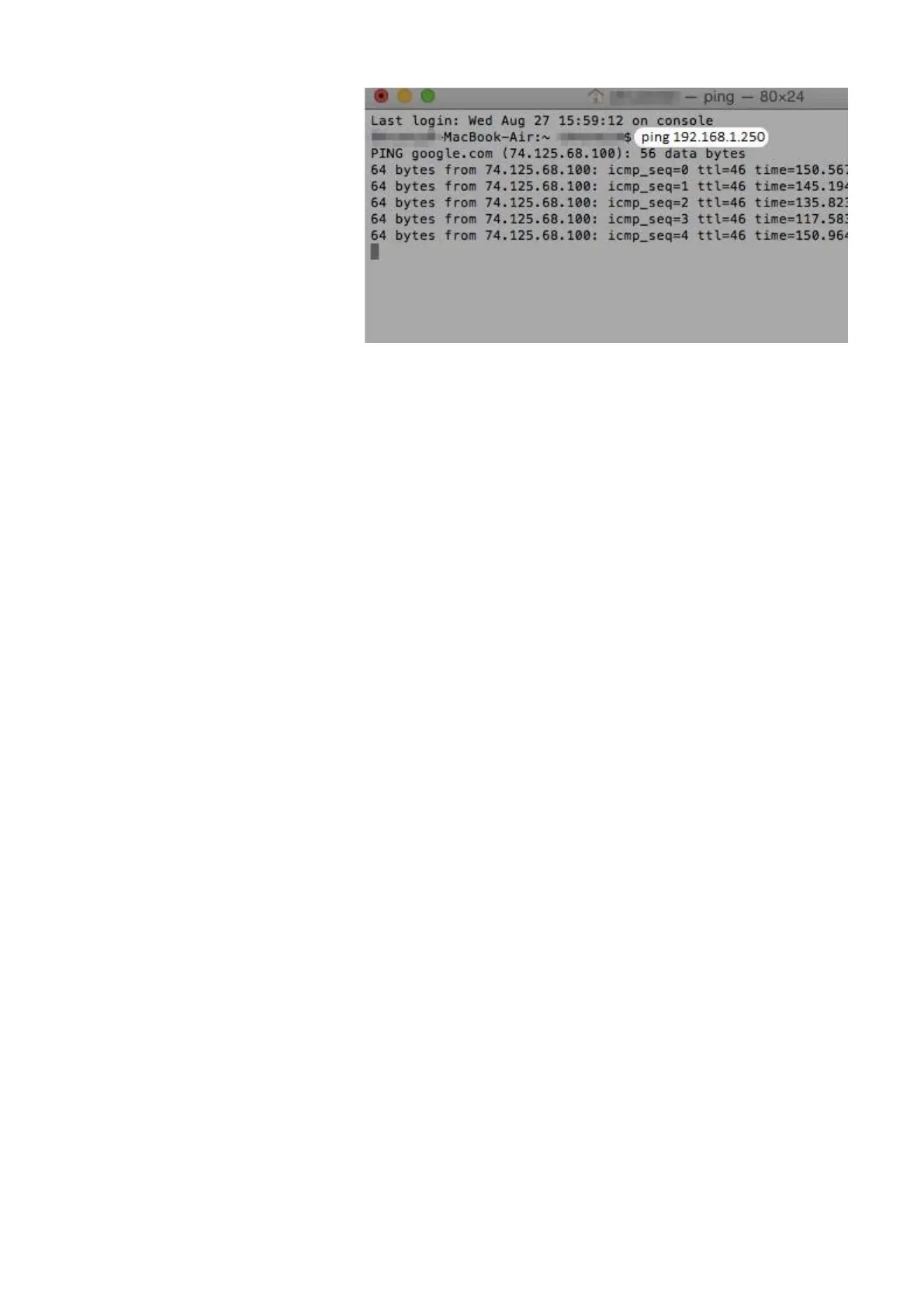
Figure 24: Ping charging station by writing ping and charging station's IP
Change the computer network settings
If you can't ping charging station using your computer you won't be
able to connect to the charging station's web interface. You will have
to change your computer's IP and network settings in order to
configure the charging station.
Windows
In order to change the network of your computer in Windows OS you
should locate your network settings. They are located in the Control
panel. How to locate the settings is shown below in the figure.
Once you find the Internet protocol Version 4 (TCP/IPv4) press
“Properties” this will show you a new window where you can type
new IP address of the computer that is in the same network segment
as the station’s IP.


 To Next Page