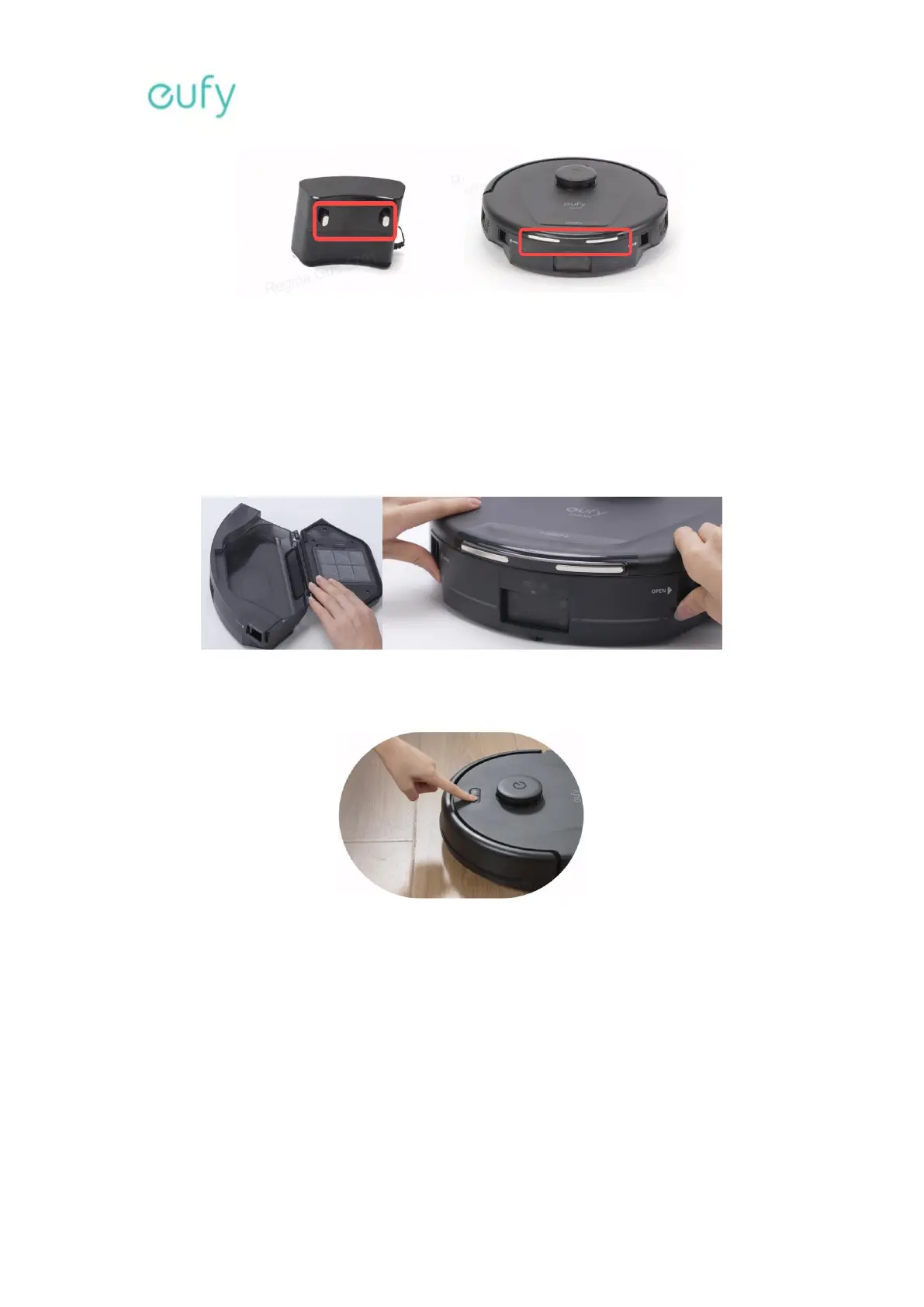
Please reinstall the battery and see if the device can be charged.
3. What should I do if my L60 triggers a suction fan error?
Troubleshooting:
Please check if the filter and dustbin are installed properly.
Please restart the robot vacuum cleaner to verify if the issue persists. Press and hold the
Start/Pause button for three seconds to power on/off the robot vacuum cleaner.
Remove the dustbin and clean the suction inlet. Hold the robot vacuum cleaner in the
upright position with its bumper facing the ceiling and its suction fan facing the floor, and
then shake the robot vacuum cleaner several times to check if anything falls out from the
suction fan.
Please confirm if the robot vacuum cleaner has ever vacuumed over wet spots and
whether the filter is completely dry.
4. What should I do if my L60 cannot connect to my WiFi network?








 To Next Page