Before connecting your L60 to your WiFi network, please ensure:
Your phone's Bluetooth is turned on.
Your phone's Bluetooth permission for the eufy Clean app is enabled.
The precise location permission for the eufy Clean app is enabled. Please note that this
permission is used to accurately obtain an available WiFi list.
Please ensure the robot vacuum cleaner, your phone, and WiFi router are close to each
other.
If you are using an Android phone, please disable the Smart WiFi/Smart Switch feature.
After verifying the previous steps, please refer to the following tips during the WiFi
connection process:
Please make sure the WiFi SSID and password are correct.
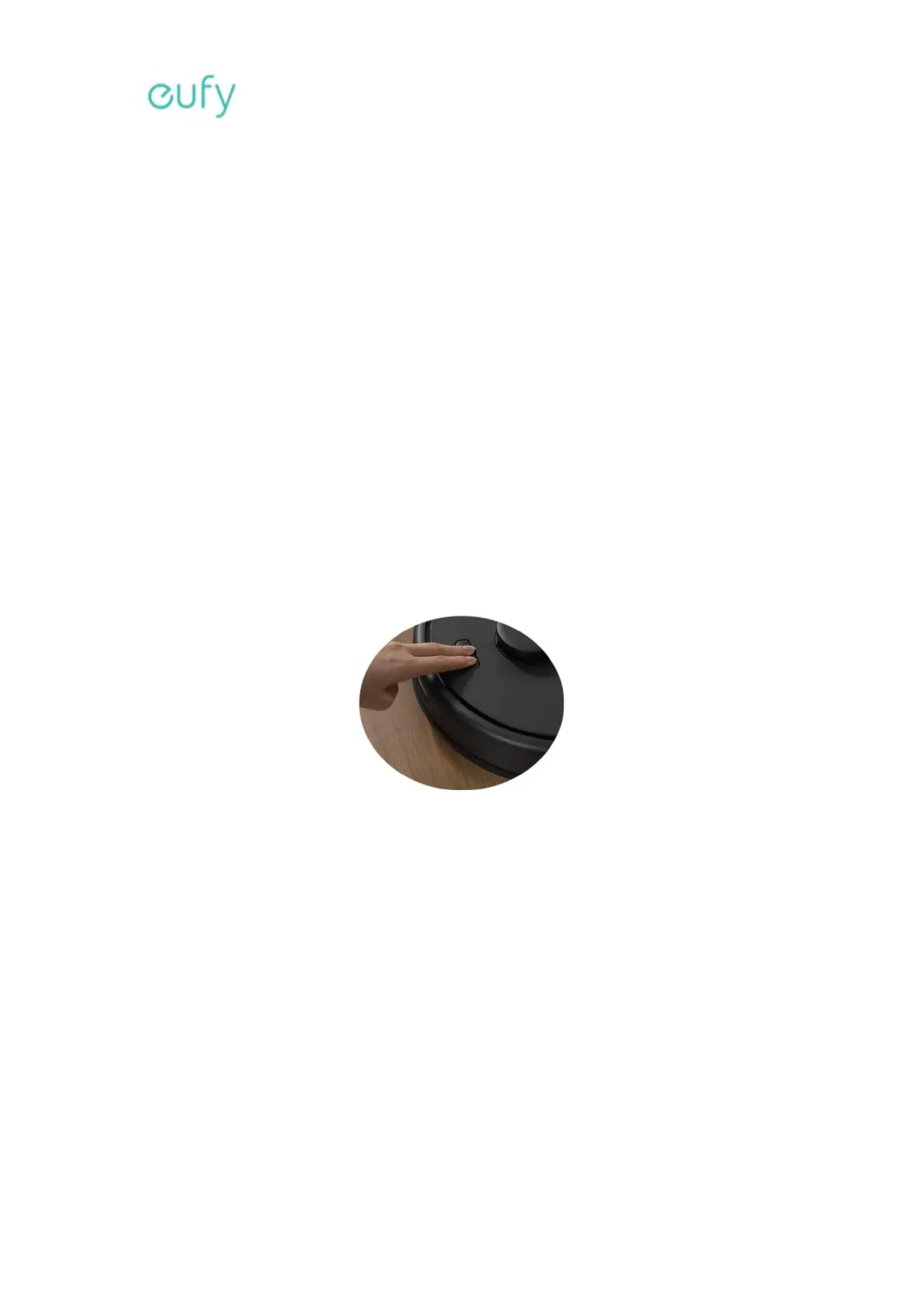
Reset the robot vacuum cleaner's WiFi network. To reset the robot vacuum cleaner's WiFi
network, simply press and hold the top two buttons on the robot vacuum cleaner for 10
seconds until the robot vacuum cleaner emits an audible voice prompt indicating that its
WiFi connection has been reset. After resetting the robot vacuum cleaner's WiFi network,
please try connecting the robot vacuum cleaner to your WiFi network immediately.
Please make sure to follow the step-by-step instructions on the eufy Clean app to
complete the connection process.
If the issue persists, please try connecting the robot vacuum cleaner to another WiFi
network or a hotspot network to verify if the robot vacuum cleaner can be connected.
5. What should I do if my L60 has poor cleaning performance?








 To Next Page