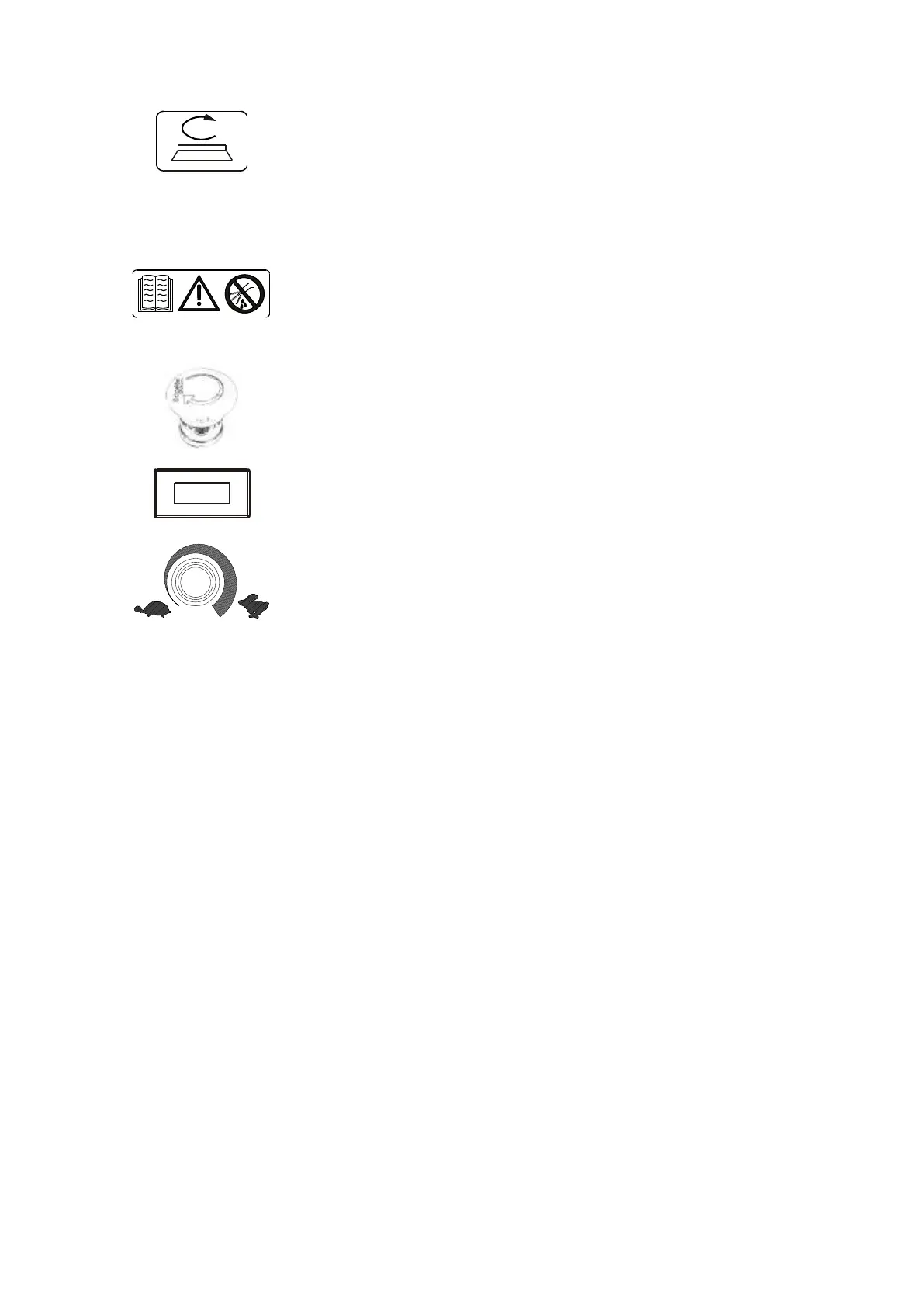
BRUSH DRIVE BUTTON
Push this switch to position 1 to activate the brush function.
The brushes will start spinning when the forward and reverse gear pedal is
pushed.
When the pedal is released the brushes will spin for another 3 seconds before
stopping.
The solenoid valve is connected to the brush function; it opens and closes the
solution flow automatically.
WARNING SYMBOLS
The symbol on the left always recommends using the instruction manual to find
any information on the machine, whereas the symbol on the right part of the
machine warns the operator not to get the control panels wet as the electrical parts
could get damaged.
EMERGENCY BUTTON
This button is used to halt the machine in case of emergency and to lock all
its functions.
Turn the knob clockwise to reset the power.
SPEED ADJUSTING POTENTIOMETER
To set up the maximum speed of the machine turn the knob clockwise or counter-
clockwise.


 To Next Page