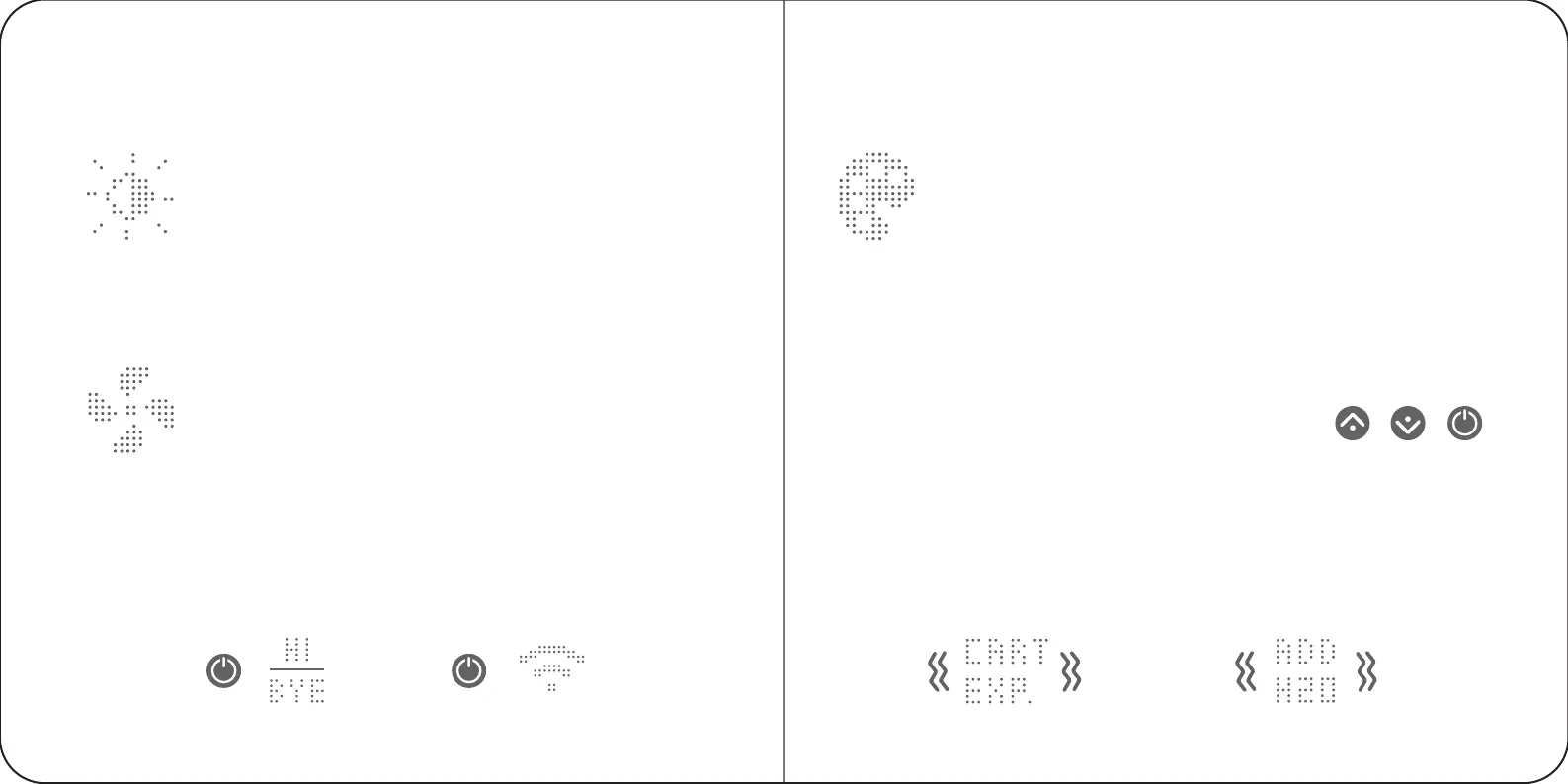
Brightness
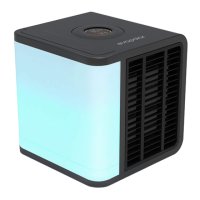
In this mode you can change the water reservoir brightness
to your liking. Press the sun button and use the arrows
to change the values between 1% and 100%. To decrease
or increase the brightness quickly, press and hold the
arrow button. To adjust the night mode setting, use the
mobile application.
Fan speed
In this mode you can change the fan speed to your liking.
Press the fan button and use the arrows to change the
values between 1% and 100%. To decrease or increase
the speed quickly, press and hold the arrow button.
Power button
To switch the device on or off, press the power button. To switch to the
Access point mode for Wi-Fi, press and hold the button for 3 seconds.
Measurement units
For your convenience, units may either be in Centigrade or in Fahrenheit.
To change the units, please use the mobile application.
Notifications
When the evaporative cartridge dries out, the device notifies you by
changing its colour and showing the problem on the main screen. When
the device requires more water, it will also display this info on the main screen.
These notifications are supplemented with a long vibration of the device.
Colour button
You can choose your preferred lighting colour for the water
reservoir or you may also turn off this feature. To enable
a colour playlist mode, press the colour button and hold
for 3 seconds.
Factory settings
To restore the factory settings, press a combination
of the arrow buttons and power button all at once
and hold for 5 seconds.
Menu points
PRESS HOLD
3 SEC
+ +
HOLD
5 SEC
18 19


 To Next Page