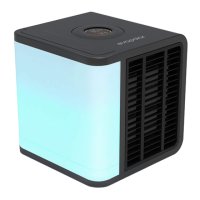
We have made sure that setting up your air cooler is quick and easy.
evaSMART is almost ready-to-use right after you unpack it. All you have to do
is connect your device to Wi-Fi, and add it to the mobile app and Smart Home.
During the following sessions your device will attach to your selected
connections automatically. Following a few simple recommendations can help
to ensure that your experience as smooth as possible.
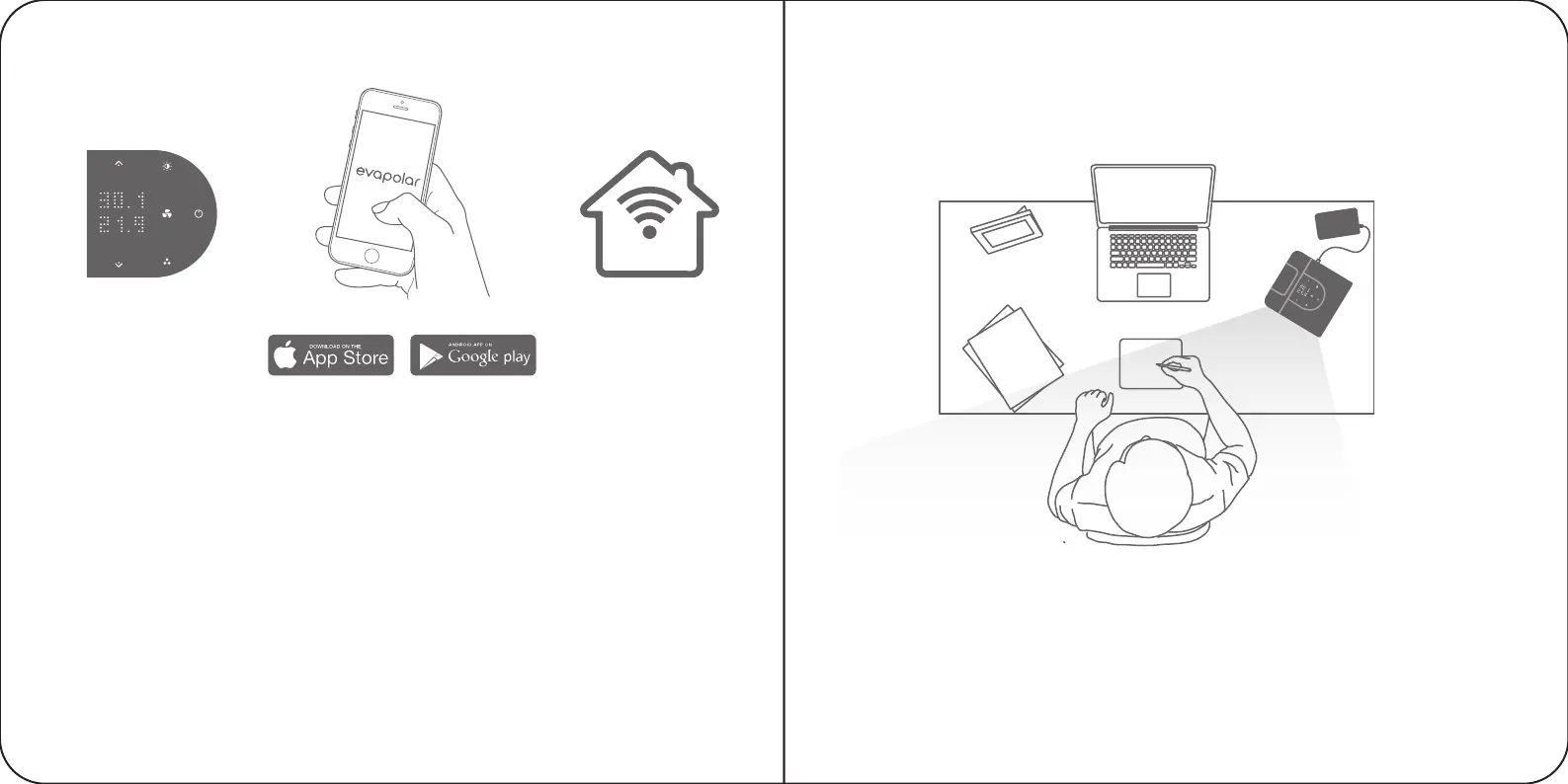
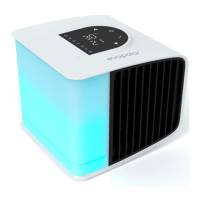
6. Use the top panel of the device to adjust device parameters.
7. Install the Evapolar Mobile App to extend the evaSMART management
experience via Wi-Fi connection.
8. Connect evaSMART to Smart Home and use the full voice experience
for managing the device.
The temperature of the outgoing air will start decreasing in a few minutes.
You can vary the airflow using the mobile app or with the arrows on the upper
part of the device. Enjoy your personal microclimate!
Important:
During the first use you may notice a technical smell.
This is normal and it will vanish completely after several hours of use.
When the first cartridge starts to fill, the evaporative pads will become rapidly
saturated with water. This is normal and will enable your device to work properly.
DAILY USE
6 7 8
SMART
8 9


 To Next Page