EVCO S.p.A.
c-pro 3 nano CHILL | Application manual ver. 3.0 | Code 144CP3NCE304
page 14 of 96
5 USER INTERFACE
Two types of interface are provided for the application:
• interface with built-in LED display (4 keys)
• remote interface with EPJgraph LCD display (6 keys)
• remote interface with Vgraph LCD display (6 keys).
Both the interfaces are equipped with navigation/page editing keys and only differ in the viewing mode of certain associated states;
that is, with icons.
For both versions, a description of the keys used by the application is provided. In fact, depending on the interface in use, you can
manage a different number of keys.
5.1 Viewing and Keyboards
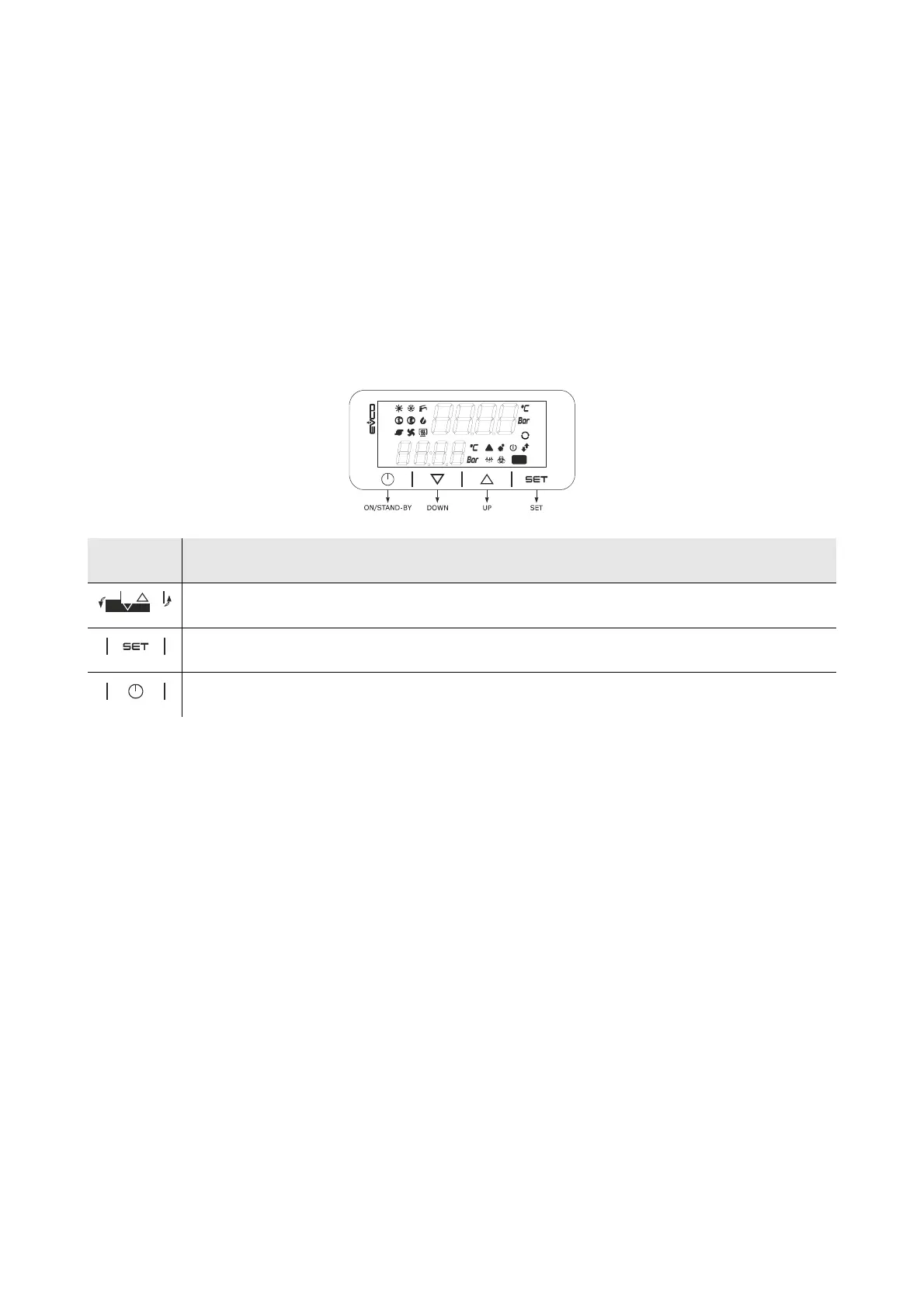
5.1.1 C-pro 3 nano+ controller user interface:
Key Description
movement keys (hereinafter called the UP and/or DOWN keys)
confirm key (hereinafter called the SET key)
On key, (hereinafter also called the ON/STANDBY key)



 To Next Page
 Loading...









