10 11
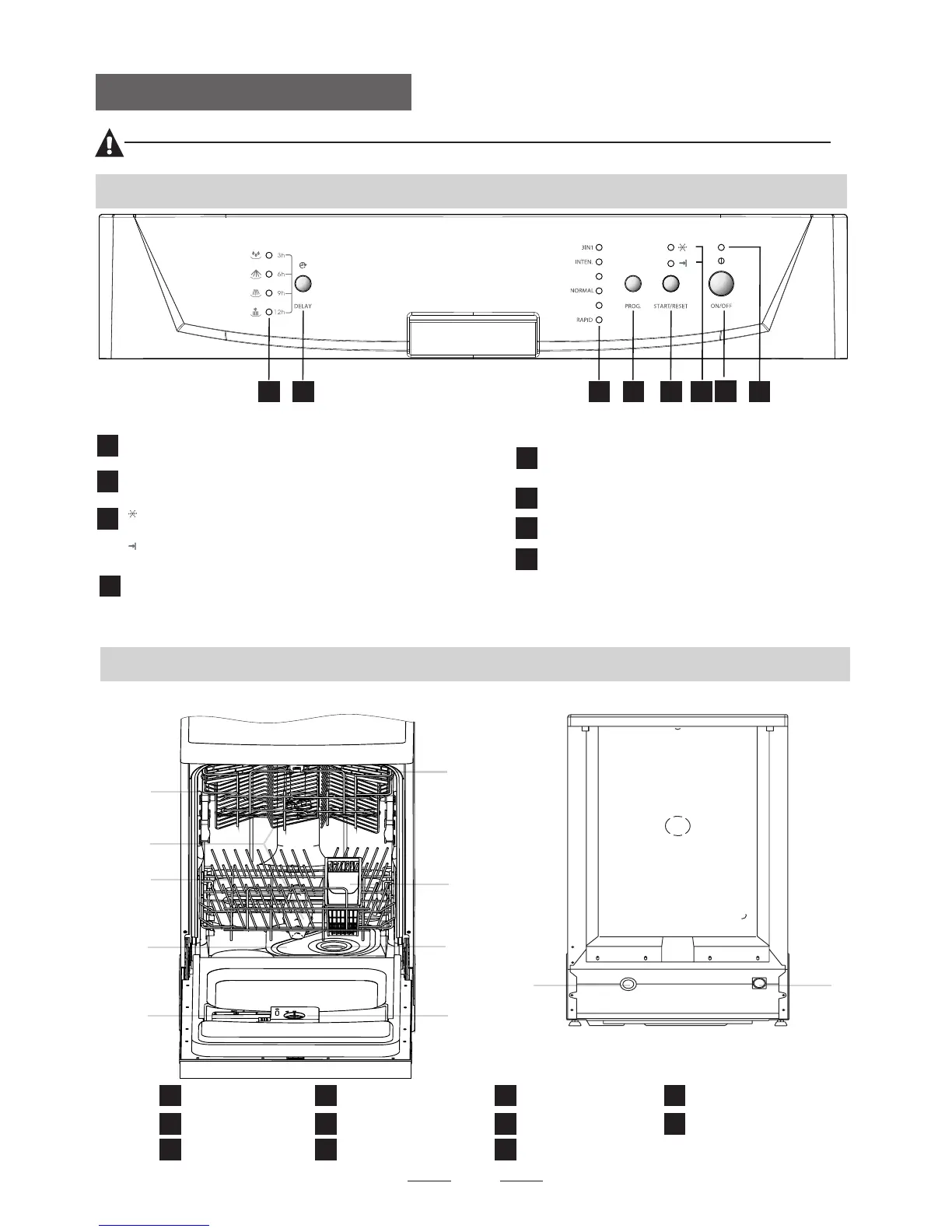
Back View
Front view
2
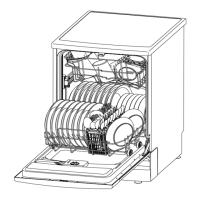
Dishwasher Features
Main Filter
Detergent Dispenser
Cup Shelf
Cutlery Basket
Coarse Filter
Rinse Aid Dispenser
Inlet pipe connector
Drain pipe connector
Lower Rack
Spray Arms
Upper Rack
1
5
6
7
8
9
10
11
3
2
4
1
2
3
4
5
6
7
8
9
2.Operation Instructions
Control Panel
before using it for the first time.
To get the best performance from your dishwasher, read all operating instructions
IMPORTANT
3
1
6
5
4
2
78
2
3
4
1
Power indicator light: To show the power supply.
Start /Reset button: To start the selected
washing program or reset the washing program
when the machine is working.
Rinse aid warning light: To show
when the dispenser needs to be refilled.
Power switch: To turn on/off the power supply.
5
Washing Program Selector
the six washing programs.
: To select one of
7
8
6
Program indicator lights: To show the washing
program that has been selected.
Delay Button : Press the button to delay start.
Delay time/Washing Phases indicator light:
When you delay time(3, 6, 9, or 12 hours), the
indicators light will be on to show one of the
delay time. When the machine is working, the
indicators will be on to show one of the washing
phases of cycle.
1 HOUR
HEAVY
Finish light: To show when program has
finished


 To Next Page