MENU
11
In CLOCK/LANGUAGE SETTING MENU , we define:
(1) DATE : Current date, format: YYYY/MM/DD
Year: 2000 ~ 2099, Month: 01~ 12, Date: 01~31, Week: Sunday~Saturday
(2) TIME : Current time, format: HH:MM:SS
Hour: 00 ~ 23, Minute : 00 ~ 59, Second: 00 ~ 59
(3) MENU LANGUAGE: ENGLISH or Others
(4) VIDEO SYSTEM: Factory default setting depend on machine “NTSC” or “PAL” .
(5) VERSION: Current S/W revision and release date.
6.1 CLOCK SETTING MENU
CLOCK SETTING MENU
DATE
TIME
MENU LANGUAGE
VIDEO SYSTEM
: 2003/07/04 FRI
: 13:01:02
: ENGLISH
: NTSC
VERSION: 0.79 11/23
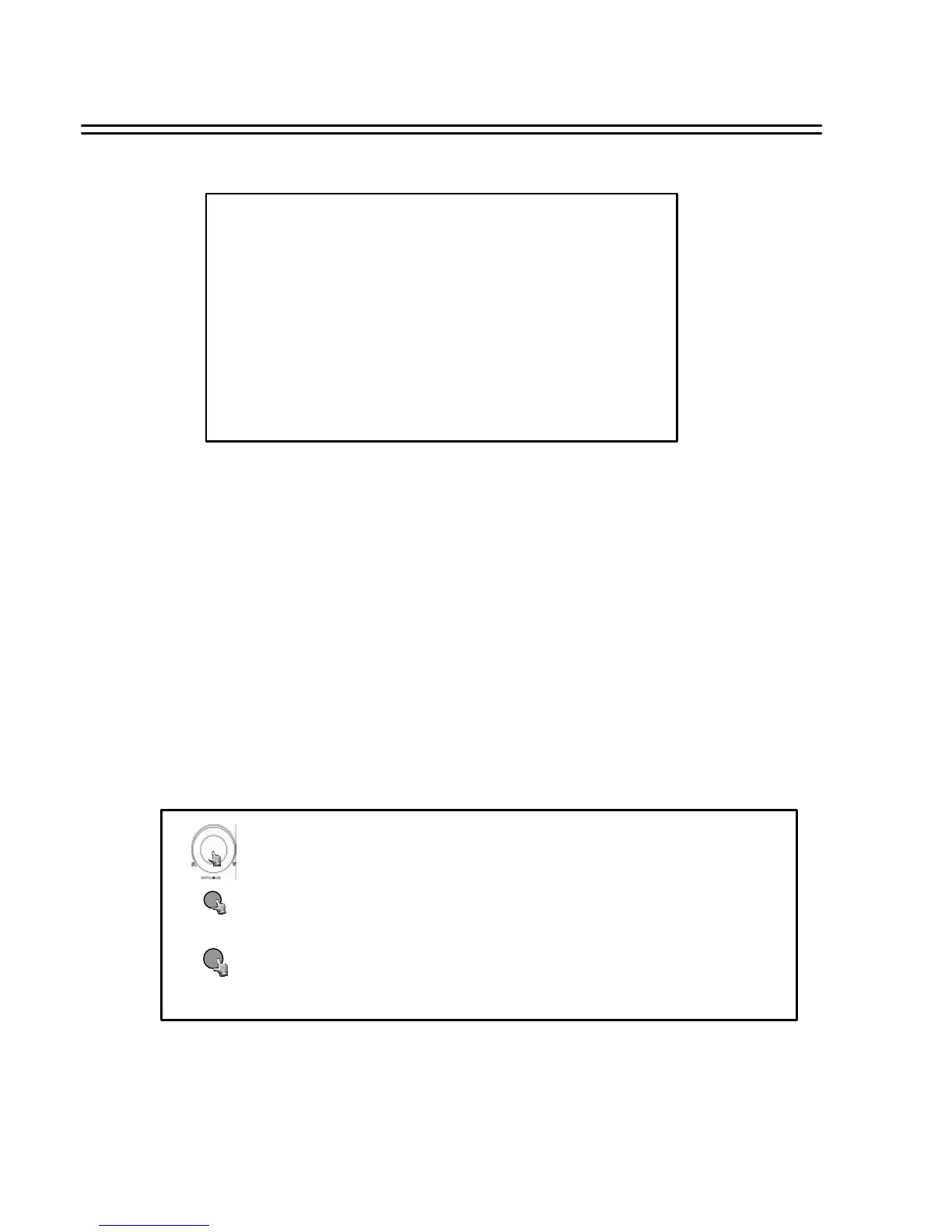
Turn the JOG dial clockwise or counter-clockwise to select the options.
Press MENU key to return to Main Menu, press again to leave Set up Menu.
MENU
Press ENTER key to confirm the option and move to next column.
ENTER






 To Next Page