12. View From Internet/Intranet
Basic Operations and Login Display:
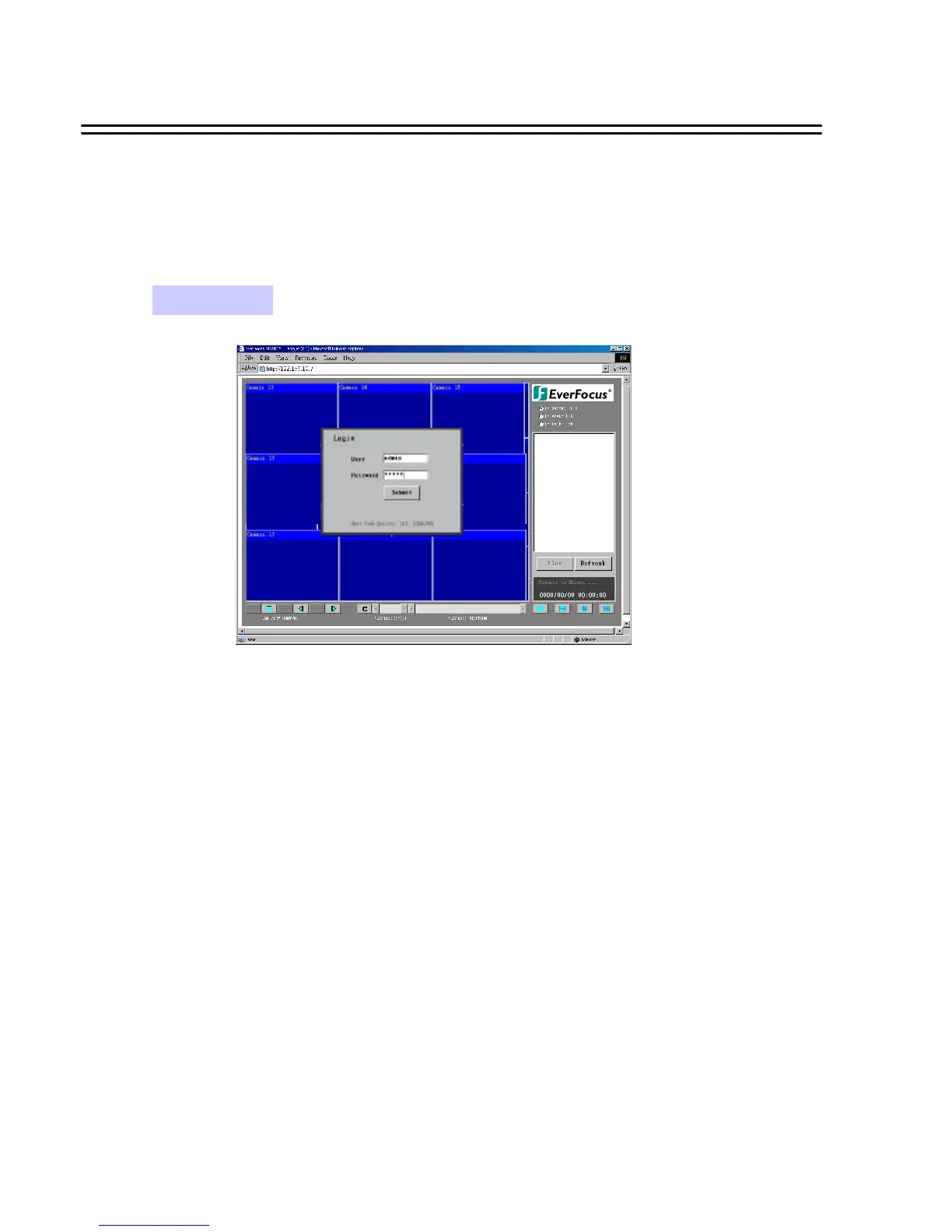
Go to the Internet Explorer, key in the network IP address, for example,
http://192.168.10.5 (must be the same IP address as the one assigned to the
unit from the Network Setting Menu. You need a FIXED IP Address, please contact your ISP for the IP)
The LOGIN dialog will show on the screen.
User’ must enter the correct user-name and password defined in the Network Setting menu.
For example:
Enter ADMIN for user name and ADMIN for password and then Click On “submit” to enter to system.
38
View From Internet/Intranet






 To Next Page