8.2 SEARCH PLAYBACK
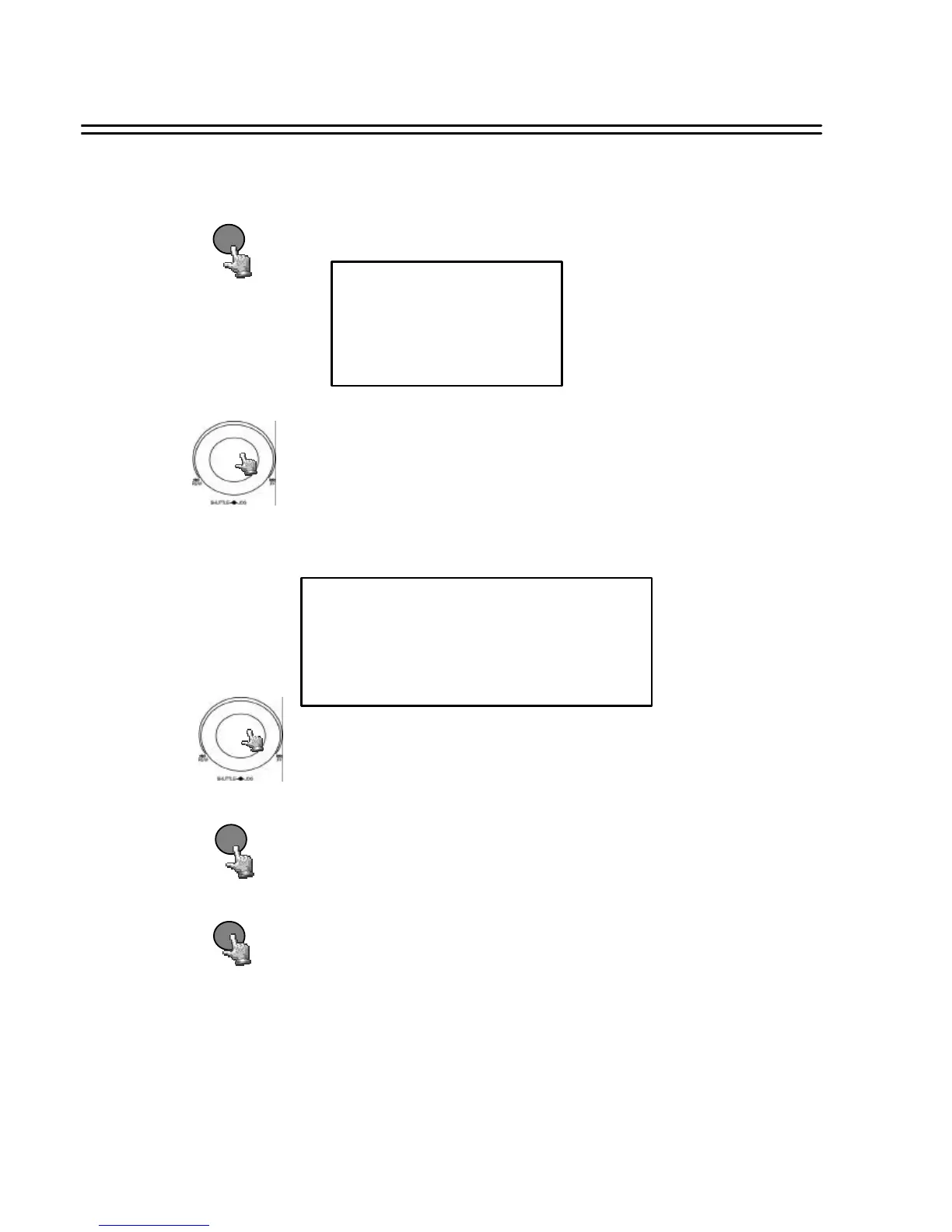
Press SEARCH key to enter the SEARCH MENU dialog.
Search Playback
SEARCH
28
SEGMENT SEARCH
0001
0002
0003
2003/04/24 19/03/29 HDD1
2003/04/25 12/30/30 HDD1
2003/05/20 12/00/00 HDD2
SEARCH MENU
BY SEGMENT LIST
BY ALARM LIST
BY DATA TIME
Turn the JOG dial to select BY SEGMENT LIST and press
ENTER key.
A segment is a range on the HDD, beginning with record start
(manual, alarm, motion or after power loss) and ending with
record stop.
NOTE: If the recorder starts to overwrite a HDD, also a new
segment will be generated.
The submenu will display as follows:
ENTER
Press ENTER key to start playing back selected segment.
Turn the JOG dial to select desired items.
STOP
Press STOP key to end playing back and return to static display.
(1) Segment List search playback














 To Next Page