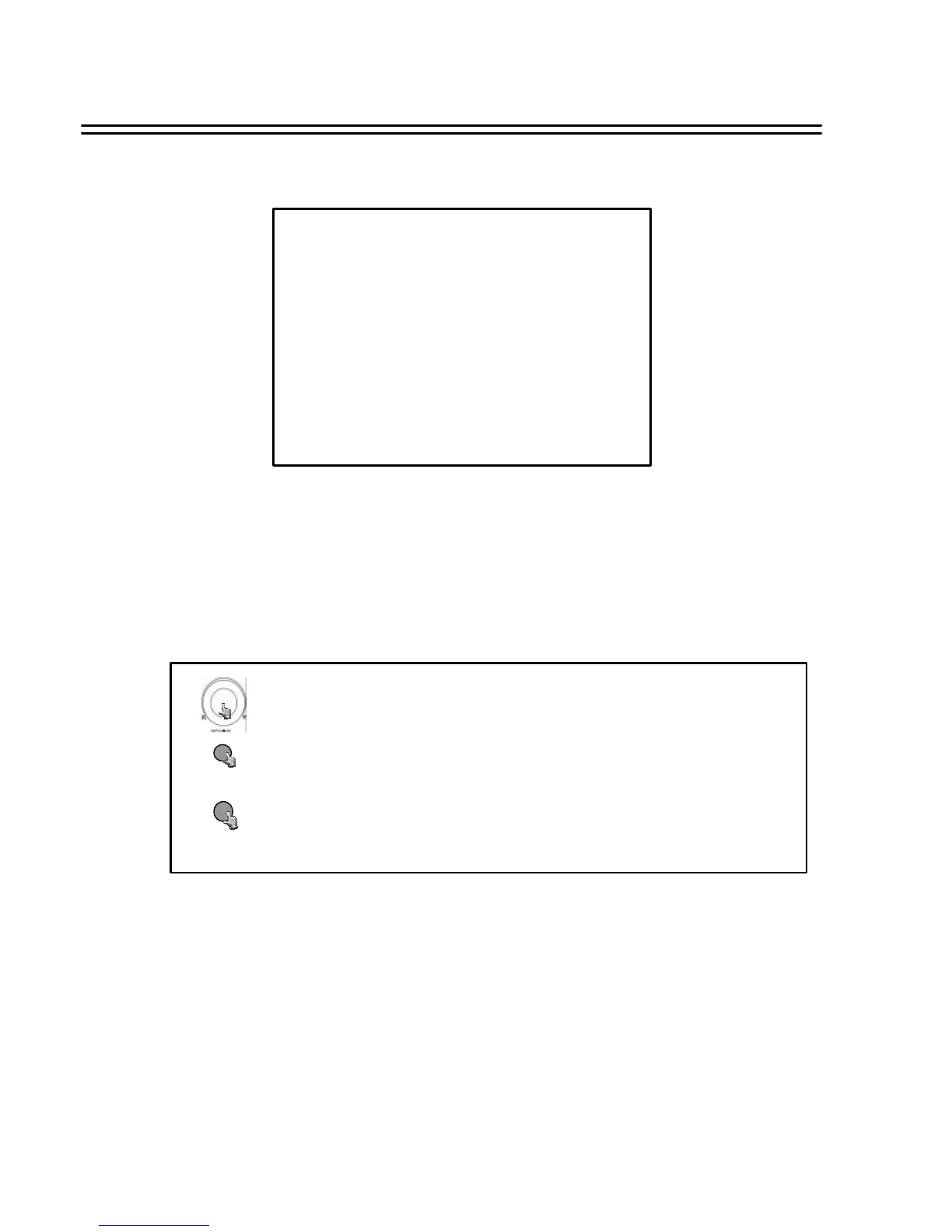
In BUZZER SETTING MENU, we define the buzzer
ON/OFF for following event:
RECORD-IN, ALARM-IN, MOTION-IN, DISK FULL, VIDEO LOSS AND TIMER
MENU
22
6.11 BUZZER SETTING MENU
BUZZER SETTING MENU
BUZZER : ENABLE
RECORD-IN : ON
ALARM-IN : ON
MOTION-IN : ON
DISK FULL : ON
VIDEO LOSS : ON
TIMER : ON
Turn the JOG dial clockwise or counter-clockwise to select the options.
Press MENU key to return to Main Menu, press again to leave Set up Menu.
MENU
Press ENTER key to confirm the option and move to next column.
ENTER







 To Next Page