MENU
14
6.4 TITLE SETTING MENU
In TITLE SETTING MENU , we define:
The Title Setting Menu allows you to assign a title to each camera input.
Title with up to 12 characters is supported in each channel.
The available alphanumeric characters are:
0,1,2,3,4,5,6,7,8,9,
A,B,C,D,…X,Y,Z.
/ ( ) . - * & @ : ”
Default setting is CH01~CH09 for EDSR-900, CH01~Ch16 for EDSR1600.
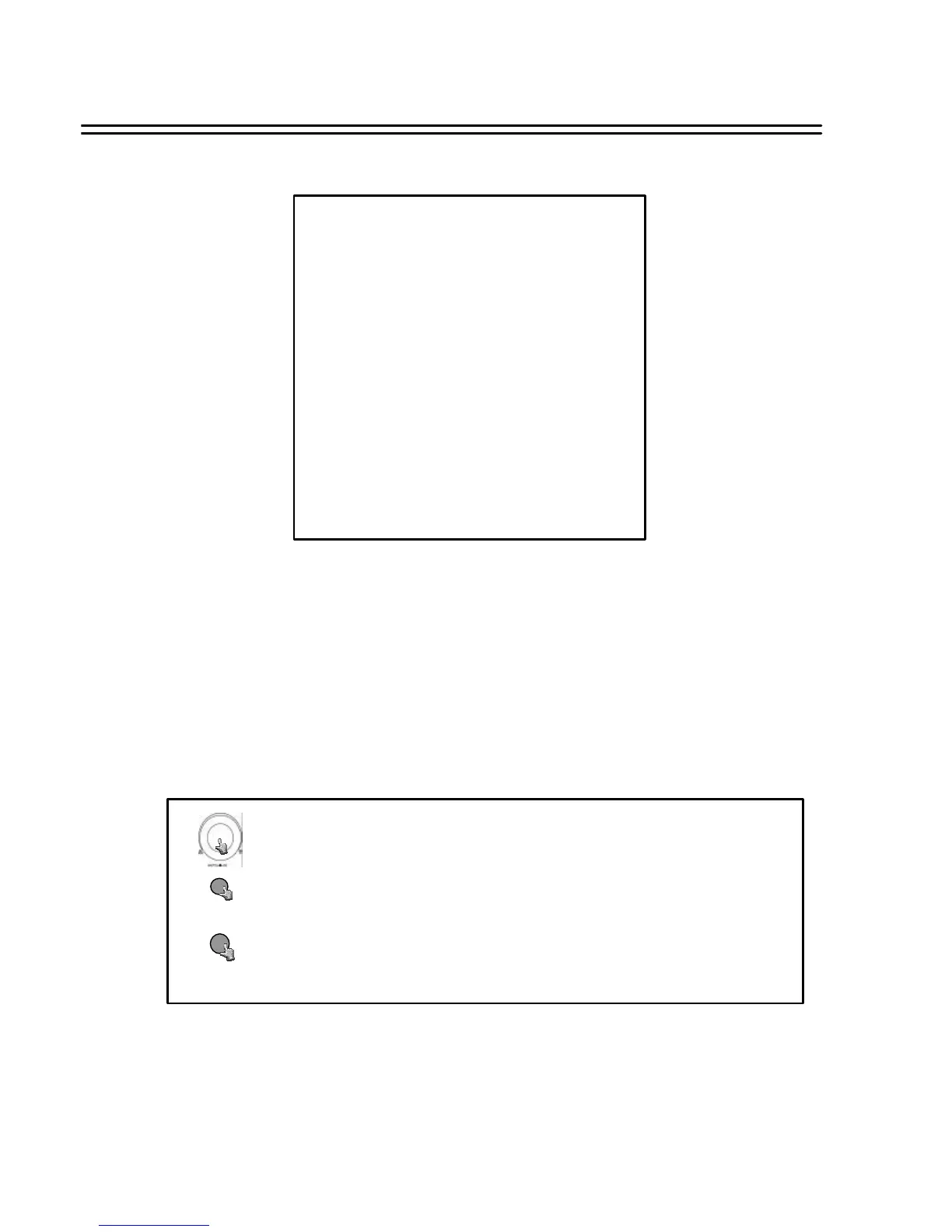
TITLE SETTING MENU
CH TITLE
1 CH01:_ _ _ _ _
2 CH02:_ _ _ _ _
3 CH03:_ _ _ _ _
4 CH04:_ _ _ _ _
5 CH05:_ _ _ _ _
6 CH06:_ _ _ _ _
7 CH07:_ _ _ _ _
8 CH08:_ _ _ _ _
(9 CH09:_ _ _ _ _
(10 CH010:_ _ _ _ _ )
(11 CH011:_ _ _ _ _ )
(12 CH012:_ _ _ _ _ )
(13 CH013:_ _ _ _ _ )
(14 CH014:_ _ _ _ _ )
(15 CH015:_ _ _ _ _ )
(16 CH016:_ _ _ _ _ )
Turn the JOG dial clockwise or counter-clockwise to select the options.
Press MENU key to return to Main Menu, press again to leave Set up Menu.
MENU
Press ENTER key to confirm the option and move to next column.
ENTER
Columns in brackets () only valid for EDSR-1600






 To Next Page