(2) Alarm List search playback
29
A01 : Alarm recording by Alarm-in 1.
M03: Motion recording by camera 3.
T : Timer recording.
PL: automatic record restart after end of power loss
: to next page : to previous page.
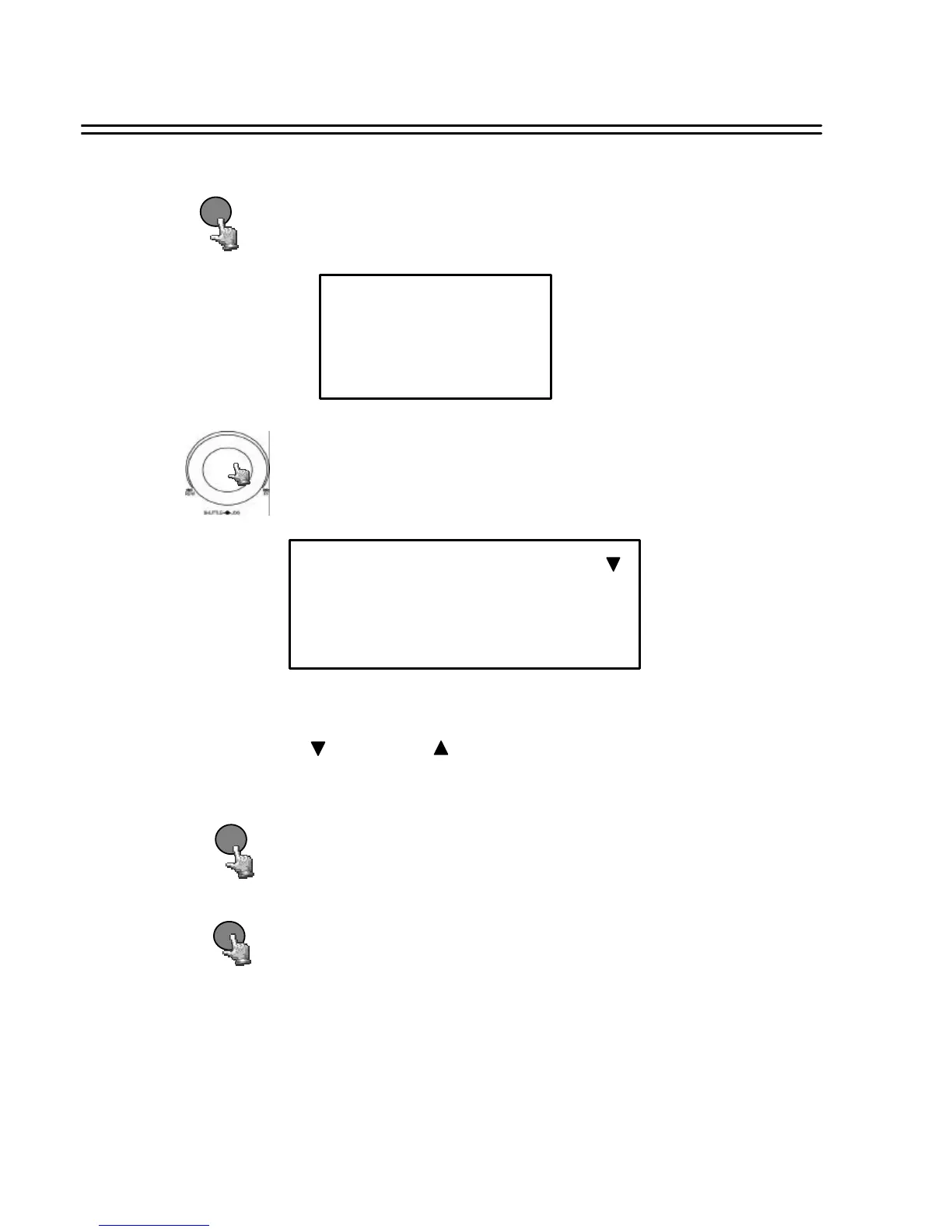
Press SEARCH key to enter the SEARCH MENU dialog.
SEARCH
SEARCH MENU
BY SEGMENT LIST
BY ALARM LIST
BY DATA TIME
ALARM SEARCH
00001
00002
00003
M01 2003/04/24 19:03:29 HDD 1
A03 2003/04/25 12:30:30 HDD1
M03 2003/05/20 12:00:00 HDD2
Turn the JOG dial to select BY ALARM LIST and press ENTER
key. The submenu will display as follows:
ENTER
Press ENTER key to start playing back selected alarm list.
STOP
Press STOP key to end playing back and return to static display.
Search Playback














 To Next Page