MENU
(5) HIT 1-9/16 TO MANUAL EDIT:
Use the numenic keys (1~9 for EDSR-900 / 1~16 for EDSR-1600) to
select a camera for setting the detection areas.
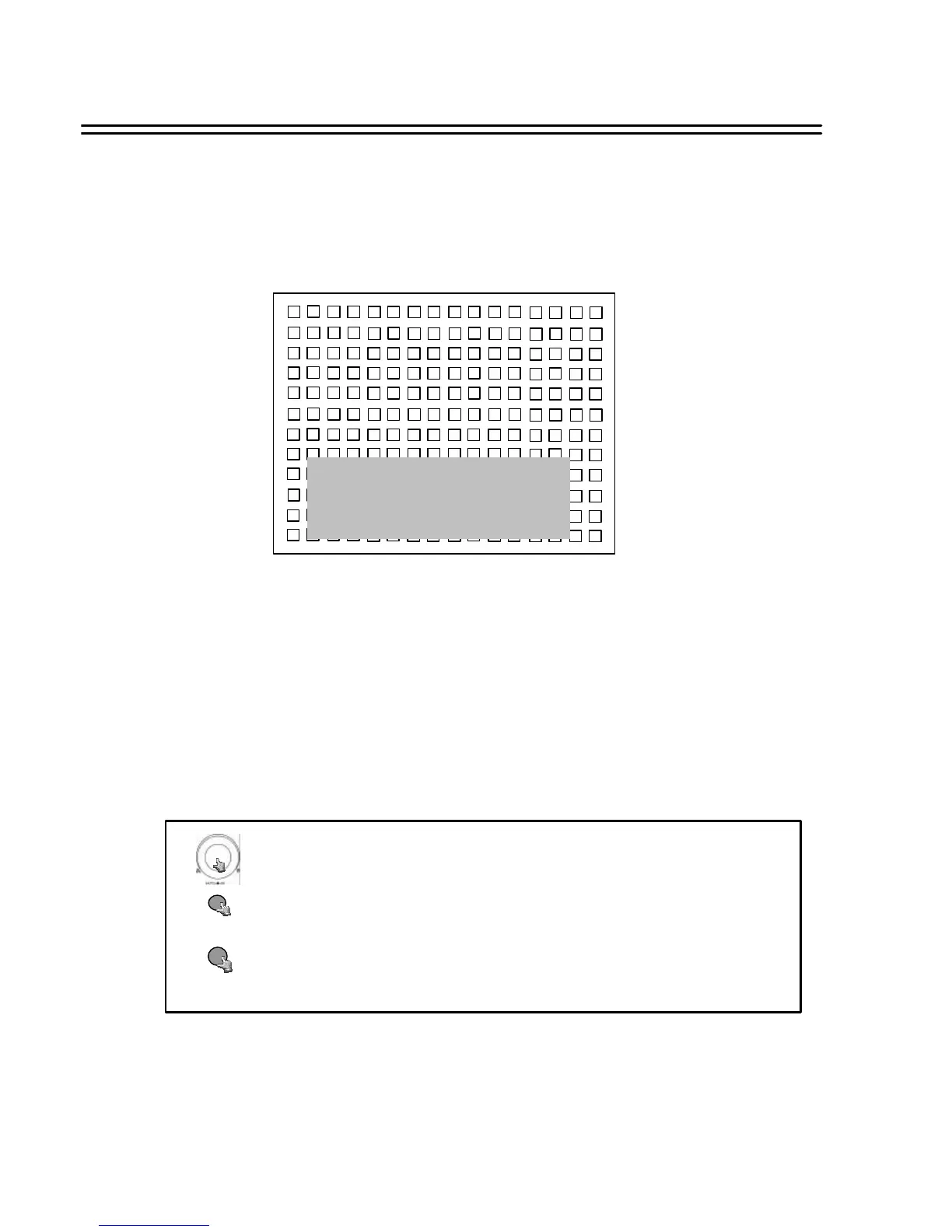
The selected camera appears with a 16 x 12 grid (detection zones):
HIT ENTER TO SELECT MODE
USE JOG TO TOGGLE ON/OFF
HIT MENU TO EXIT
ENTER jumps to the next detection field.
JOG wheel switches zone ON – active (area filled) or OFF – inactive (area
empty) for motion detection.
MENU key exits area setting and jumps back to MOTION SETUP MENU.
18
Turn the JOG dial clockwise or counter-clockwise to select the options.
Press MENU key to return to Main Menu, press again to leave Set up Menu.
MENU
Press ENTER key to confirm the option and move to next column.
ENTER














 To Next Page