35
ENGLISH
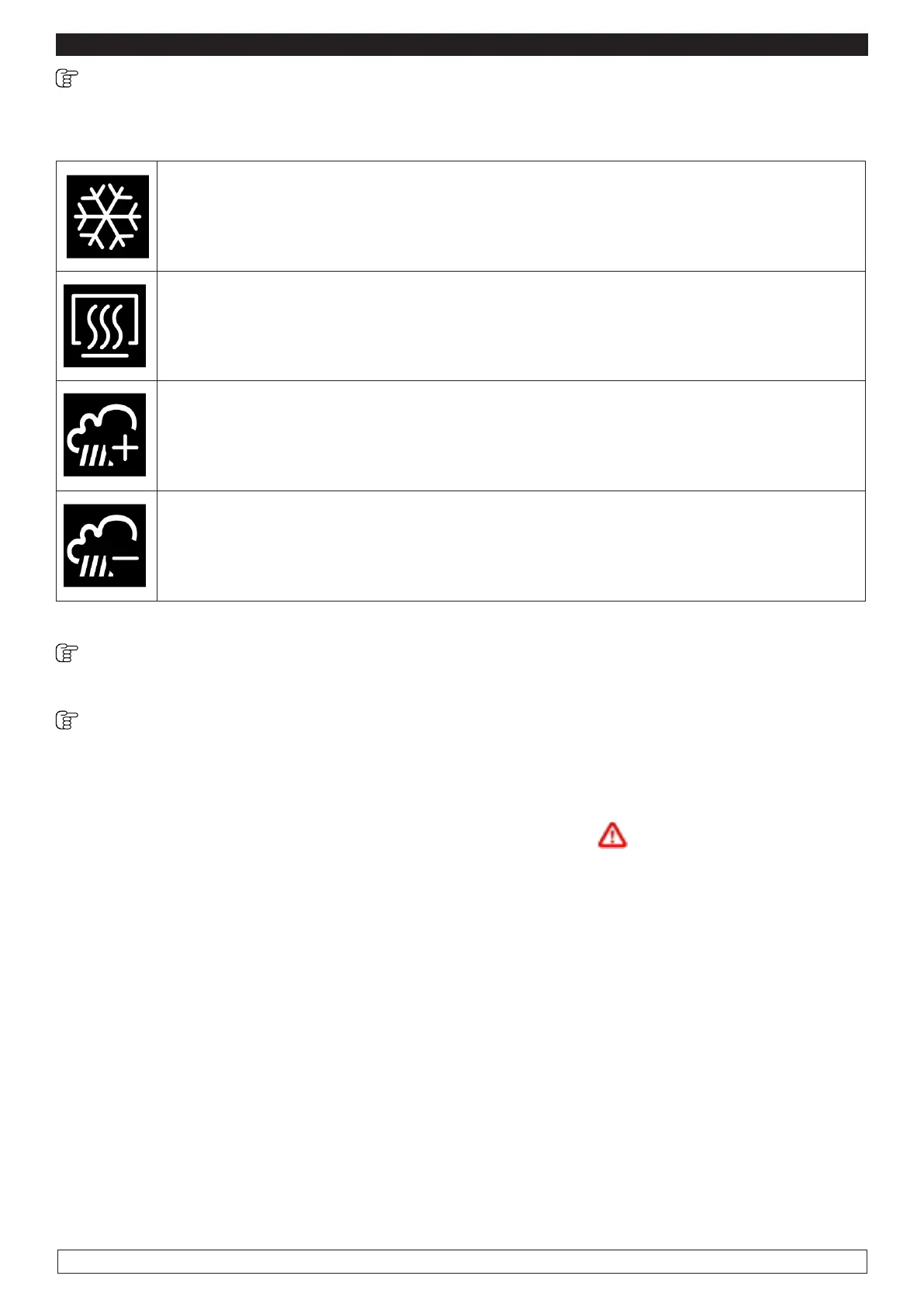
10.11 Detailed description of the icons relative to the Controllers Status
During the implementation of a cycle (either Manual or Automatic) the status of the main controllers
shall be displayed by means of icons.
► White ON : compressor is activated
► Yellow ON: compressor activation is required
► OFF : compressor is not active
► ON : heating is activated
► OFF: heating is not active
► ON : humidification is activated
► OFF : humidification is not active
► ON : dehumidification is activated
► OFF : dehumidificazione is not active
Buzzer silencing
Press and release any key when the buzzer is sounding.
Alarms
When an alarm signal occurs a pop-up window opens stating the current alarm code. The buzzer
sounds in an intermittent manner until you press any key silencing the buzzer and making the pop-
up window disappear.
The icon indicating the current alarm is still present on the screen








 To Next Page