52
UPLOAD OF SAVED PARAMETERS
It allows you to store parameters from a USB device to the machine.
► When it is ON switch the card on STAND-BY
mode by pressing the ON/OFF key (1)
► Insert the USB stick containing the
parameters in the USB port.
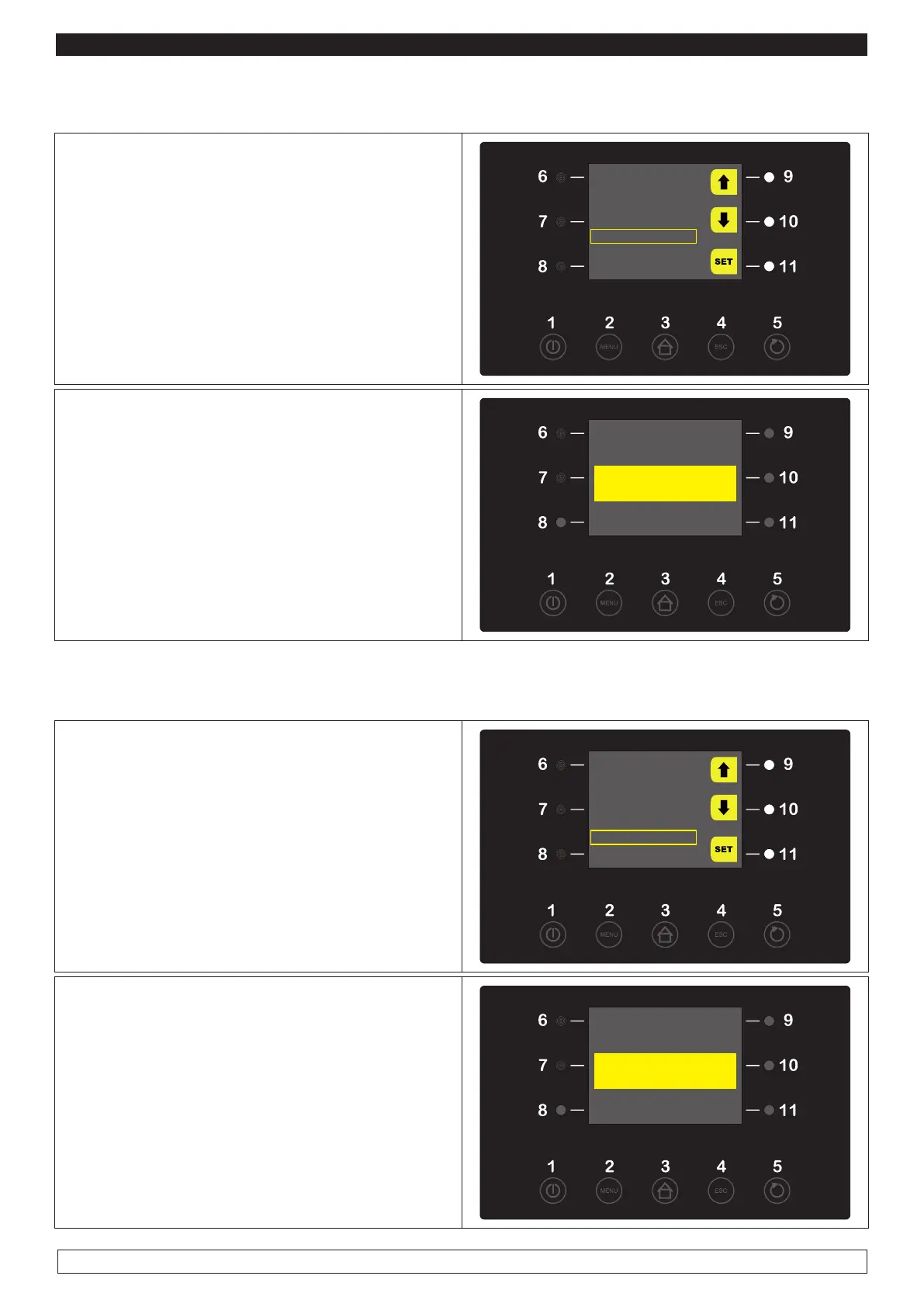
► Select with the UP-DOWN keys (9-10) the
“UPLOAD PROGRAMS” menu item.
USB
HISTORICAL DOWNLOAD
DOWNLOAD PARAMETERS
DOWNLOAD PROGRAMS
UPLOAD PARAMETERS
UPLOAD PROGRAMS
► Press the SET key (11) to UPLOAD programs.
► When the process is over, take out the USB
stick, switch the voltage off and restart the ma-
chine.
WARNING : This file can be read from the control
panel only.
suspend the power supply...
...and restore power supply.
UPLOAD OF SAVED PARAMETERS
It allows you to store parameters from a USB device to the machine.
► When it is ON switch the card on STAND-BY
mode by pressing the ON/OFF key (1)
► Insert the USB stick containing the
parameters in the USB port.
► Select with the UP-DOWN keys (9-10) the
“UPLOAD PROGRAMS” menu item.
USB
HISTORICAL DOWNLOAD
DOWNLOAD PARAMETERS
DOWNLOAD PROGRAMS
UPLOAD PARAMETERS
UPLOAD PROGRAMS
► Press the SET key (11) to UPLOAD programs.
► When the process is over, take out the USB
stick, switch the voltage off and restart the ma-
chine.
WARNING : This file can be read from the control
panel only.
suspend the power supply...
...and restore power supply.








 To Next Page