7700 MultiFrame Manual
7700FC VistaLINK® Frame Controller
7700FC-8 Revision 1.4.7
4. STATUS LEDS
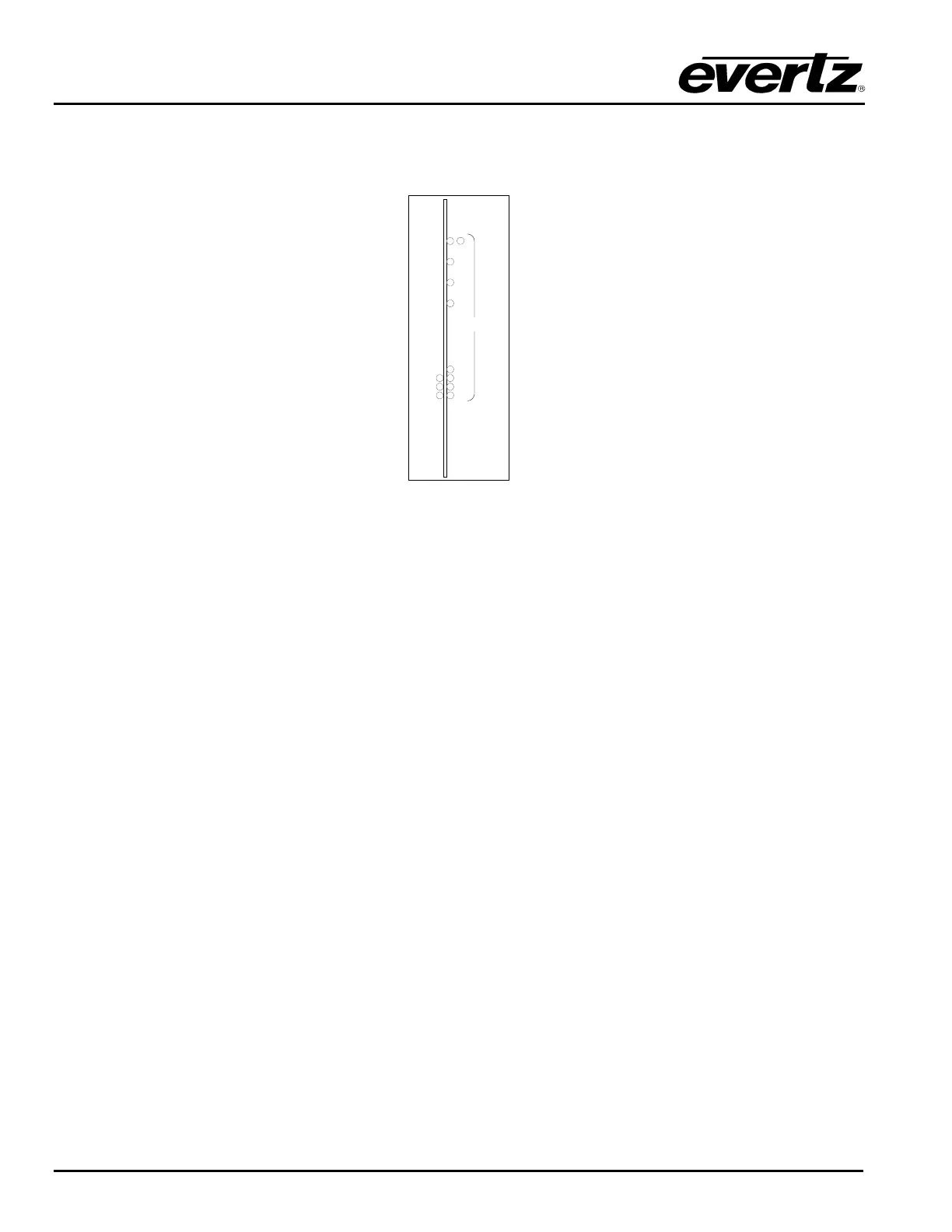
The location of the status LEDs is shown in Figure 6.
SPEED
LINK
ACTIVITY
DIAGNOSTIC
LEDS
Fault
OK
1/2
3
4
5
6
7
8
9
Figure 6: 7700FC Status LED Location
4.1. MODULE STATUS LEDS
The Frame MIB allows the user to enable/control LEDs 1 thru 9
MODULE STATUS (1/2) Upon power-up, and if disabled through the Frame MIB, only LED 2 will be
ON (“green”) when the module is operating properly. When both LEDs ½ are
enabled through the Frame MIB (VistaLINK
®
), both will flash alternatively.
DIAGNOSTIC LEDs When LEDs 3 through 9 are enabled, they will start flashing as defined
through the Frame MIB.
4.2. ETHERNET STATUS LEDS
4.2.1. Card Edge Ethernet LEDs
There are three red LEDs on the front card edge which provide Ethernet connection status at a glance.
ACTIVITY This LED will BLINK when the 7700FC is sending or receiving data.
LINK This LED will be ON when the 7700FC has established a good link to its supporting hub. This
indicates that the segment is wired correctly.
SPEED This LED is ON when a 100Base-TX link is last detected. The LED is OFF when a 10Base-T
link is last detected (the LINK LED is ON). Upon power-up, LED is OFF as the last detected
rate is not known and therefore defaults to 10Base-T state until rate detection is completed.


 To Next Page