Servicing the cleaning rollers
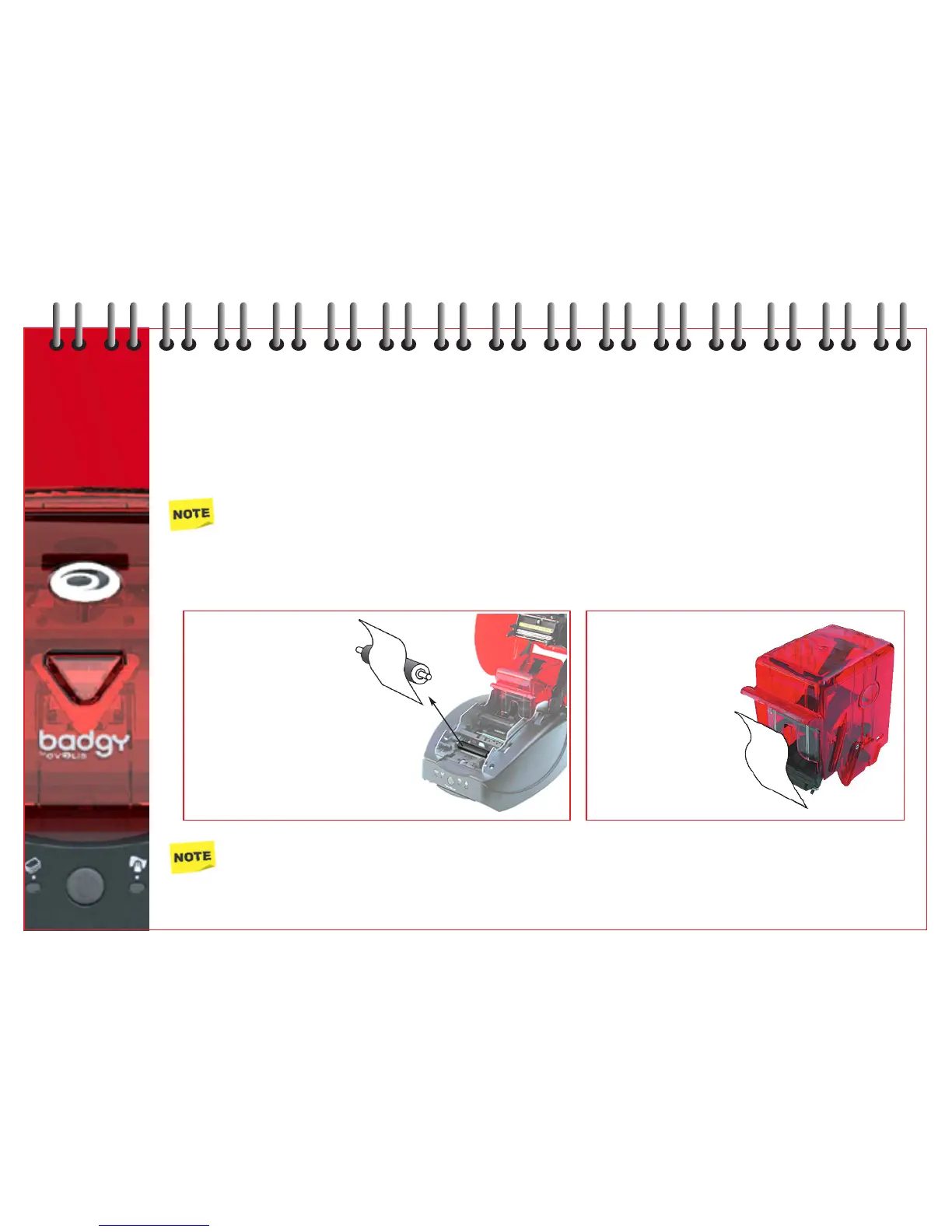
There are two cleaning rollers in your printer - one inside near the front - the other fitted to the card feeder.
The function of the cleaning rollers is to eliminate any residual dust on the cards before they enter the printing mechanism.
These rollers should therefore become dirty. This is a sign of efficiency.
To supplement the standard cleaning of the printer, we suggest you thoroughly clean the rollers using the cleaning cloth
(part of consumer kit).
Recommended cleaning cycle: every ribbon change.
Maintenance accessory: cleaning cloth.
Proceed as follows:
Wait for 2 minutes before using the printer.
1
Open cover.
Remove ribbon cartridge
(if installed).
Release cleaning roller.
Using the cleaning cloth
rub lightly over surface.
When dry, relocate into printer.
2
Remove card feeder.
Clean roller by rubbing
lightly over surface.
Relocate into printer.
14



 To Next Page