PRINTING A TEST CARD
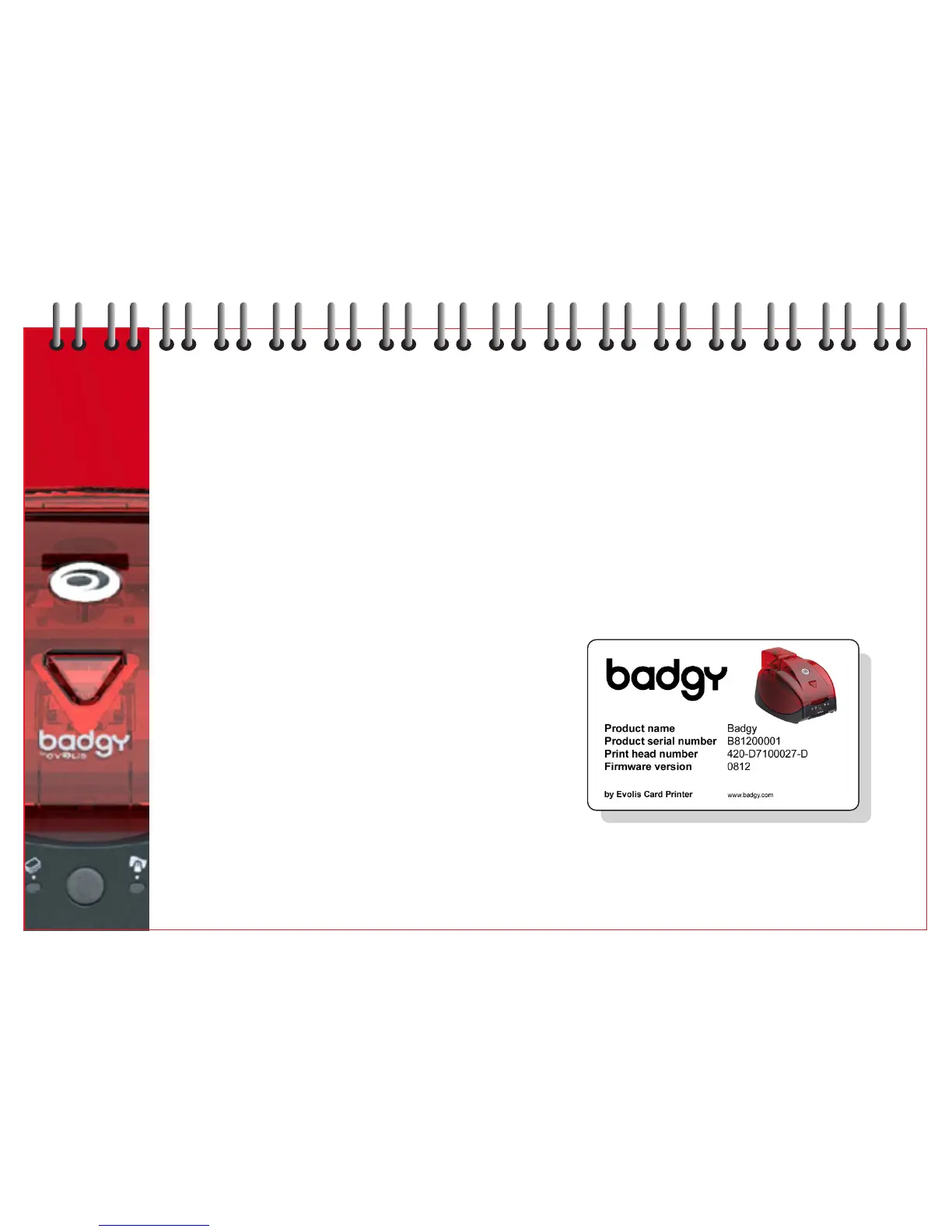
To ensure your printer is working correctly, we recommend you print a test card.
This card will provide certain technical information about your printer. Please retain this card for future reference.
If assistance is required, log on www.badgy.com
Printing a test card
1 Install the ribbon cartridge and place a card in the feeder.
2 Press the button (on the control panel) for 3 seconds and release. All the lights go out.
3 Now continually press the button until the button light comes on.
4 Release the button when the light flashes.
5 The test card is printed in a few seconds and ejected.
Interpreting the test card
The printing of a test card gives the following information:
Correct printing of the colours and black.
The correct position of the ribbon in the printer.
The printer model.
The serial number of the printer.
11
8



 To Next Page