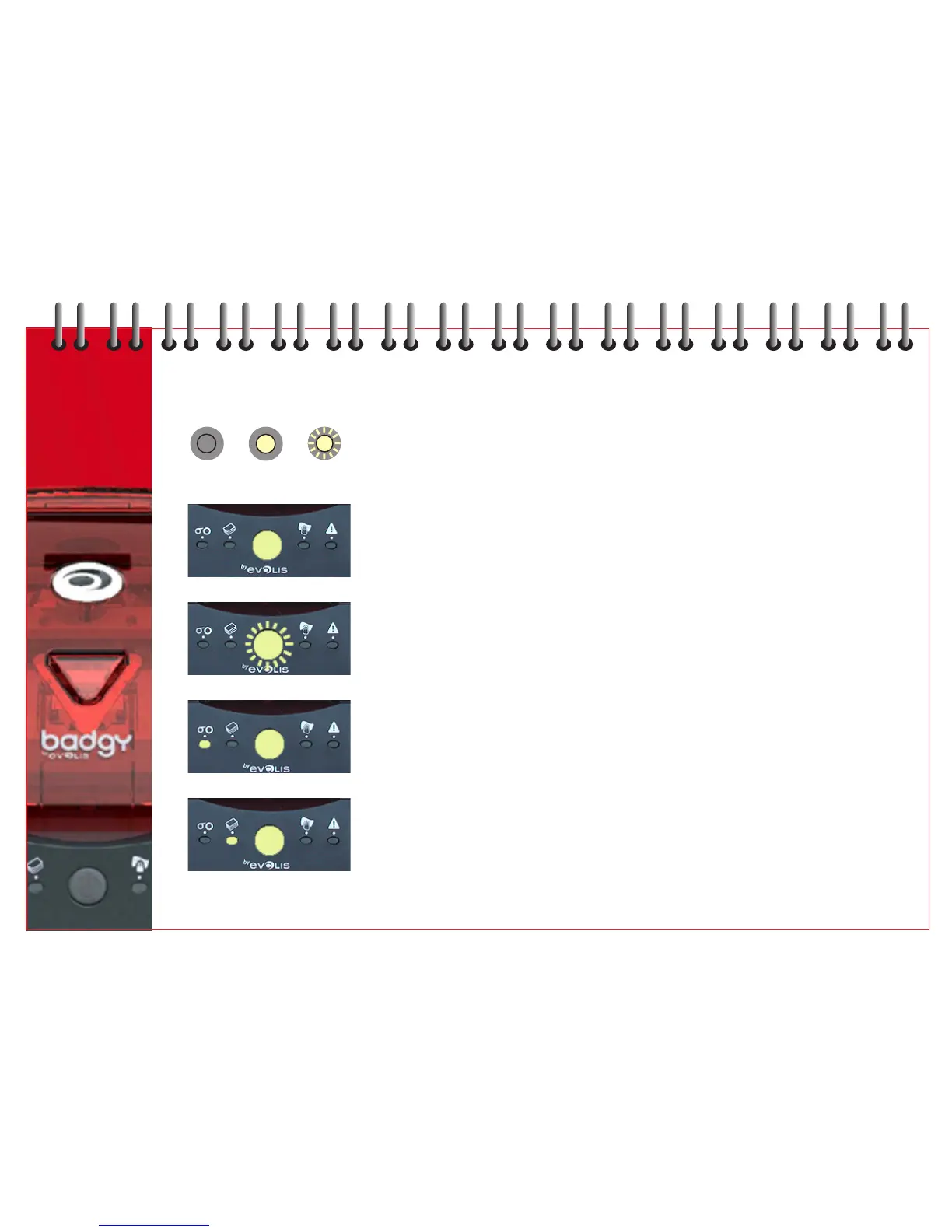
CONTROL PANEL MESSAGES
Refer to Chapter 2 - Printer Description for details of the control panel
OFF ON FLASHING
7
PRINTER READY Printer ready to receive data.
PROCESSING Printer receiving data.
RIBBON No ribbon in printer.
Ribbon has finished.
Ribbon installed incorrectly.
Ribbon is cut.
Printer restarts with new card.
CARD FEEDER Card feeder installed incorrectly.
No card in feeder.
The cards are curved.
The cards are stuck together.
Push button for 1 second - process restarts.
9



 To Next Page