10
TROUBLESHOOTING
How to resolve certain problems that may arise.
Never use a metal tool or object to work on your equipment: you run the risk of injury or damaging the equipment.
Freeing a jammed card
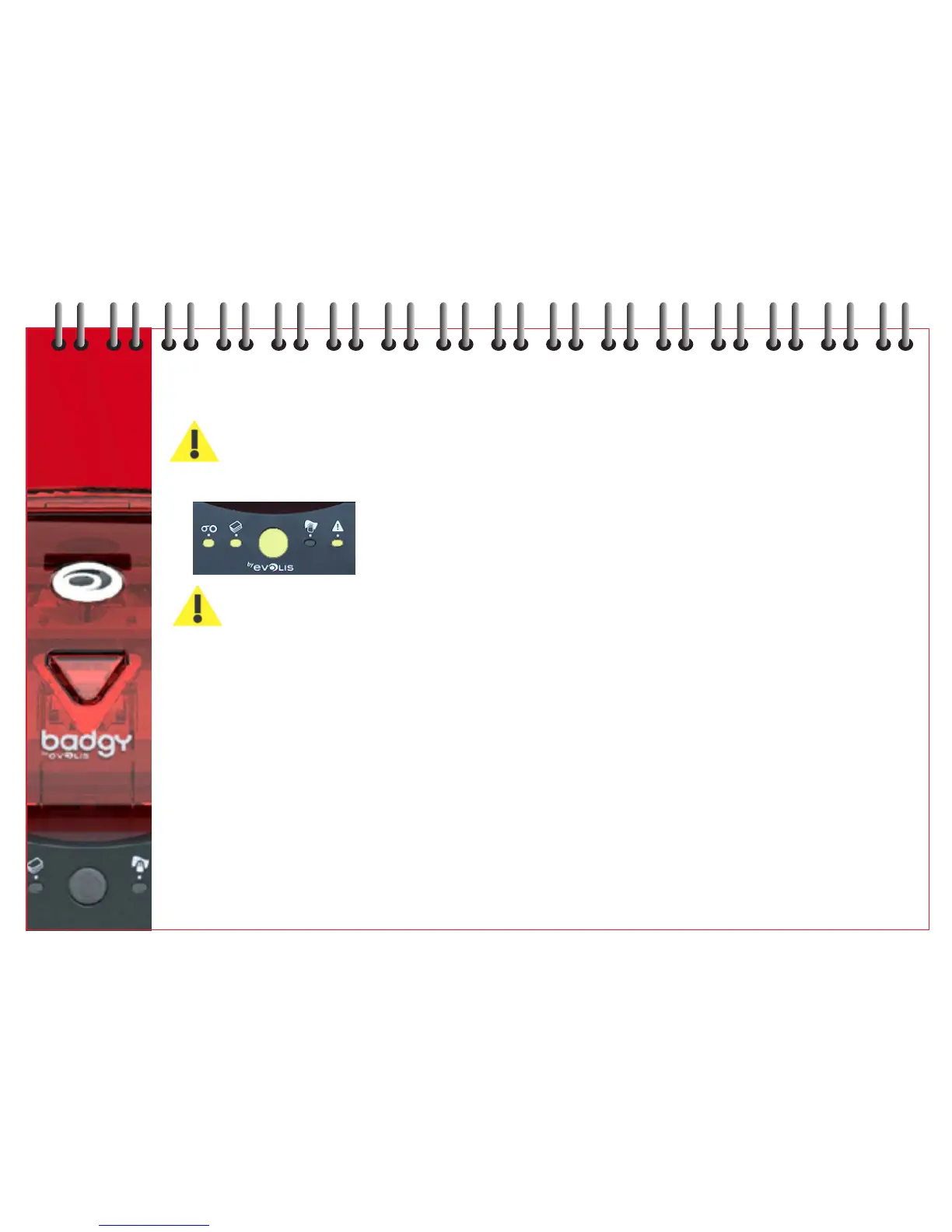
Control panel display - MECHANICAL PROBLEM - Work is interrupted.
DO NOT turn the unit off: This would lead to a loss of printing jobs in progress that are stored in the printer’s
memory.
To remove the card:
1 Open the cover and remove ribbon.
2 Press the push button on the control panel to run the transportation rollers. If the card is still stuck inside the
printer, push it manually towards the printer outlet. If there are several cards, always push the top one first.
3 Replace ribbon and close cover.
4 Press the push button for 1 second.
To prevent card jamming:
1 Make sure that the card thickness is correct - 0.5mm (20mil) or 0.76mm (30mil) gauge.
2 Check that the cards are not curved (store cards horizontally).
Check are not stuck together (shuffle cards before loading).
16



 To Next Page