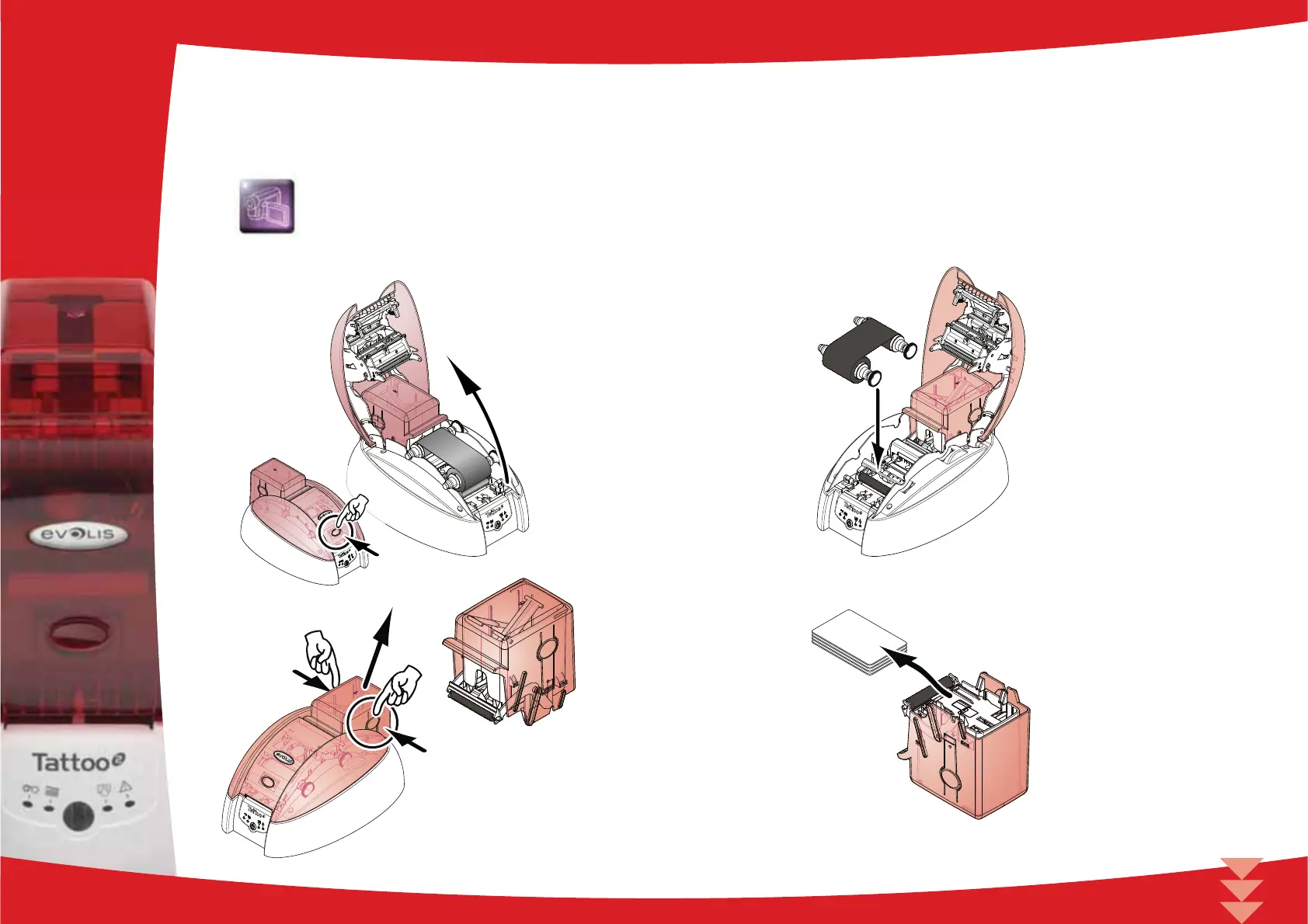
Follow the procedure below:
Repeatedly running the cleaning card through the printer cleans the feed rollers, the cleaning rollers and the print head.
Open the cover.
Remove the ribbon as shown on the diagram then close the cover again.
Remove the card feeder from the printer.
Remove any cards found in the feeder.
3
18



 To Next Page