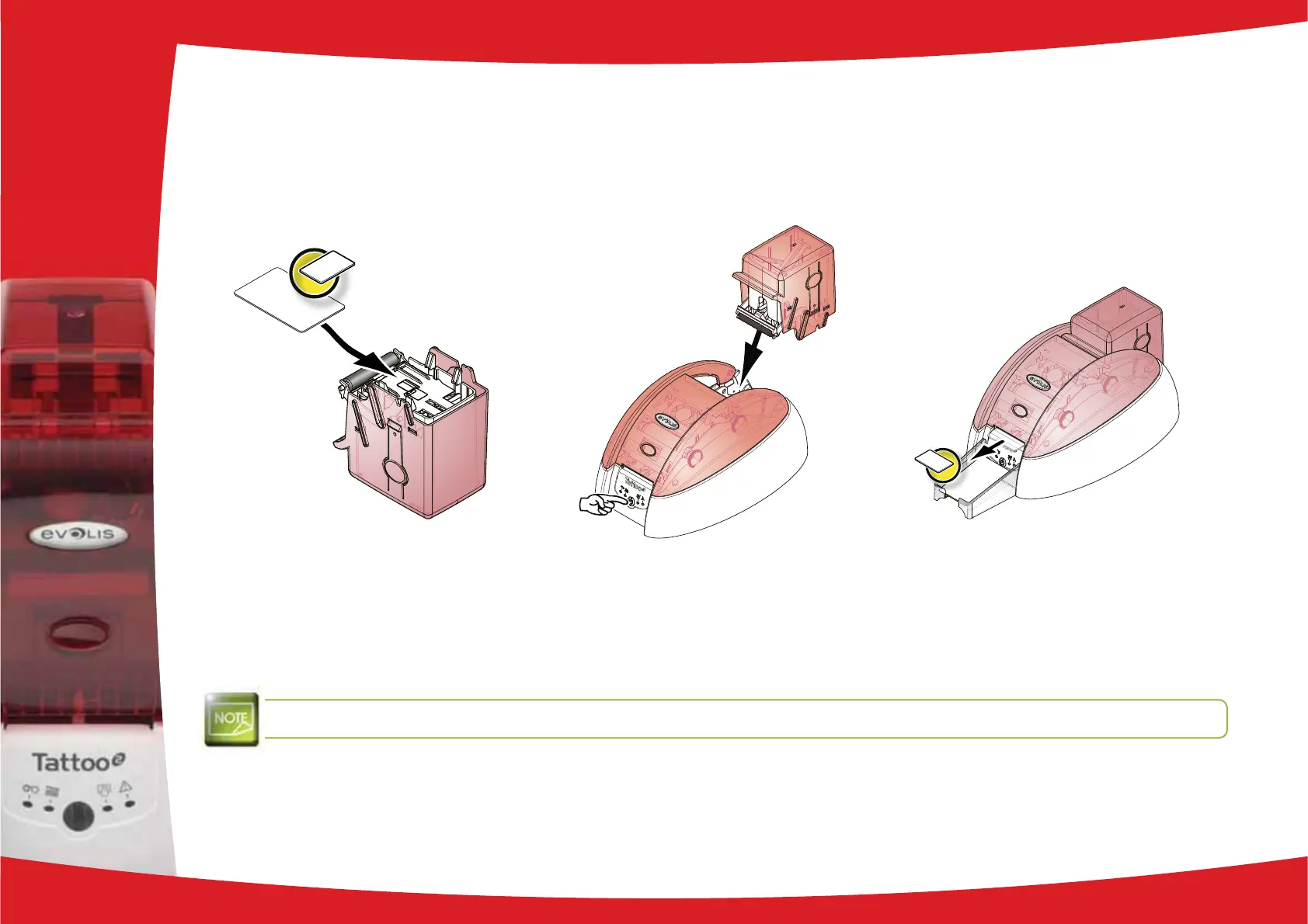
Insert the cleaning card into the feeder.
Put the feeder back into the printer, then press on the upper section of the feeder until it clicks.
Hold down the control button on the control panel for one second. Cleaning starts.
The used cleaning card is ejected into the output hopper.
Wait for 2 minutes after cleaning before using your printer.
3
19



 To Next Page