4.1.3 Transferring data to/from the vehicle
The File Transfer Mode of Radmin Viewer allows to transfer files between the field PC and the on-board PC of the
Sonobot.
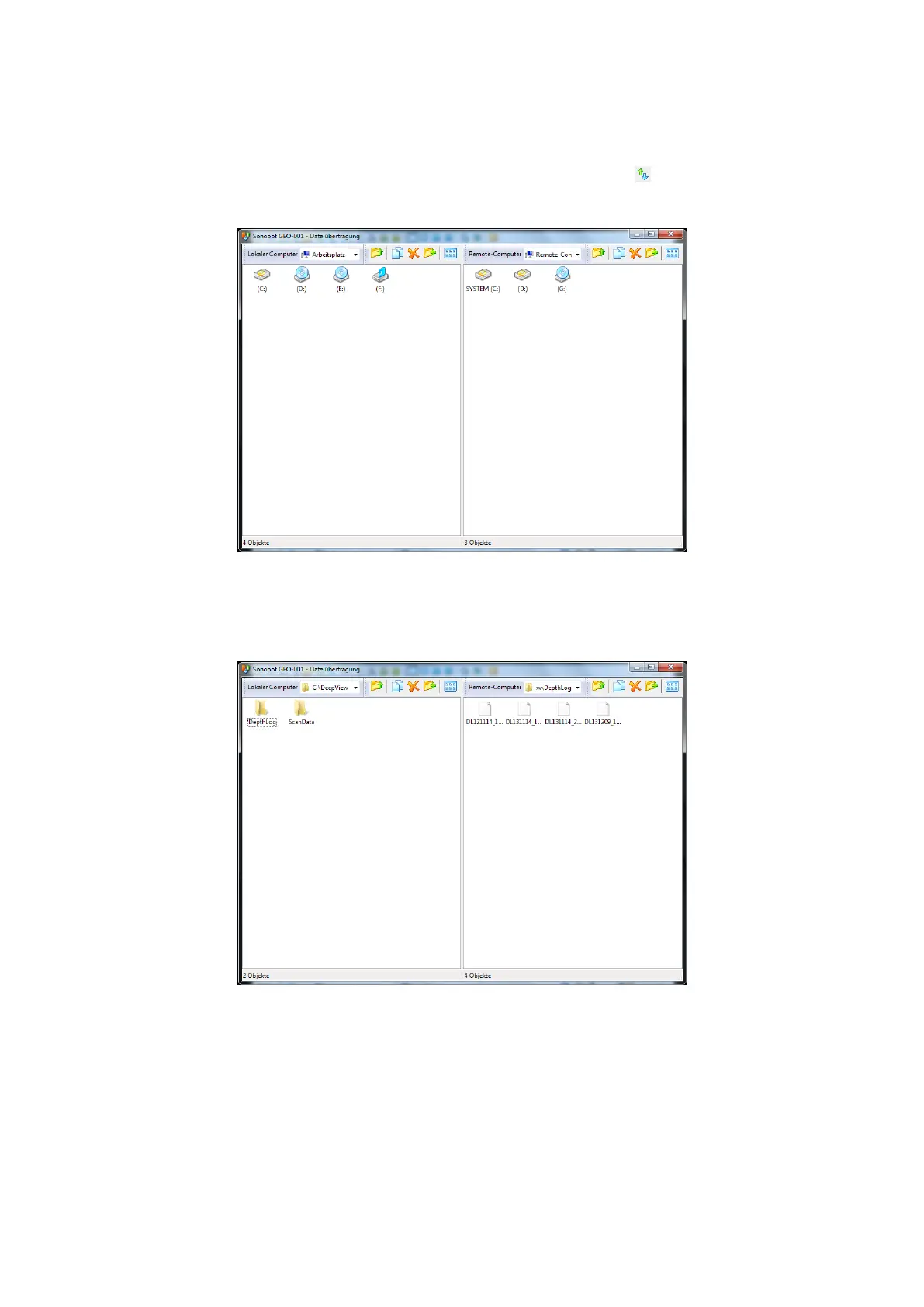
• Choose the File transfer option from the Mode menu or press the corresponding button in the toolbar. The file
transfer window will open:
Figure 24: Radmin Viewer: on-board PC desktop
• In the right panel, browse for files on the on-board PC of the vehicle. In the left panel, browse for the destination
folder on the field PC:
Figure 25: Radmin Viewer: on-board PC desktop
• To transfer the file, simply drag and drop it from the right panel to the left.
Please refer to the Radmin Viewer user manual for more details.
23



 To Next Page