4.3 Sonobot 2 software
The Sonobot 2 software is installed on the vehicle’s on-board PC to monitor the vehicle during the mission and control
the data acquisition process. The Radmin viewer on the field PC allows to connect to the on-board PC and access the
Sonobot 2 software from the shore.
Measurement data (position fixes and depth values) are stored to a log-file in ASCII format, and can be evaluated with
any compatible software. The Radmin Viewer allows to transfer the log-file to the field PC over wireless LAN.
The software starts automatically once the vehicle is turned on. If needed, you can quit the program. The desktop of the
vehicle’s on-board PC contains a shortcut to start the Sonobot 2 software.
Please note, that once the Sonobot 2 software is launched, the echosounder starts operating - sending and receiving acous-
tic signals, recognizable by clicking sound coming from the echosounder.
The user interface of Sonobot 2 is described below.
4.3.1 General
The Sonobot 2 displays and controls are organized in 4 tabs: the Status tab, the Echosounder tab, the Echosounder
Display tab and the Advanced tab.
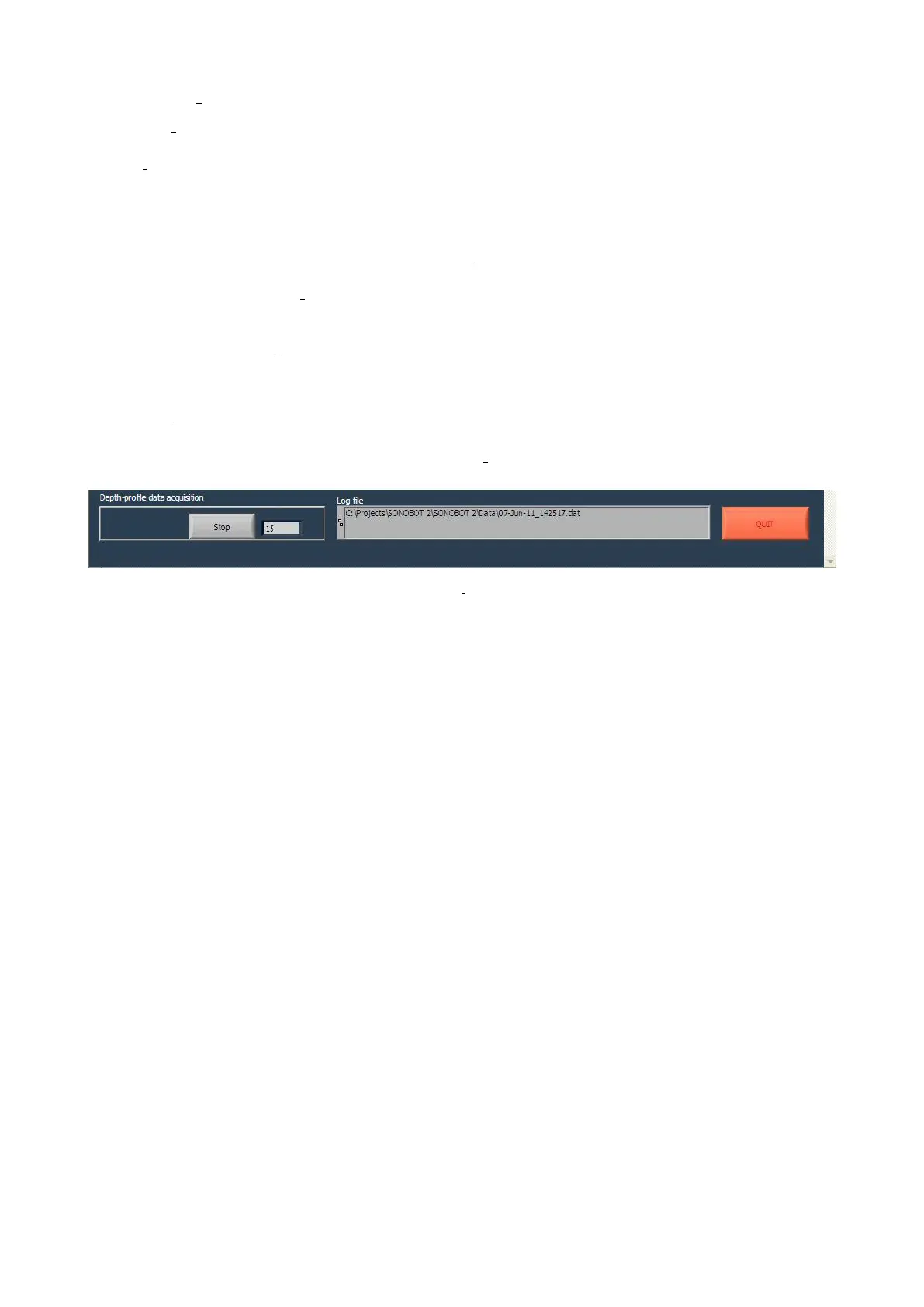
General controls are located in the lower section of the Sonobot 2 window and are accessible from each of the three tabs:
Figure 54: Sonobot 2: general controls
• The Depth profile data acquisition field displays the number of saved measurements.
Press the Stop button to stop depth measurement or Start new profile to start collecting measurement data.
• The Log file field displays the path to the log file, where the depth measurements are stored.
• The Quit button closes the program.
46



 To Next Page