4.2.1 Configure the map
To visually aid planning and executing the mission, you must add a georeferenced map of the operating area to the Map
view of the Horizon user interface. To add the area’s map and setup its geographic location in Horizon, you will need an
image of the area and geographical coordinates of two points on that image. Proceed as described below:
• Open the Horizon software on the field PC - use the desktop shortcut.
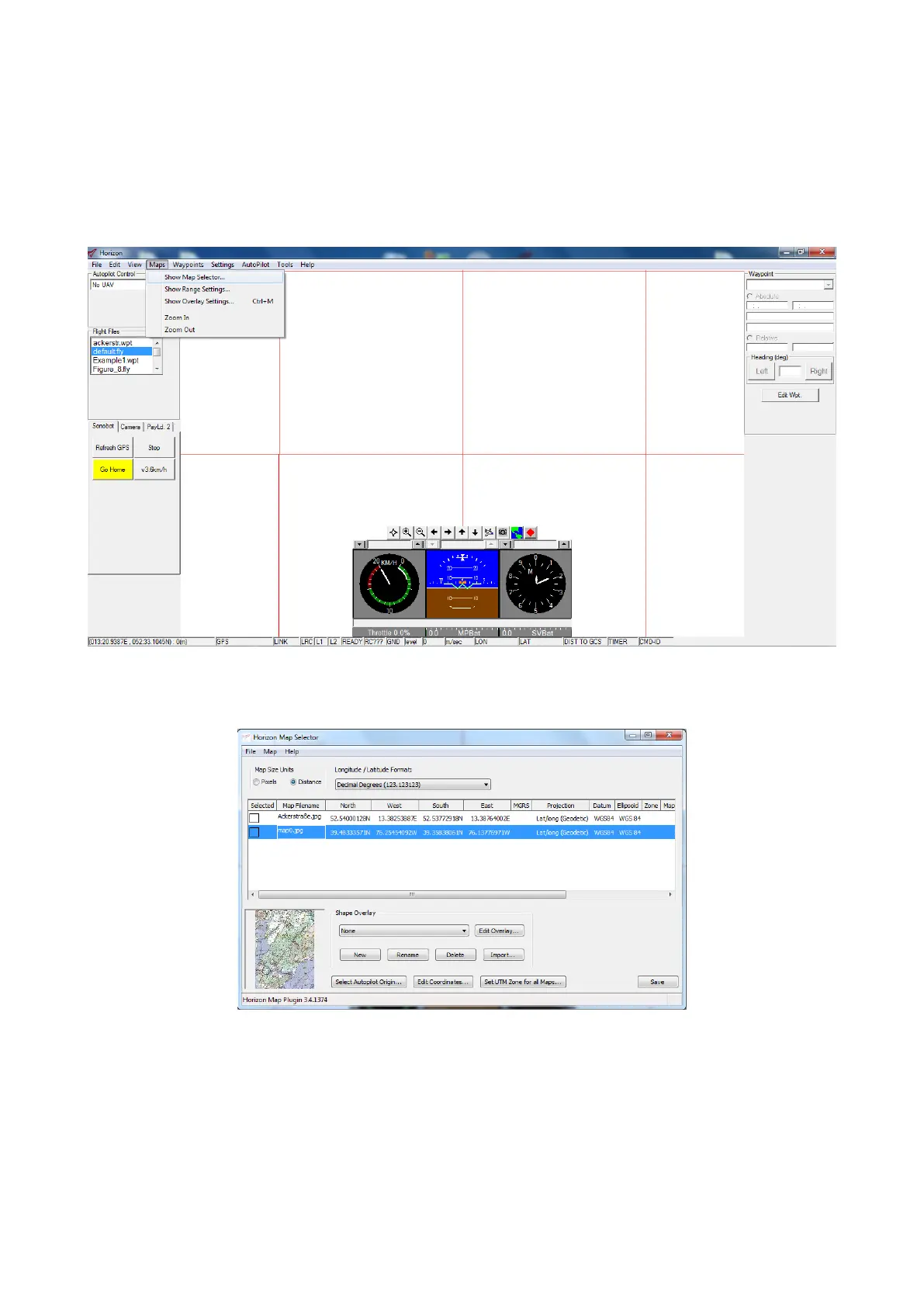
• Open the Map Selector plug-in: go to Menu → Maps → Show Map Selector.
Figure 27: Horizon: opening Map Selector
The main window of the plug-in will display a list of available maps:
Figure 28: Horizon: Map Selector
25



 To Next Page