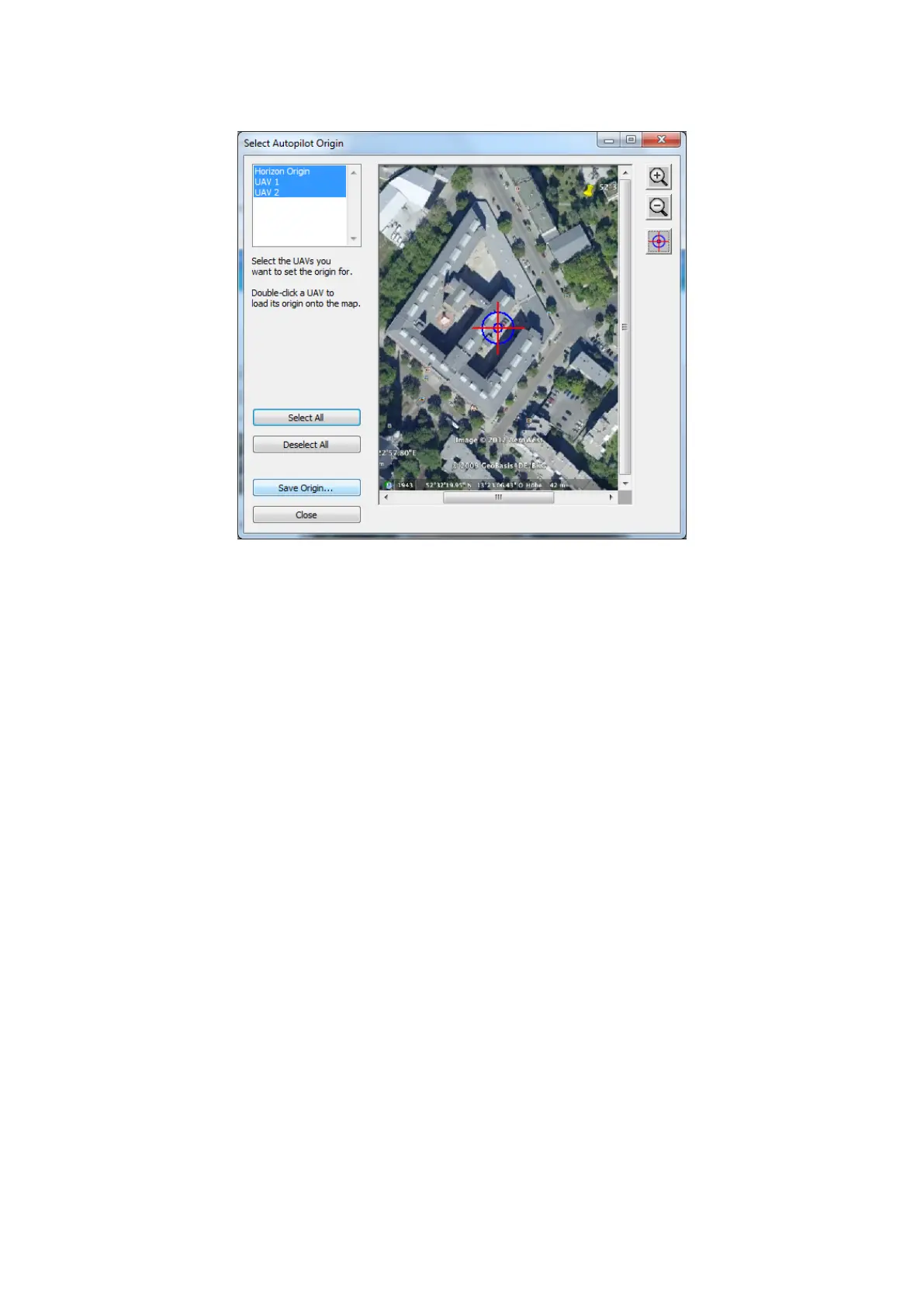
• Press the Select all button.
Figure 34: Horizon: Select Autopilot Origin
• Place the origin on the map: click the target symbol in the right panel of the dialog or right-click on the map and
select Place Autopilot origin.
• Press Save Origin... to save the autopilot origin.
• Check the map in the map list of the Map Selector. This map will be active the next time the Horizon starts.
• Press Save in the Map Selector plug in. The map is now ready to use for Sonobot mission planing.
• Close the Horizon software.
Do not proceed with mission planning after setting up the operating area map - you must close the program and
restart it to continue!
Refer to the Horizon manufacturer’s guide for more detailed information on creating and editing maps.
30



 To Next Page