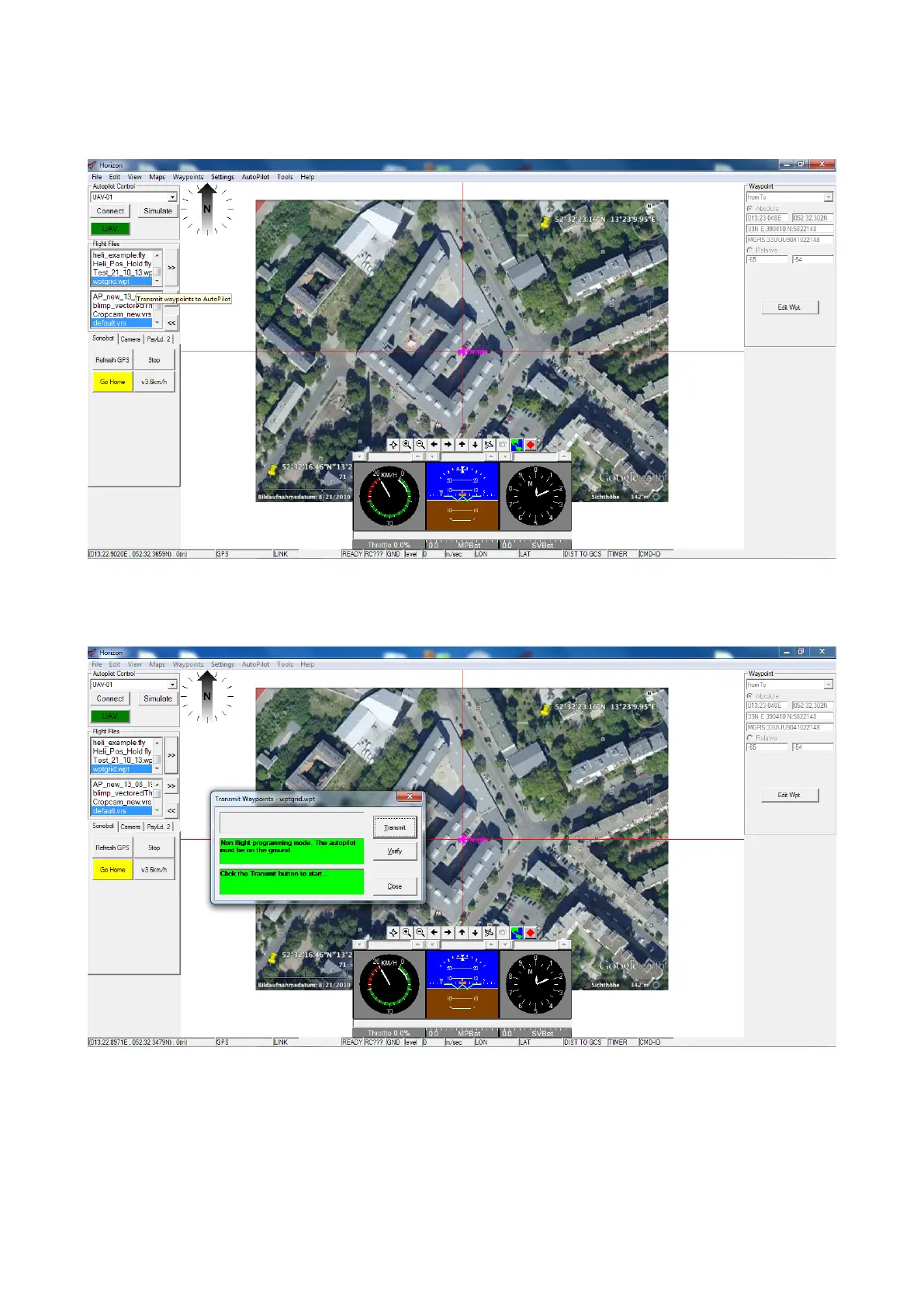
• In the Flight Files list in the left control panel, select the waypoint file you want to transmit to the autopilot for the
mission.
Press the Transmit Waypoints >> button to the right of the list.
Figure 45: Horizon: select the waypoint file
• The Transmit Waypoints dialog will appear. Press Transmit.
Figure 46: Horizon: transmit the waypoint file
39



 To Next Page