OWNER MANUA L
EVOLUTION
Read carefully all the safety statements before attempting any procedure.
EVOLUTION
PAG E 40
OWNER MANUA L
Read carefully all the safety statements before attempting any procedure.
touchsc reen oper ation
1
2
touchsc reen oper ation
SETTING
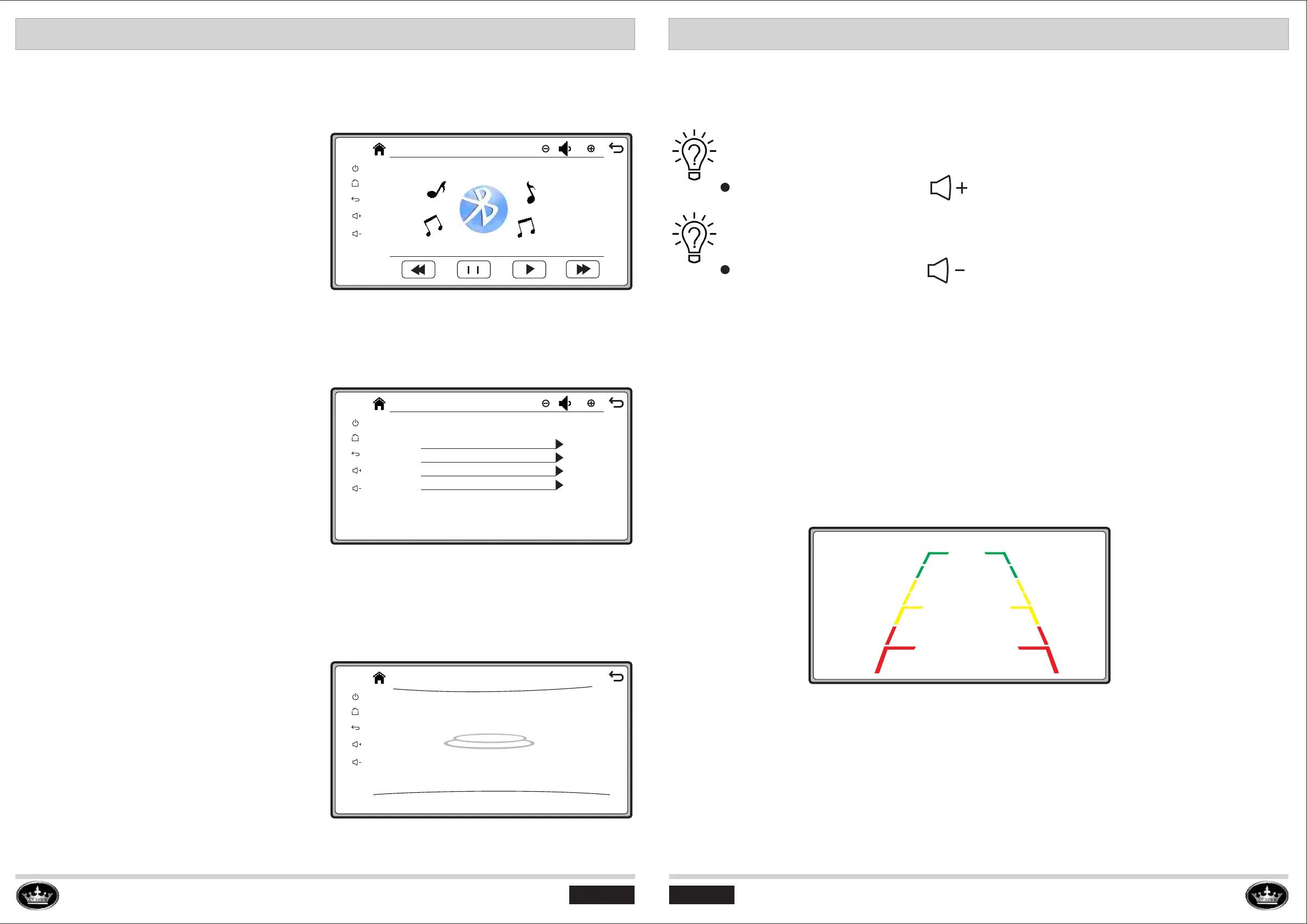
BACK-UP CAMERA OPERATION
Press the “ Setting ” button, the screen will get
into the “Setting” interface as pictured.
Four settings:
>Language set : English or Chinese.
>Wallpaper: Four different wallpaper optional.
>Version Show: Touchscreen software version.
>Reset: Reset the touchscreen to default status.
1
2
Setting
23
Language set
Wallpaper
Version Show
Reset
CAR INFO OPERATION
Press the “ Car inor ” button, the screen will
get into the “Setting” interface as pictured
below. It is default interface, when turning on
the key switch, the touchscreen will show
Car info interface automatically.
2
2
0
MPH
ODO 000001 Mile D
How To change the speed unit between km/h and mph?
How To change the display between ODO and TRIP
1
2
1
2
When the direction knob switching to “R” (Reverse), the screen will show back-up camera image
to guide the driver to reverse the vehicle.
Press the “Volume up” buttom to change speed unit.
Press the “Volume up” buttom to change speed unit.
2
2
1
2
Bt Music
23
BT PHONE OPERATION
After connecting the bluetooth with cell phone on
the Bt phone, then the Bt Music function will be
activated.Press the “ Bt Music ” button, the screen
will get into the “Bt Music” interface as pictured.
Open the music function on the cell phone
and play the music, then the touchscreen Bt
Music will play the same music synchronously
with the cell phone.
PAG E 39
CAR INFO OPERATION



 To Next Page