page 33 of 49
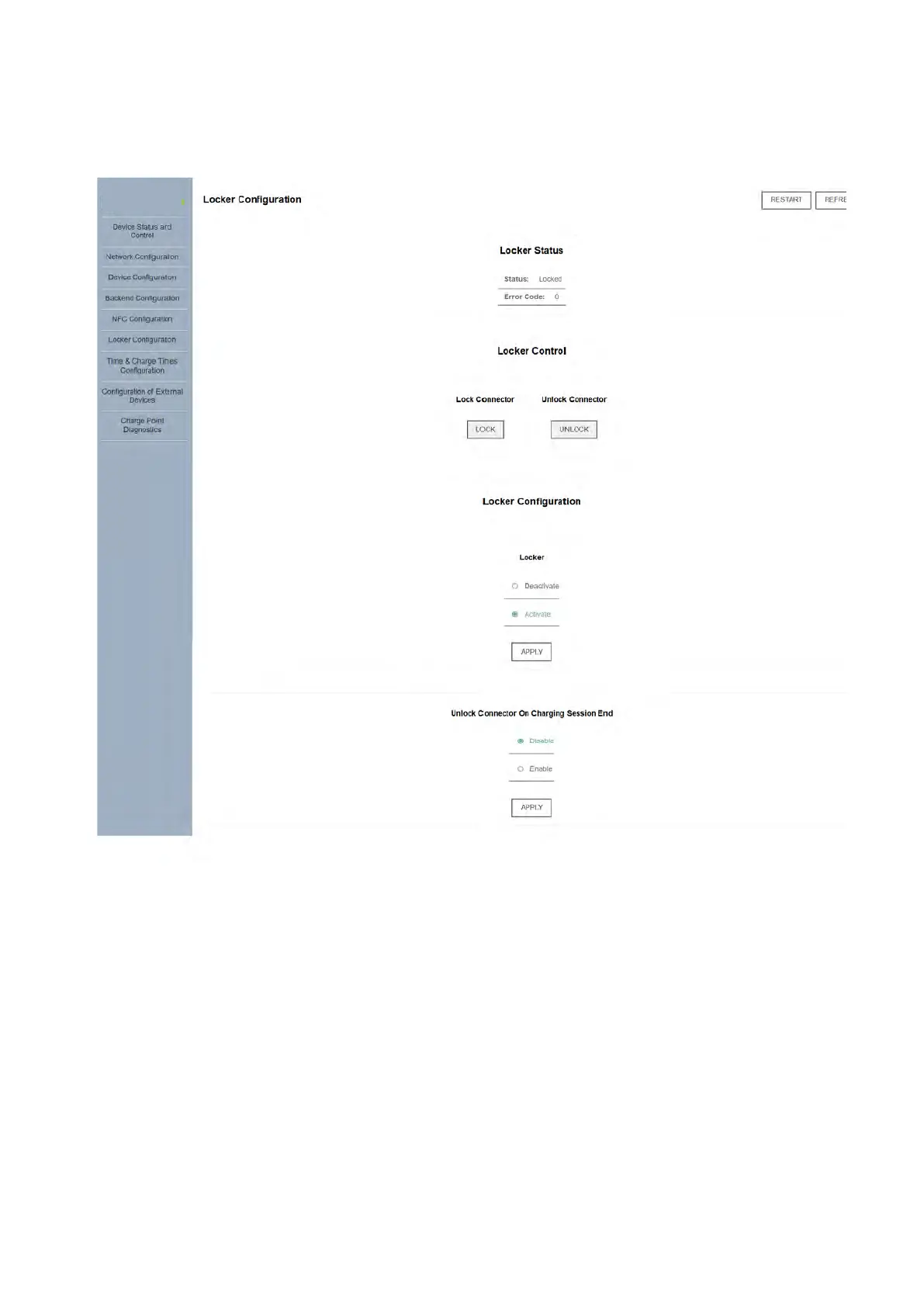
All charger models with socket connections come equipped with an electromechanical lock
mechanism and the "Locker Configuration" tab is available for the lock status and settings:
Used to manually lock or
unlock the connector (e.g.,
to secure a charging cable)
Used to disable the lock feature
for testing or other purposes
Default is 'Activate'
Automatically unlock the
connector whenever a charging
session ends (state C -> A)
Default is 'Enable'*
*Note: when enabled, the locker automatically disengages if the charger loses power. If a
charging cord is to be permanently affixed, the recommended setting is 'Disable'. The user
must then manually lock and unlock the cable via the app.
Diagnostic locker information
(internal use)



 To Next Page