19
exactpH.com
USING THE EXACT IDIP
®
APP
BLUETOOTH
®
SMART TECHNOLOGY
Bluetooth
®
SMART is a low-power networking standard
which uses short radio waves to allow electronic devices
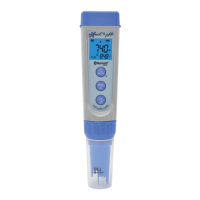
to communicate with each other wirelessly. The eXact
®
pH
+
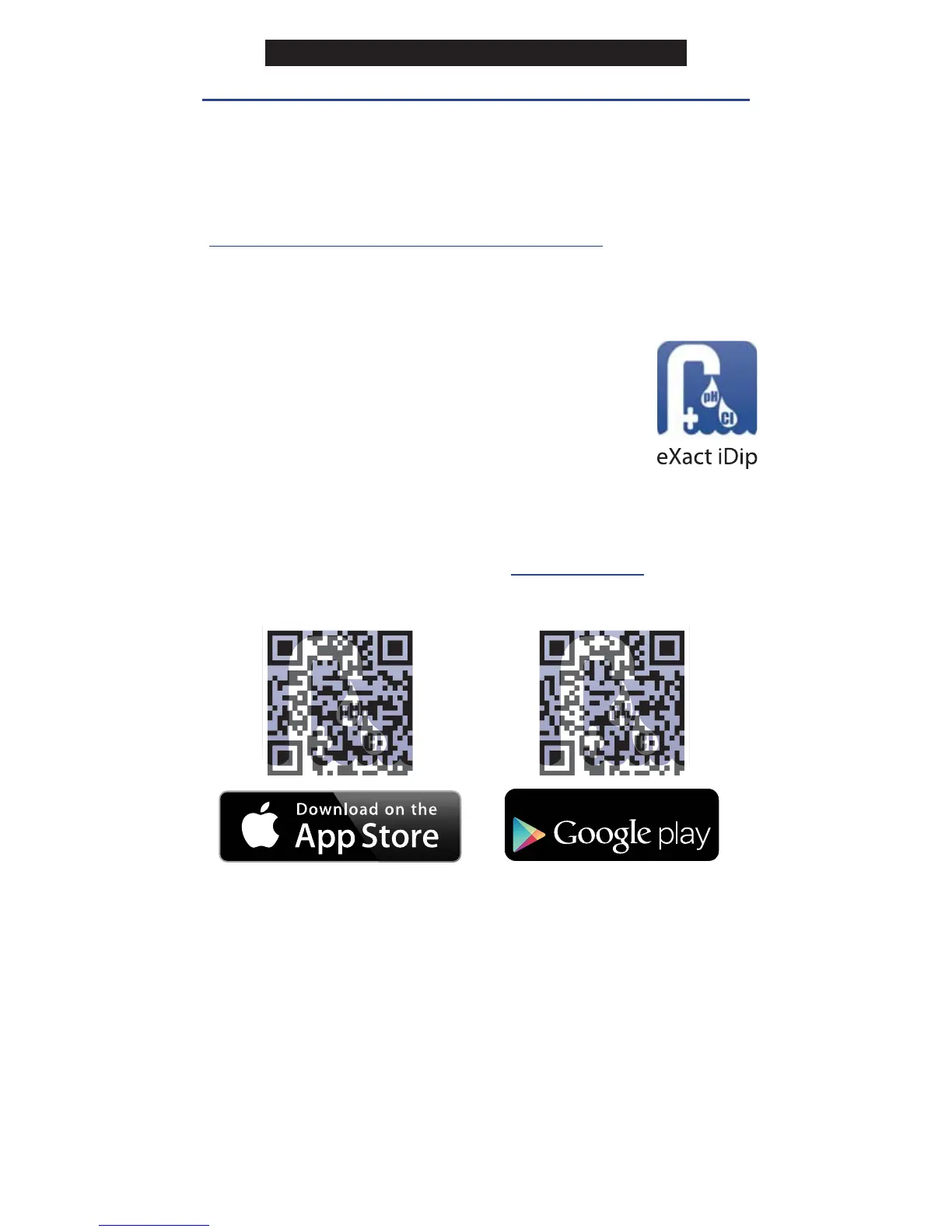
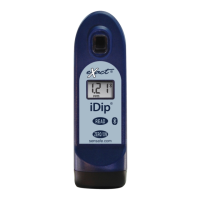
comes standard with the latest Bluetooth
®
4.0 technology
(bluetooth.com/Pages/Bluetooth-Smart.aspx). It is a class
2 device with a wireless working distance of up to 30 feet
(10 meters) and a 2.1 Mbps data transfer rate. This allows a
seamless transfer of data between a smart device and the
eXact
®
pH
+
.
DOWNLOAD THE APP
Using your Smart Device, download the
eXact iDip
®
app. Download the latest update
to ensure you are using the current version
with up-to-date features. To see if your smart
device is compatible, visit
sensafe.com/idip-compatible-devices.
We are constantly improving the eXact iDip
®
app and
welcome your suggestions. Visit
exactidip.com or e-mail
exactidip@sensafe.com.
ALLOW ACCESS
Upon opening, and while using the eXact iDip
®
app, pop-
ups will appear that ask for access to different functions of
your phone; Location, Contacts, Calendar, and Cellular
Data. In order to get full functionality of the app, be sure to
allow access to all of these features.
MAKING CALLS
The eXact iDip
®
photometer is not intended for use while
talking on your smart phone. Talking during testing may
cause the app to shutdown.
GET IT ON
Note: If using an Apple
®
iPad
™
, select 'iPhone only app' when
searching from the App Store, or scan the QR code above.
GETTING STARTED


 To Next Page