Customizing Your Multifunction Loss Tester
18 FOT-930
Setting the Date and Time
Setting the Date and Time
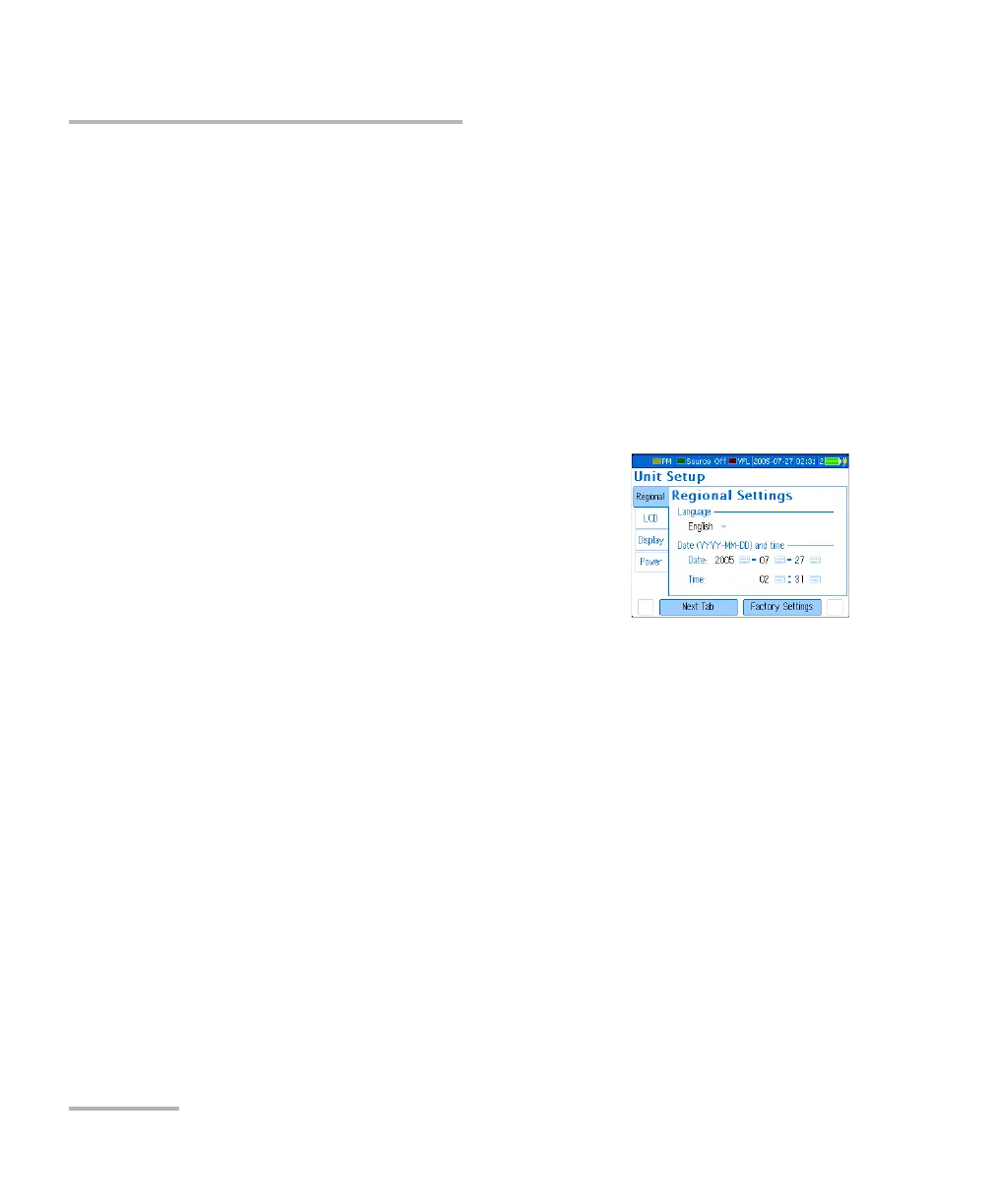
The current date and time are displayed on the status bar. When saving
results, the unit also saves the corresponding date and time.
You must enter the date according to the year-month-day format and the
time according to the 24-hour format.
Note: A dedicated clock battery keeps the date and time accurate. For details, see
Replacing Batteries on page 77.
To set the date and time:
1. Press Menu, then select Setup > Unit.
2. Press Next Tab (F1/F2 key) until you get to
the Regional tab.
3. Use the arrows to select any of the date or
time settings, then press Enter to display the
on-screen keyboard (for details about using
keyboards, see Using Menus and Keypad on page 14).
4. Set the new value and press OK (F1/F2 key).












 To Next Page