Performing Automated IL/ORL/Length Measurements (FASTEST)
52 FOT-930
Performing the FASTEST
Performing the FASTEST
Although FASTEST requires two units (one at each end of the fiber under
test), you initiate it from only one (the master). Both units use F
ASTEST
settings from the master unit.
To pe rfo r m a F
ASTEST:
Unit A (Master) Unit B
1. If necessary, null the offsets (see
Nulling Electrical Offsets on page 32).
1. If necessary, null the offsets.
2. Clean your fibers properly (see
Cleaning and Connecting Optical
Fibers on page 22).
2. Clean your fibers properly.
3. Set up the F
ASTEST (see Setting Up the
FasTesT on page 48).
4. If you are testing ORL, perform an
ORL zero measurement from the ORL
Meter pane (see Performing ORL
Reference and Setting ORL Zero Value
on page 42).
3. If you are testing ORL, perform an
ORL zero measurement from the ORL
Meter pane.
5. Reference your unit (see Referencing
Units for FasTesT on page 49).
4. Reference your unit.
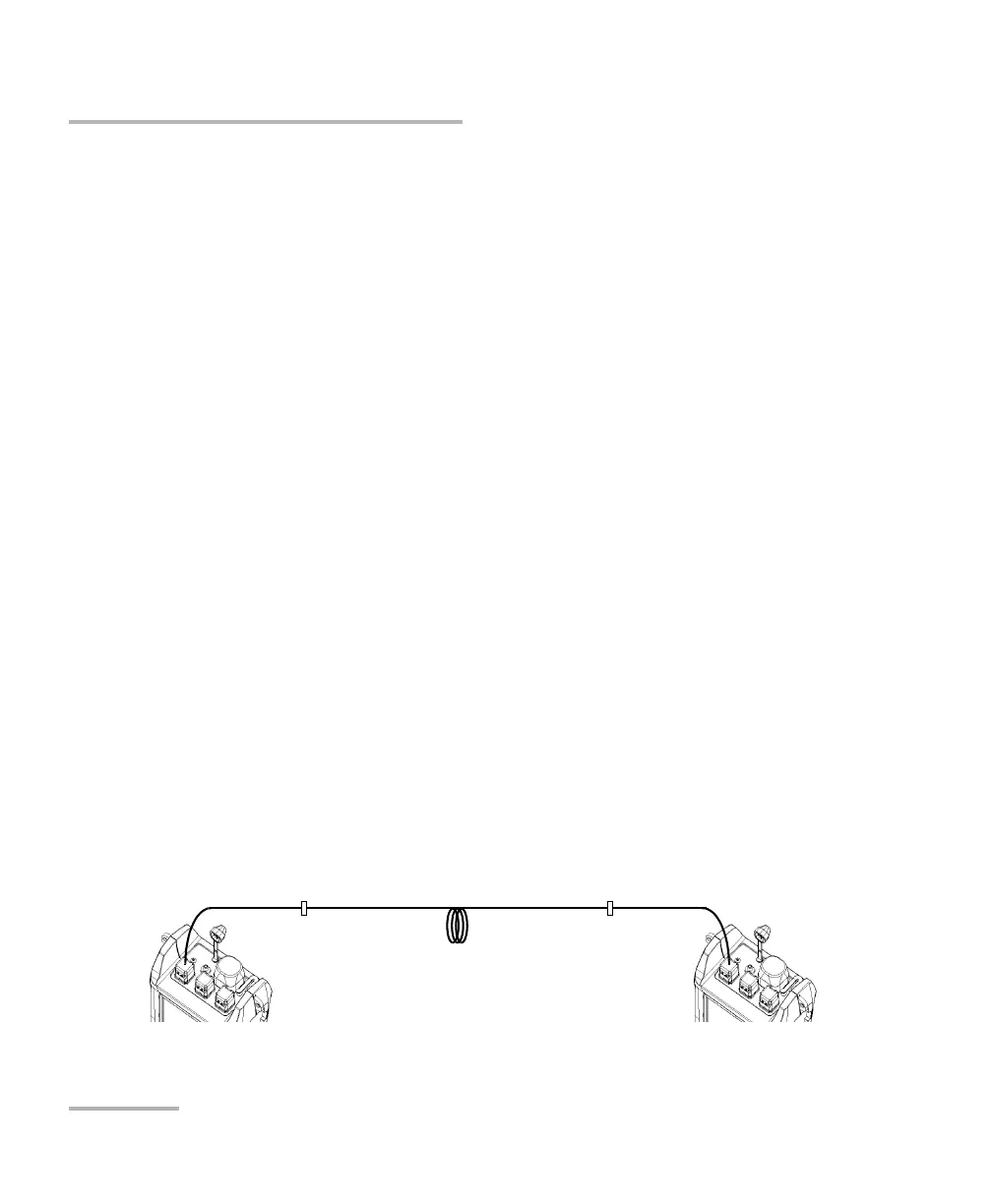
6. Connect reference patchcord to fiber
under test (as shown):
5. Connect reference patchcord to fiber
under test (as shown):
Reference
patchcord
Fiber
under test
Reference
patchcord
Bulkhead
adapter
Bulkhead
adapter












 To Next Page