EasyManua.ls Logo

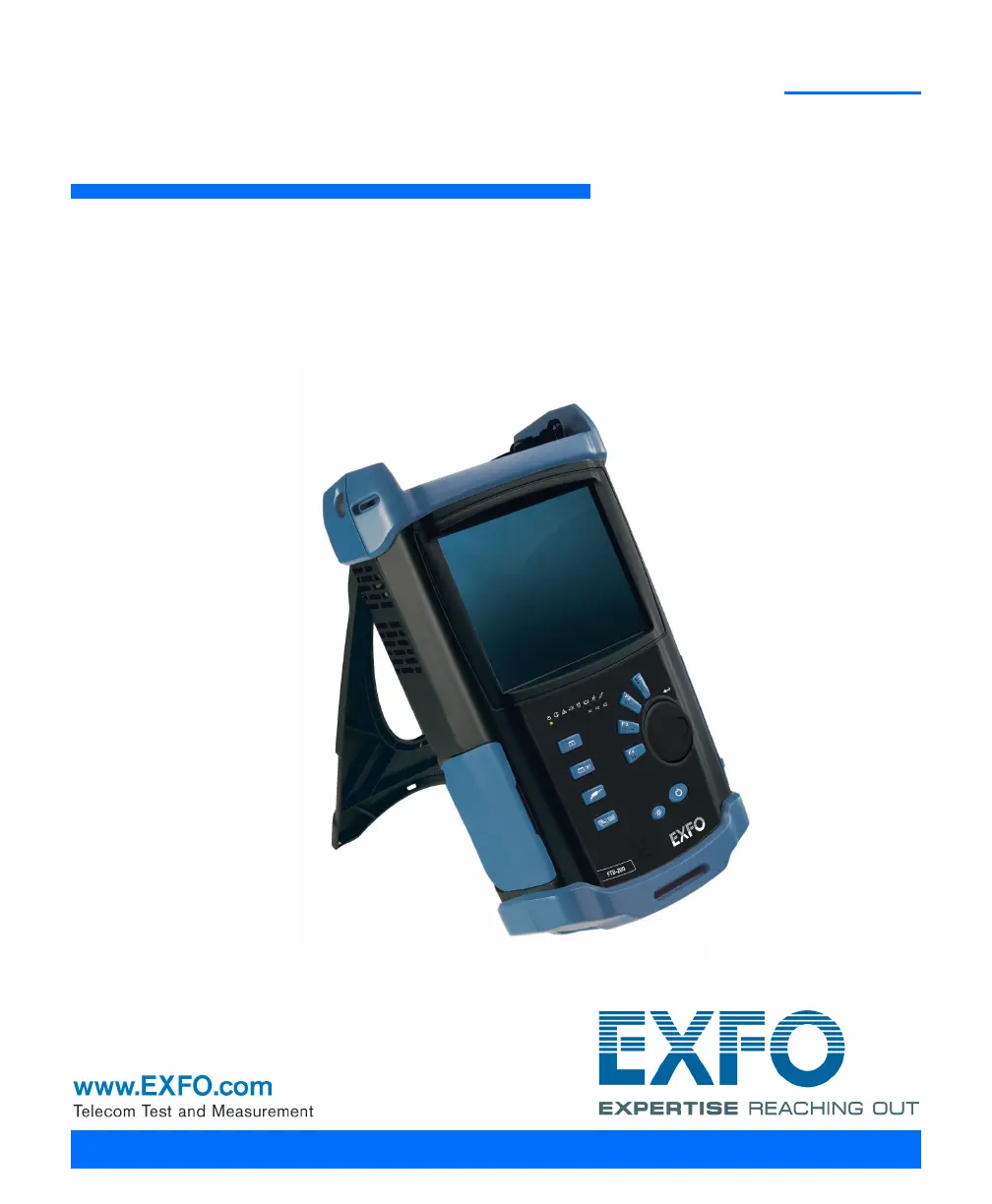
EXFO FTB-200 - User Manual

EXFO FTB-200
222 pages
Print Icon
To Next Page IconTo Next Page
Loading...
User Guide
Compact Modular Platform
FTB-200 v2

Table of Contents

Questions and Answers

  • K
    Kelly WilsonJul 28, 2025
    What to do if my EXFO FTB-200 unit does not turn on?
    • A
      Ashley BrownJul 28, 2025
      If your EXFO Test Equipment unit fails to power on, several factors could be responsible. First, ensure that the battery is adequately charged, replace it with a fully charged one, or connect the unit to an external power supply using the AC adapter/charger. If you're using an external power supply, verify that it's properly plugged in at both ends. Also, check that the battery door is correctly in place and is not defective.
  • E
    Emily JohnsonAug 4, 2025
    Why is the screen dark on my EXFO Test Equipment?
    • B
      Barbara LandryAug 5, 2025
      If the screen on your EXFO Test Equipment is dark, it could be due to the unit’s backlight being off. Try pressing the backlight button. Alternatively, the battery might be discharged, causing the unit to shut down. In this case, charge the battery, replace it with a fully charged one, or connect the unit to an external power supply using the AC adapter/charger.
  • S
    sloancalebAug 12, 2025
    What to do if the external keyboard is not working with my EXFO Test Equipment?
    • J
      Jennifer McdonaldAug 12, 2025
      If the external keyboard isn't working with your EXFO Test Equipment, it may not have been detected. Try unplugging the keyboard and then plugging it in again. If that doesn't work, turn off the unit, plug in the keyboard, and then turn the unit back on.
  • C
    Christopher DavisAug 20, 2025
    How to fix dim screen characters on EXFO Test Equipment?
    • J
      Julia BakerAug 20, 2025
      If the characters on your EXFO Test Equipment screen are dim, the brightness may not be set properly. Adjust the brightness to resolve this issue.

Summary

Introducing the FTB-200 v2 Compact Modular Platform

Main Features

Lists the key characteristics of the unit.

Safety Information

Laser Safety Information

Provides safety guidelines related to laser usage.

Electrical Safety Information

Details safety precautions related to electrical hazards.

Getting Started with Your Unit

Inserting and Removing Test Modules

Guides on how to install and remove test modules from the unit.

Turning On or Off the Unit

Explains different methods to power the unit on and off.

Installing or Upgrading the Applications

Steps for installing and updating software applications.

Setting Up Your Unit

Inspecting Fibers with a Probe

To inspect fibers with a probe

Instructions on connecting and using a fiber inspection probe.

Managing Data

Accessing Your Unit Remotely

Testing Network Connections

Maintenance

Troubleshooting

Solving Common Problems

A table listing common issues, causes, and solutions.

Restoring Your Unit to Normal Operation

How to restore the unit to its default state or an image.

EXFO FTB-200 Specifications

General IconGeneral
Platform TypeModular
ConnectivityUSB, Ethernet
Optical Power Meter Accuracy±0.2 dB
Optical Return Loss (ORL) Range0 dB to 60 dB
Display TypeTFT touchscreen
Optical Power Meter Range+25 dBm to -70 dBm (depending on module)

Related product manuals