Introducing the FTB-200 v2 Compact Modular Platform
4 FTB-200 v2
LED Panel Description
LED Panel Description
The LED panel located on the front of the unit provides you with the status
of your unit.
Note: The function of certain LEDs vary with the applications.
LED Status Meaning
Green Unit is on.
Green, blinking Unit is in Standby mode.
Off Unit is off or in Hibernation mode.
Green Battery is fully charged.
Green, blinking Battery is charging.
Yellow Unit is not powered by AC and battery is low.
Red No battery in the unit or battery error.
Off Unit is off or unit is not powered by AC and battery
level is above the “low-battery threshold”.
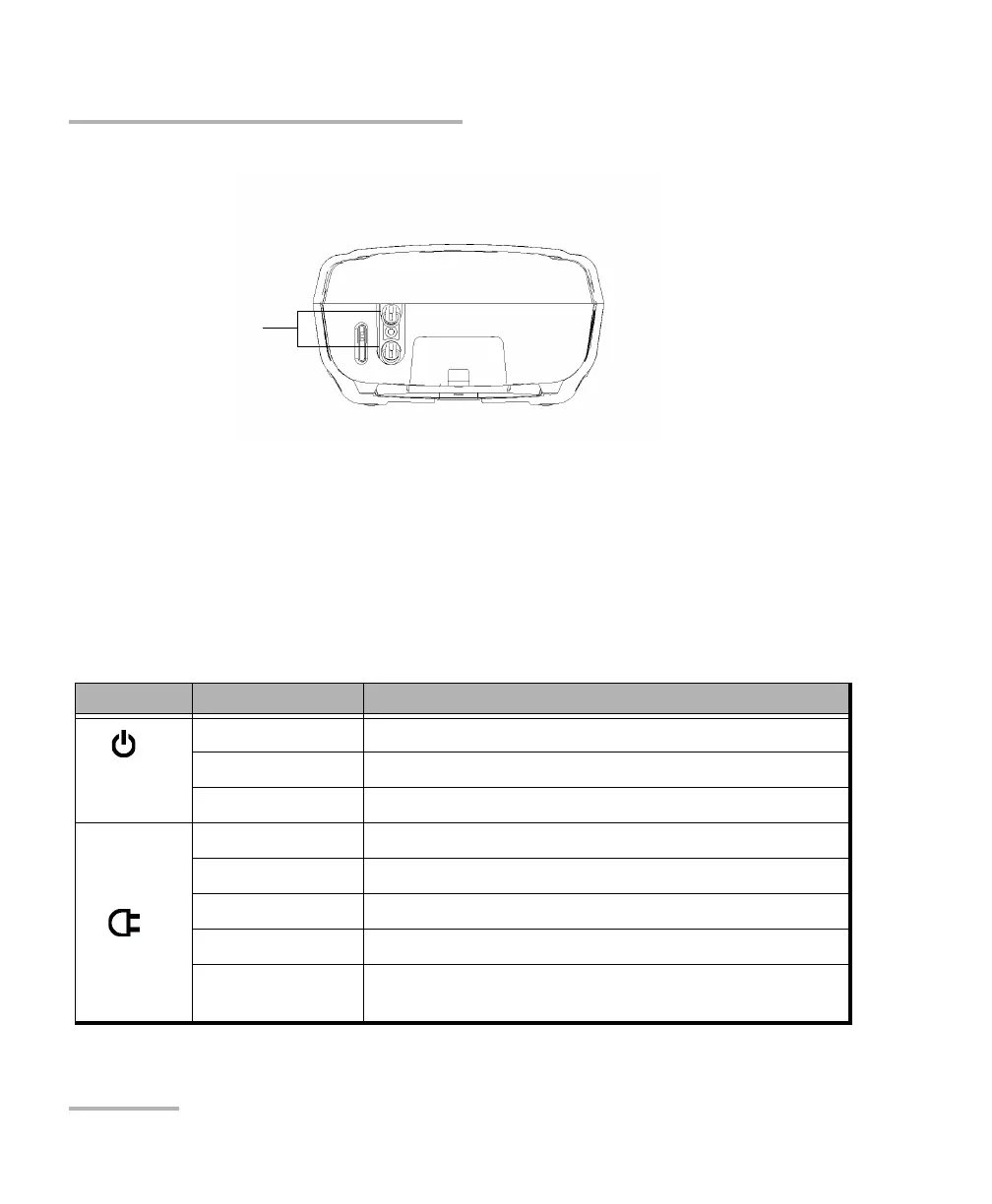
Bottom panel
Retaining screws












 To Next Page