Setting Up Your Unit
Compact Modular Platform 61
Selecting the Startup Application
Selecting the Startup Application
The first time you start your unit, Compact Toolbox is displayed. However,
you can configure your unit to automatically start in any of the available
applications.
The selected application or applications will start automatically the next
time you turn on your unit after a shutdown (not in standby mode). For
more information, see Turning On or Off the Unit on page 28.
If the specified application cannot be started (for example, the required
module is not present in the unit or is not inserted in the same slot), the
startup application setting is automatically reset to None. You will have to
select the application again when the module is inserted into the unit.
To select a startup application:
1. From the Main Menu, tap Setup.
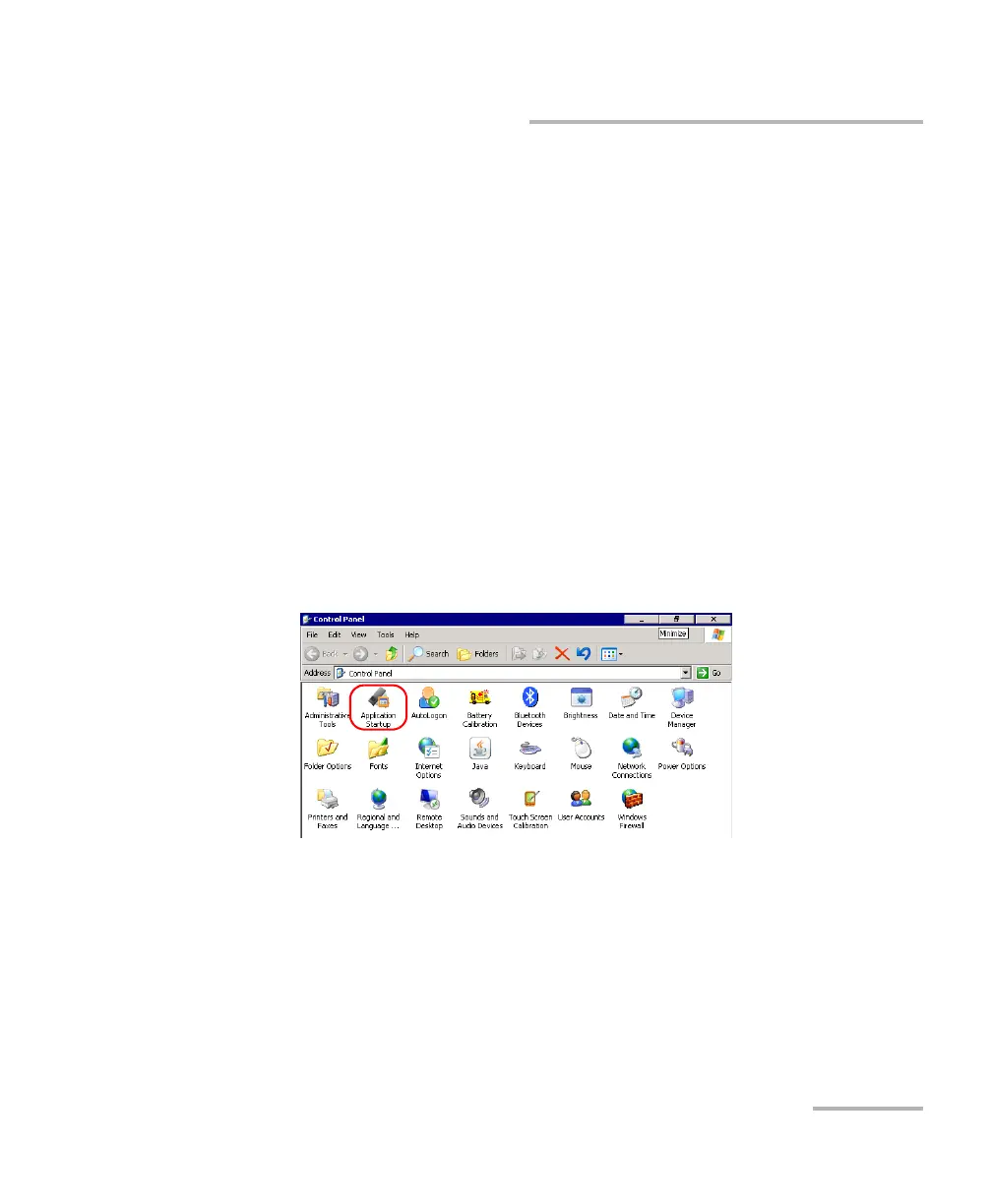
2. Double-tap Application Startup.












 To Next Page