Setting Up Your Unit
62 FTB-200 v2
Selecting the Startup Application
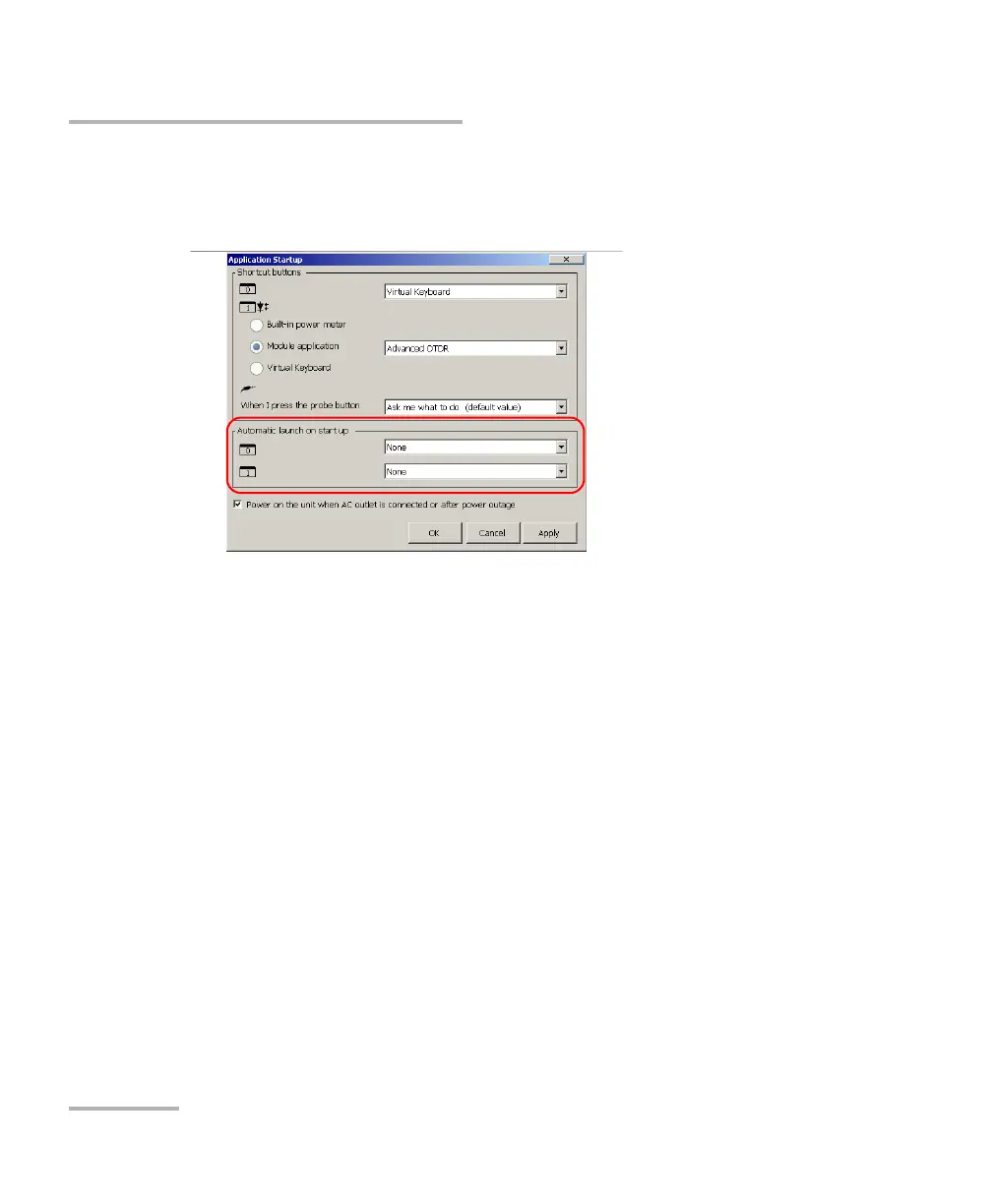
3. Under Automatic launch on start up, select the application or
applications you want to start automatically when you turn on your
unit.
Note: The Power Meter application is only available if you purchased this option
with your unit.
4. Tap Apply to confirm the changes, and then OK to return to the
Control Panel window.












 To Next Page