Setting Up Your Unit
44 FTB-200 v2
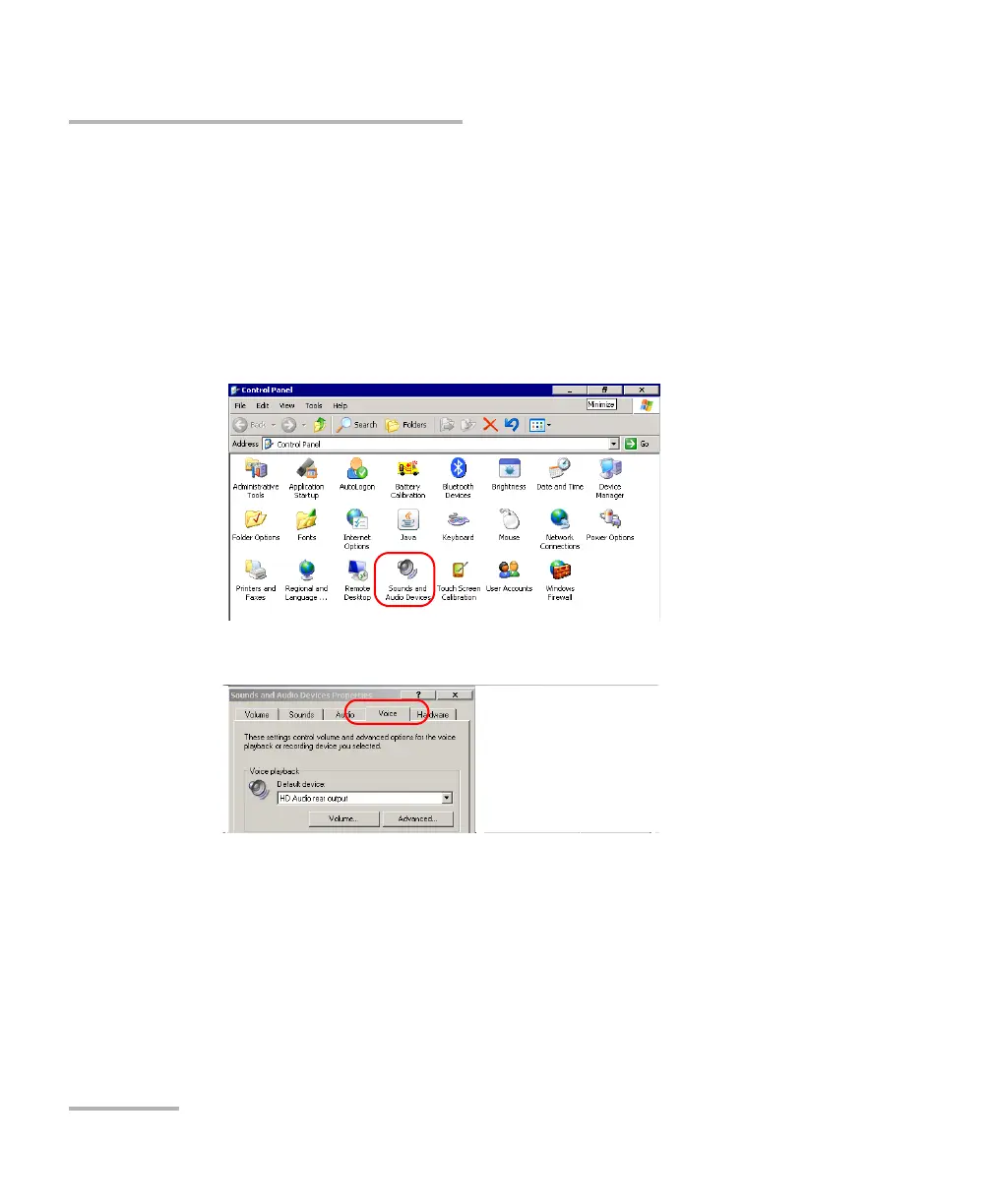
Adjusting Microphone and Speaker Volume
Adjusting Microphone and Speaker Volume
To fit your work environment, you may adjust the microphone and speaker
volume. Values are kept in memory even when you turn the unit off.
To adjust the microphone volume:
1. From the Main Menu, tap Setup.
2. Double-tap Sounds and Audio Devices.
3. Select the Voice tab.












 To Next Page