Setting Up Your Unit
Compact Modular Platform 65
Configuring Network Printers
Configuring Network Printers
To print documents and images on a network printer, you must configure
the printer first.You must know the IP address of the network printer that
you want to configure (contact your network administrator).
For more information on printing, see Printing Documents on page 83.
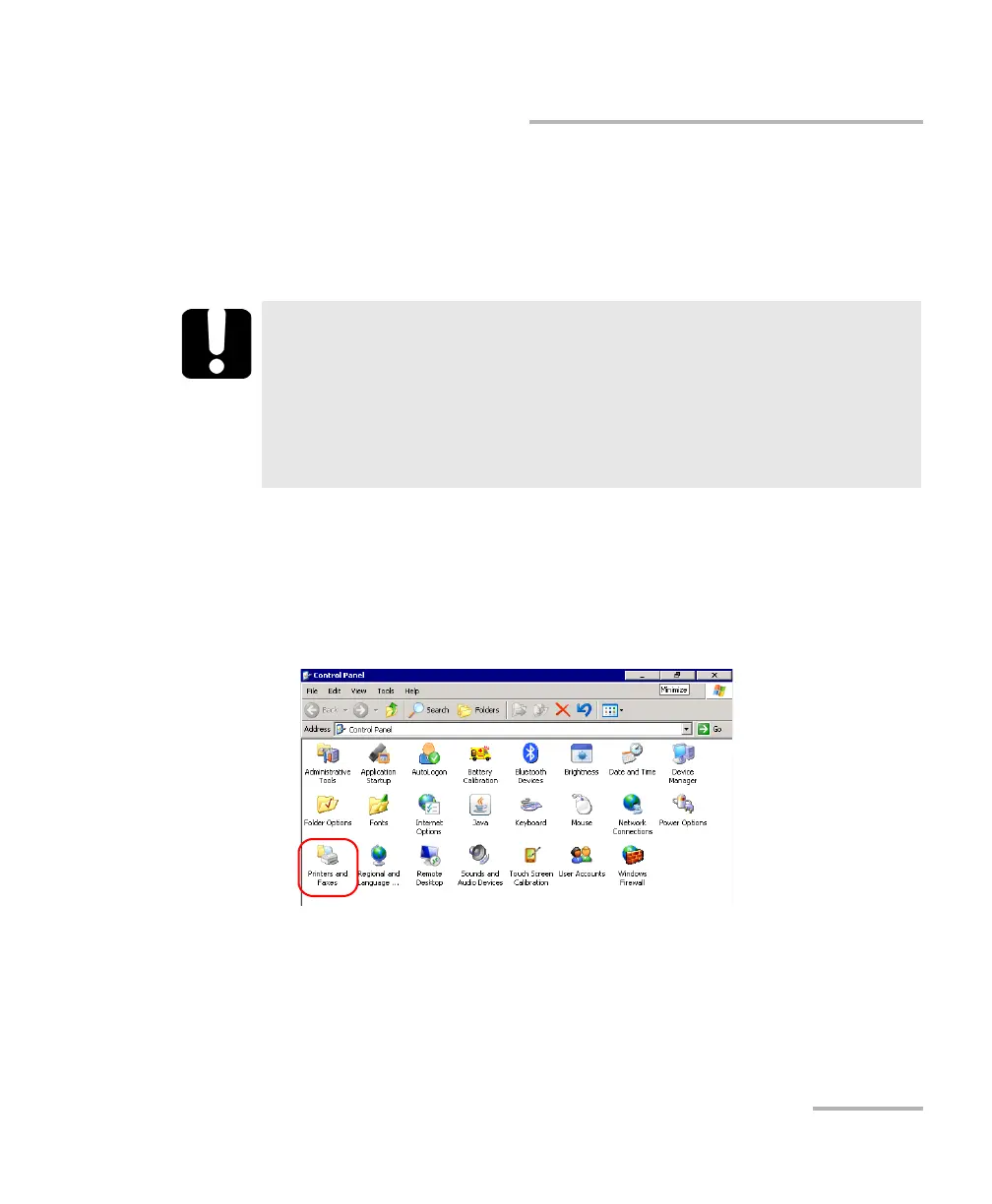
To configure the printer:
1. On your unit, from the Main Menu, tap Setup.
2. Double-tap Printers and Faxes.
IMPORTANT
Your unit does not support USB printers.
Your unit only supports network printers compatible with PCL 6
(which is a “Printer Control Language”). If you are not sure
whether a specific printer is compatible or not, contact your
network administrator.












 To Next Page