Setting Up Your Unit
48 FTB-200 v2
Recalibrating the Touchscreen
Recalibrating the Touchscreen
If you notice the touchscreen does not behave in the way it used to
(for example, it is now difficult to select items) it probably needs a
recalibration.
The default calibration method is performed using four points, but you can
also perform a 25-point calibration (linearization) if you need more
accuracy.
You can stop the calibration process at any time, but the touchscreen will
still need calibration. The parameters are taken into account only when the
process is complete.
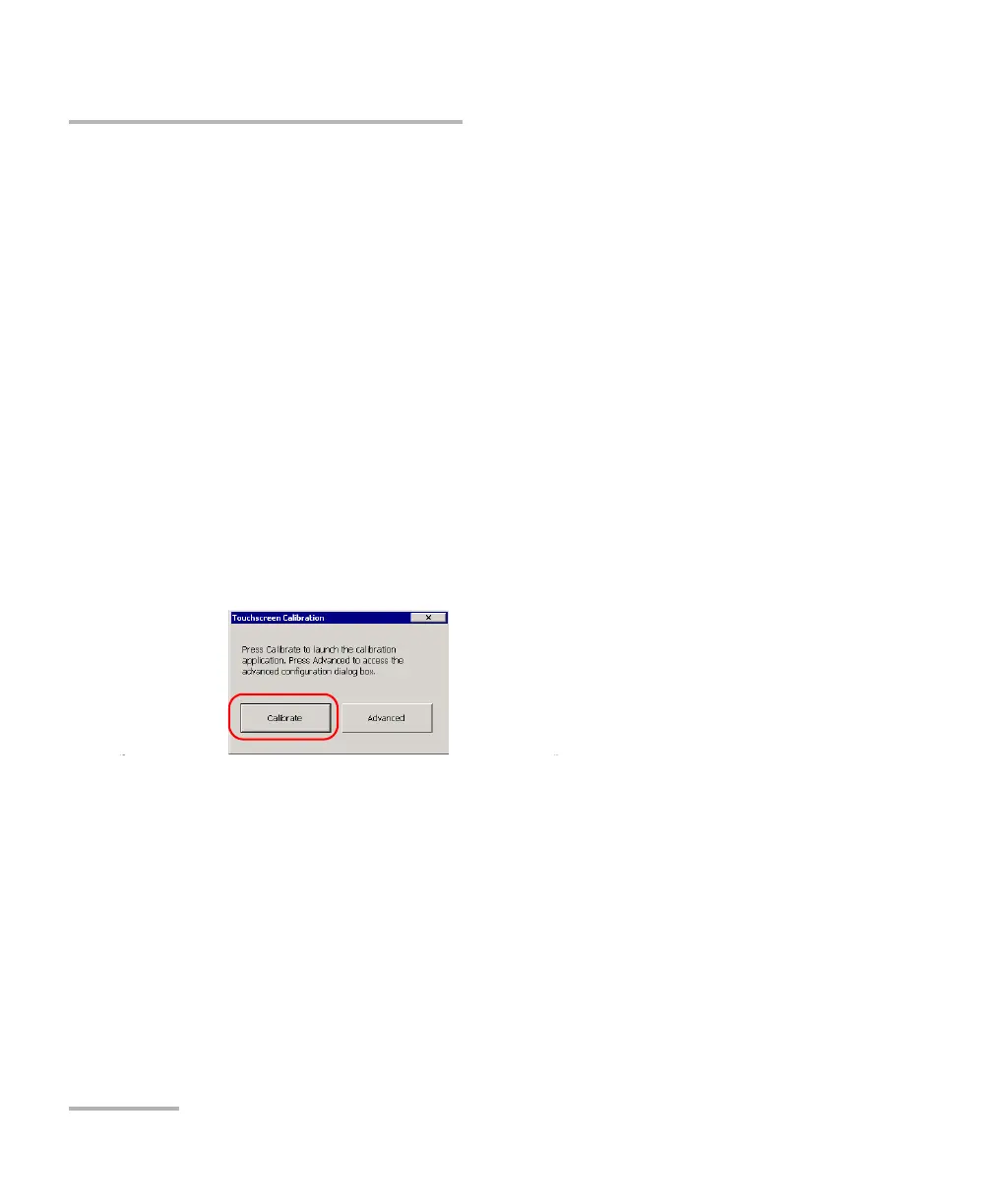
To recalibrate the touchscreen with a 4-point calibration:
1. From the Main Menu, tap Setup, then double-tap Touch Screen
Calibration.
2. Tap Calibrate.












 To Next Page