Compact Modular Platform 43
4 Setting Up Your Unit
Adjusting Brightness
To fit your work environment, you may adjust the LCD brightness. Values
are kept in memory even when you turn the unit off.
Note: These settings do not apply to a fiber inspection probe display.
To adjust the display brightness:
Press the key repeatedly to switch between brightness levels.
OR
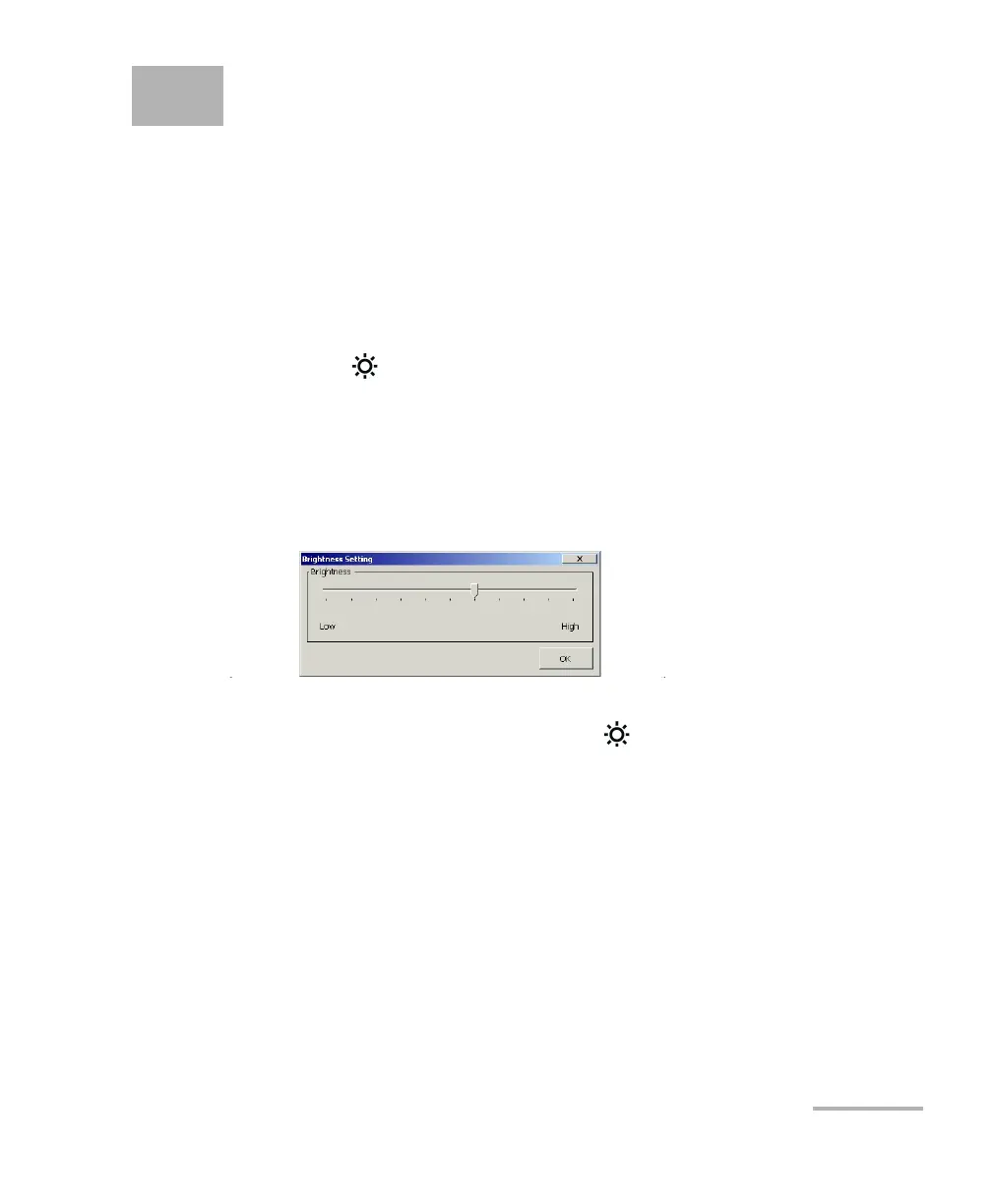
1. From the Main Menu, tap Setup.
2. Double-tap Brightness.
3. Move the slider until the screen appearance is to your liking.
If you select the lowest brightness setting, the backlight will be
completely deactivated. Press the button to reactivate it.
4. Tap OK to return to the Control Panel window.












 To Next Page