Setting Up Your Unit
Compact Modular Platform 63
Selecting the FIP Startup Application
Selecting the FIP Startup Application
Your unit supports both the fiber inspection probes (FIP) of the FIP-400 and
FIP-400B series. By default, the unit prompts you to select the application
corresponding to the FIP with which you want to work (FIP-400 or
FIP-400B). If you prefer, you can configure the unit to always start your
favorite application directly instead.
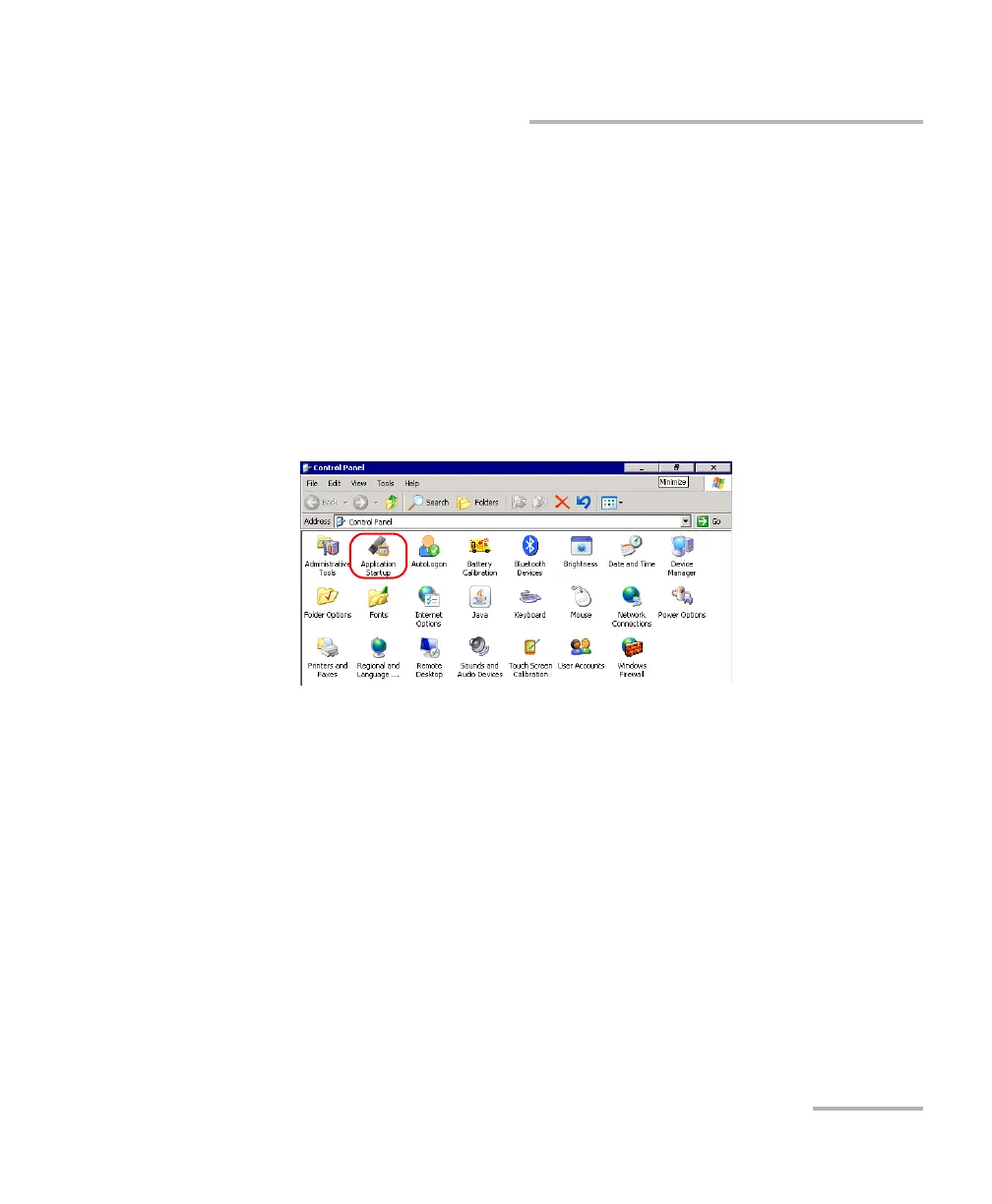
To select the FIP startup application:
1. From the Main Menu, tap Setup.
2. Double-tap Application Startup.












 To Next Page