Setting Up Your Unit
Compact Modular Platform 45
Adjusting Microphone and Speaker Volume
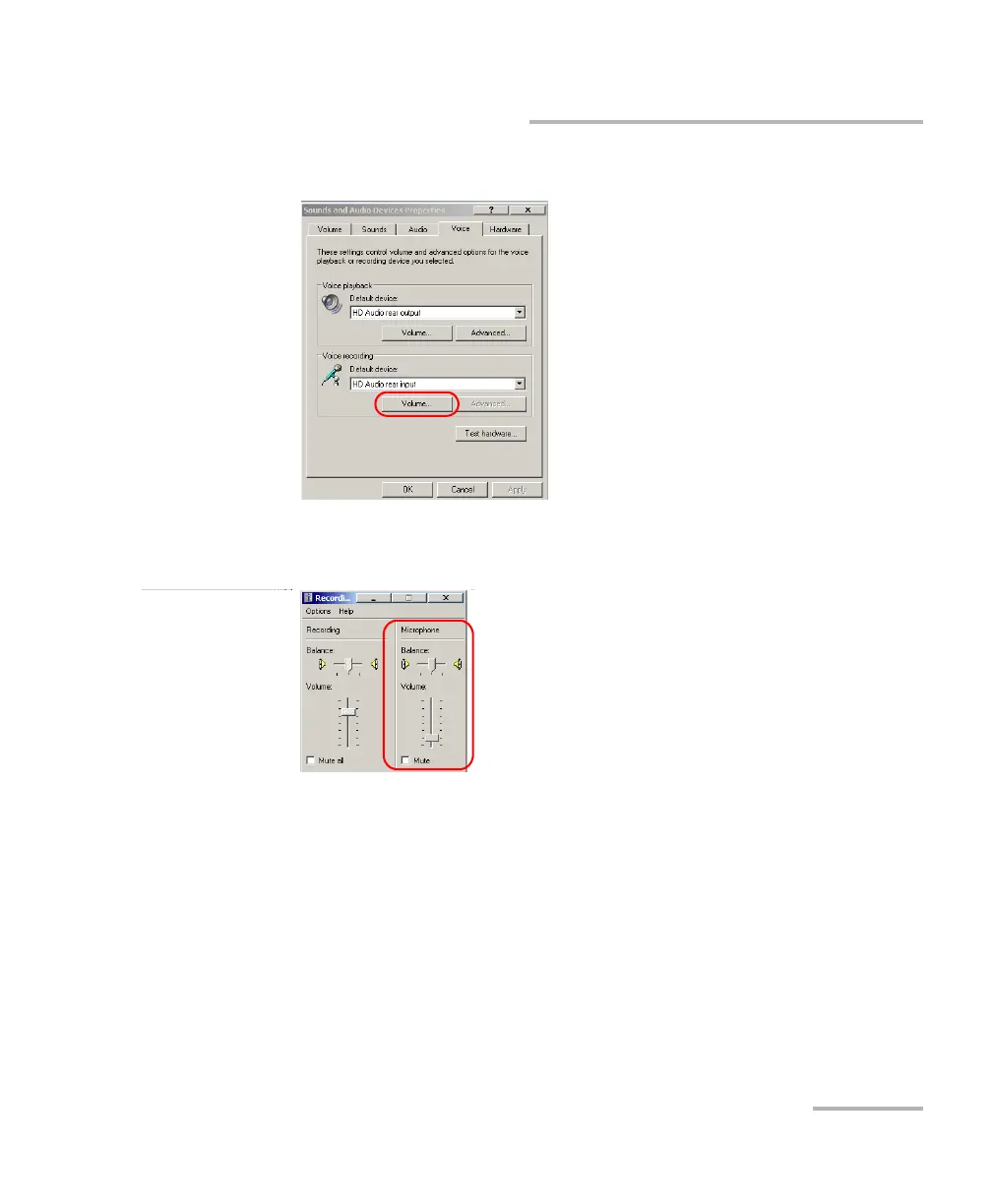
4. Under Voice recording, tap Volume.
5. Under Microphone, use the slider to adjust the sound of your
microphone. Close the window when your settings are complete.
6. Tap OK to return to the Control Panel window.












 To Next Page