Accessing Your Unit Remotely
160 FTB-200 v2
Working with Remote Desktop
Restarting or Turning Off Your Unit While Working
with Remote Desktop
In some cases, you may need to restart or shutdown your unit while you
are controlling it remotely.
To restart or turn off your unit with Remote Desktop:
1. Close all applications, including Compact Toolbox.
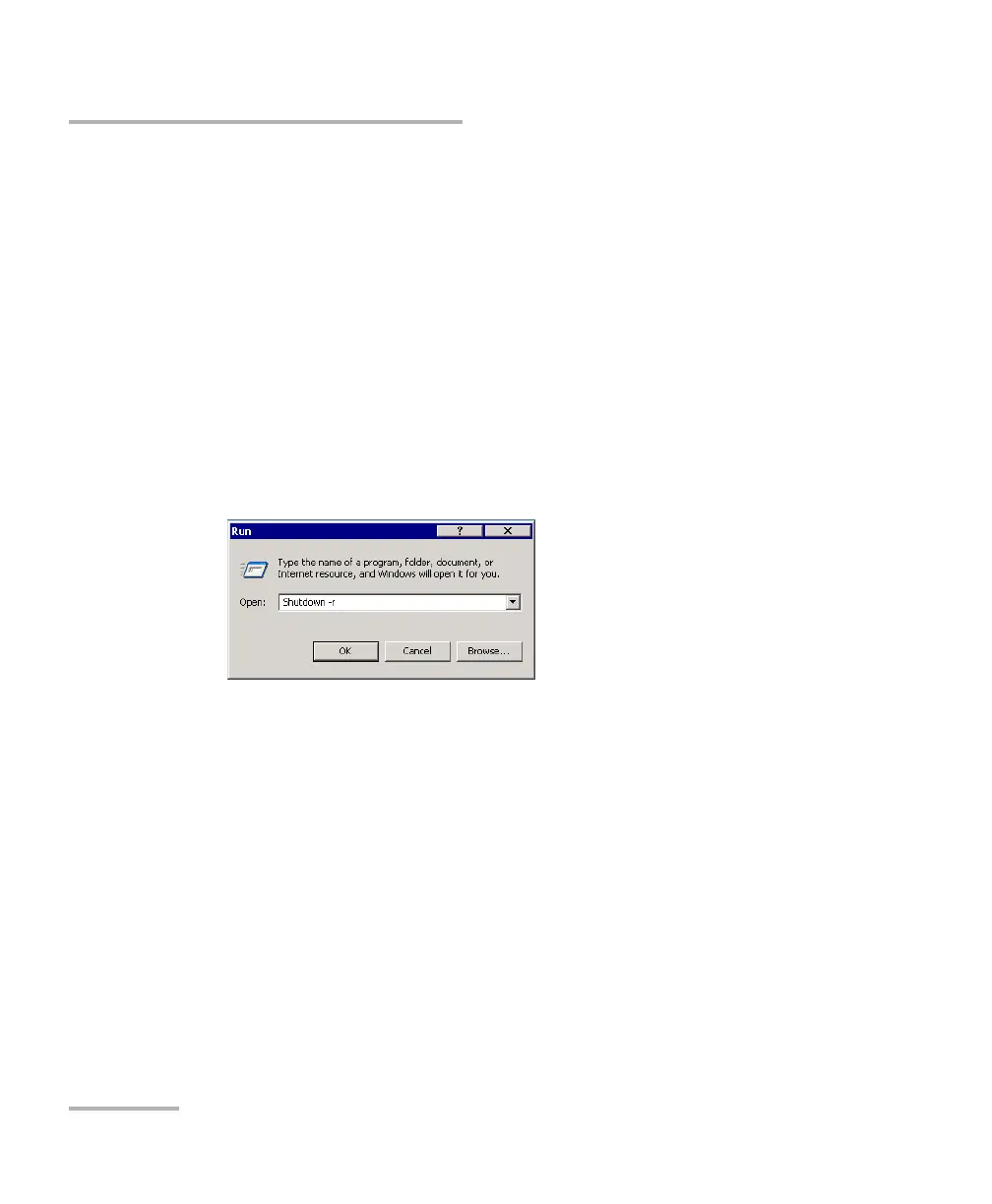
2. On the taskbar, click Start, then select Run.
3. If you want to restart your unit, in the Open box, enter Shutdown -r.
OR
If you want to turn off your unit, in the Open box, enter Shutdown -s.












 To Next Page