Accessing Your Unit Remotely
162 FTB-200 v2
Working With TightVNC
Configuring the TightVNC Server
The TightVNC Server is already installed on your unit. You must configure
passwords before establishing a connection between a computer and your
unit.
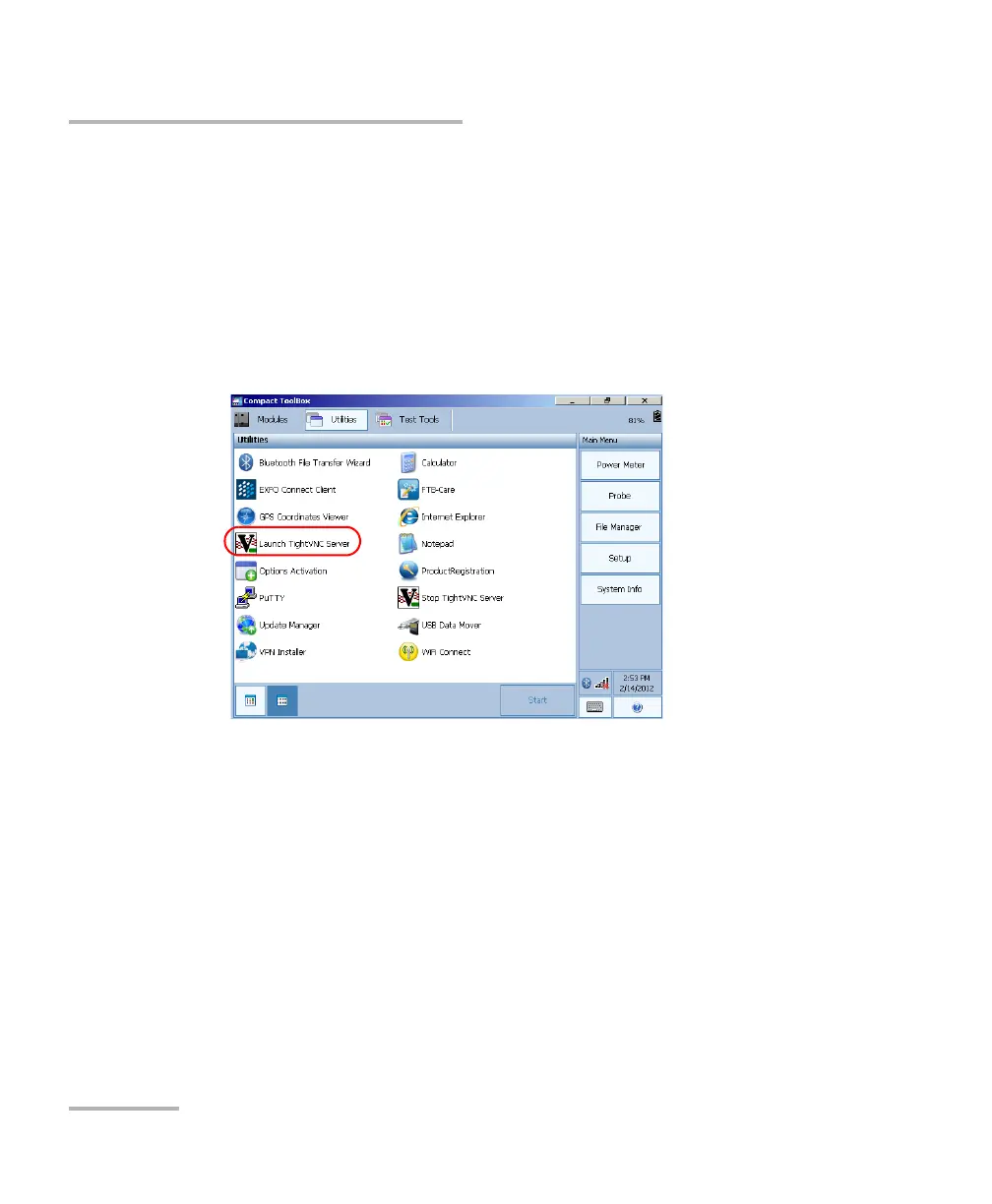
To configure the TightVNC Server:
1. From Compact Toolbox, select the Utilities tab, then double-tap
Launch TightVNC Server.
2. Select the Server tab.












 To Next Page