Measuring Optical Return Loss
42 FOT-930
Performing ORL Reference and Setting ORL Zero Value
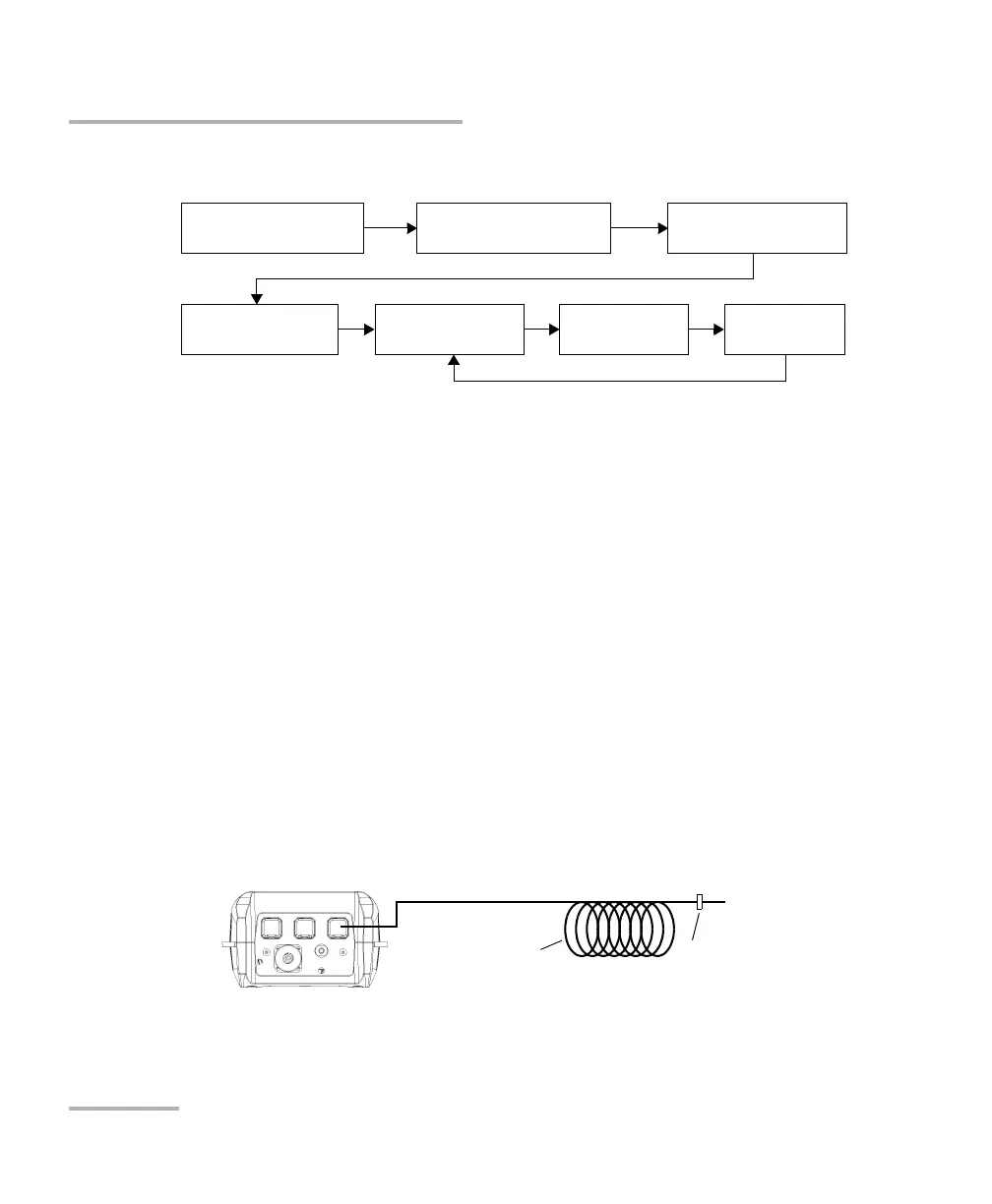
The ORL measurement procedure is outlined below:
Performing ORL Reference and Setting ORL
Zero Value
The ORL zero measurement eliminates the effects of backreflection on the
link before the component under test, so your unit displays only the
backreflection of this component.
You should set a new ORL zero:
when you change the measurement patchcord (the one connected to
the DUT, not the reference patchcord)
when you remove a connection between the unit and mandrel
To set the ORL zero value (all wavelengths at once):
1. Press Menu, then select ORL Meter.
2. Press ORL Zero (F1/F2 key).
3. Connect a patchcord to the F
ASTEST SM port.
Set
ORL zero
Measure
ORL
Save
results
Perform
ORL reference
Set up thresholds
(see page 26)
Null offsets
(see page 32)
Select
wavelength
Termination Component
under test












 To Next Page